Skip to content
Mizban

Find a unit and book

For the customer's dates, party and wishes, the operator sees only units that can be handed over and books on the spot.

Call centerOn a computer8 steps
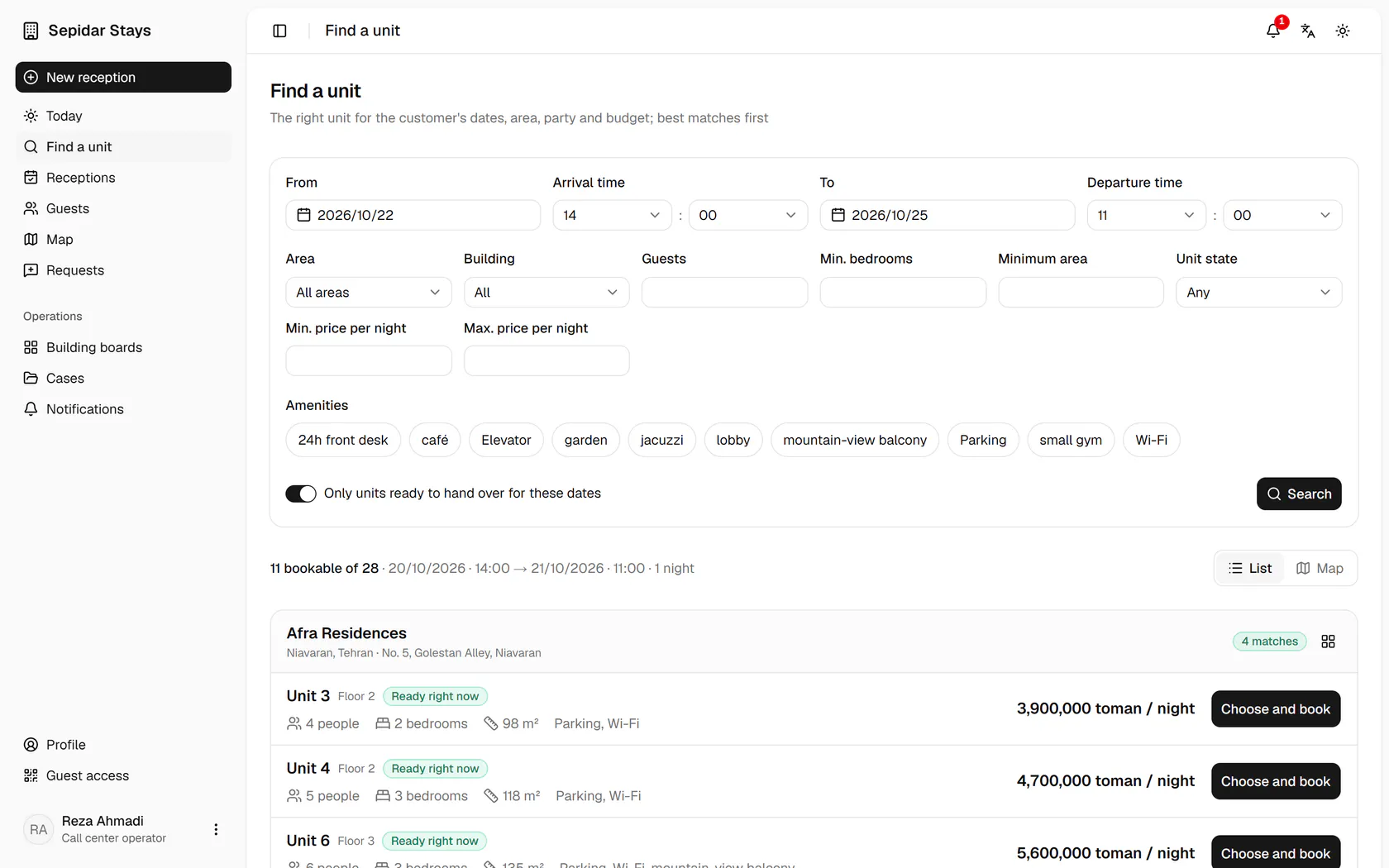
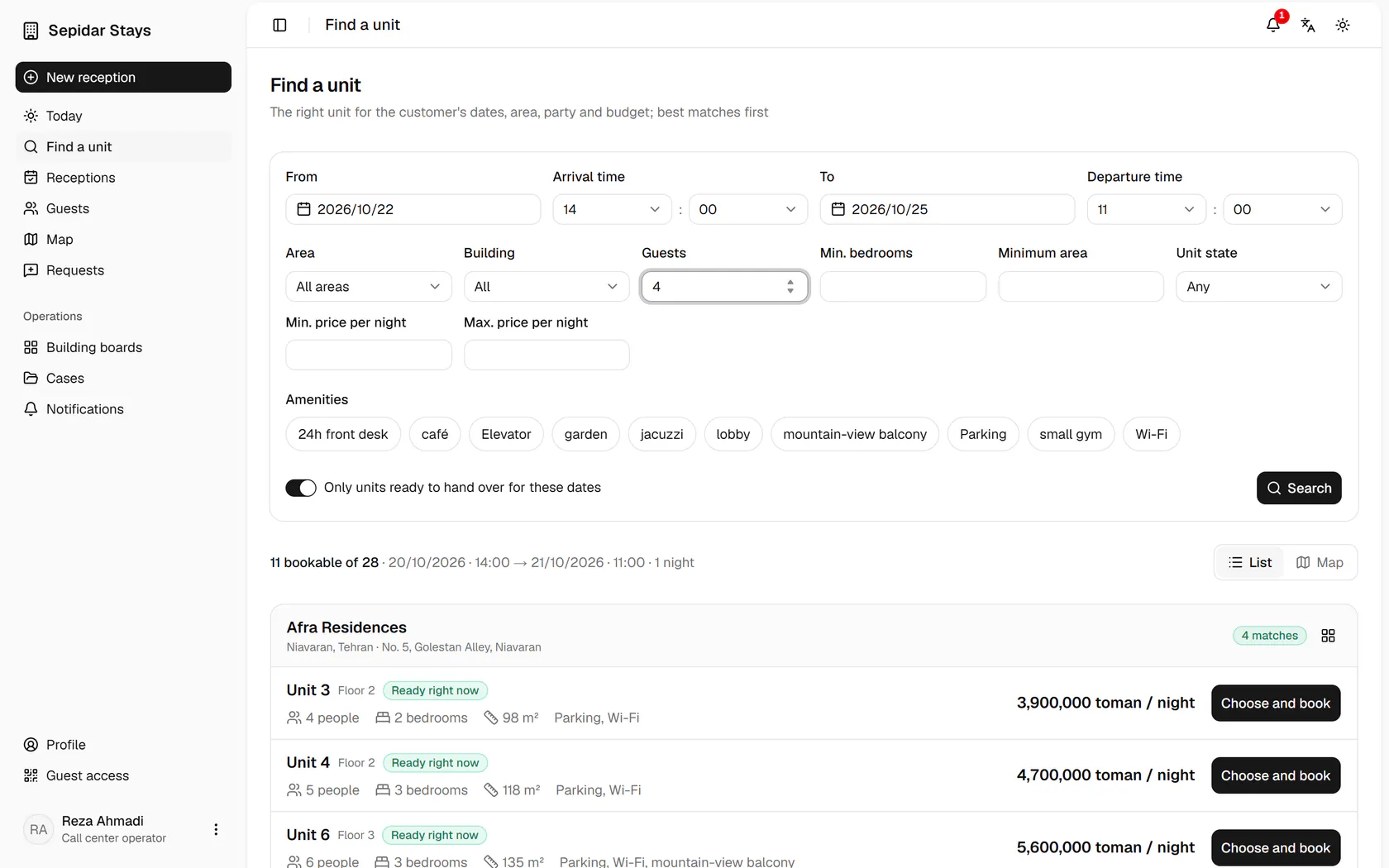
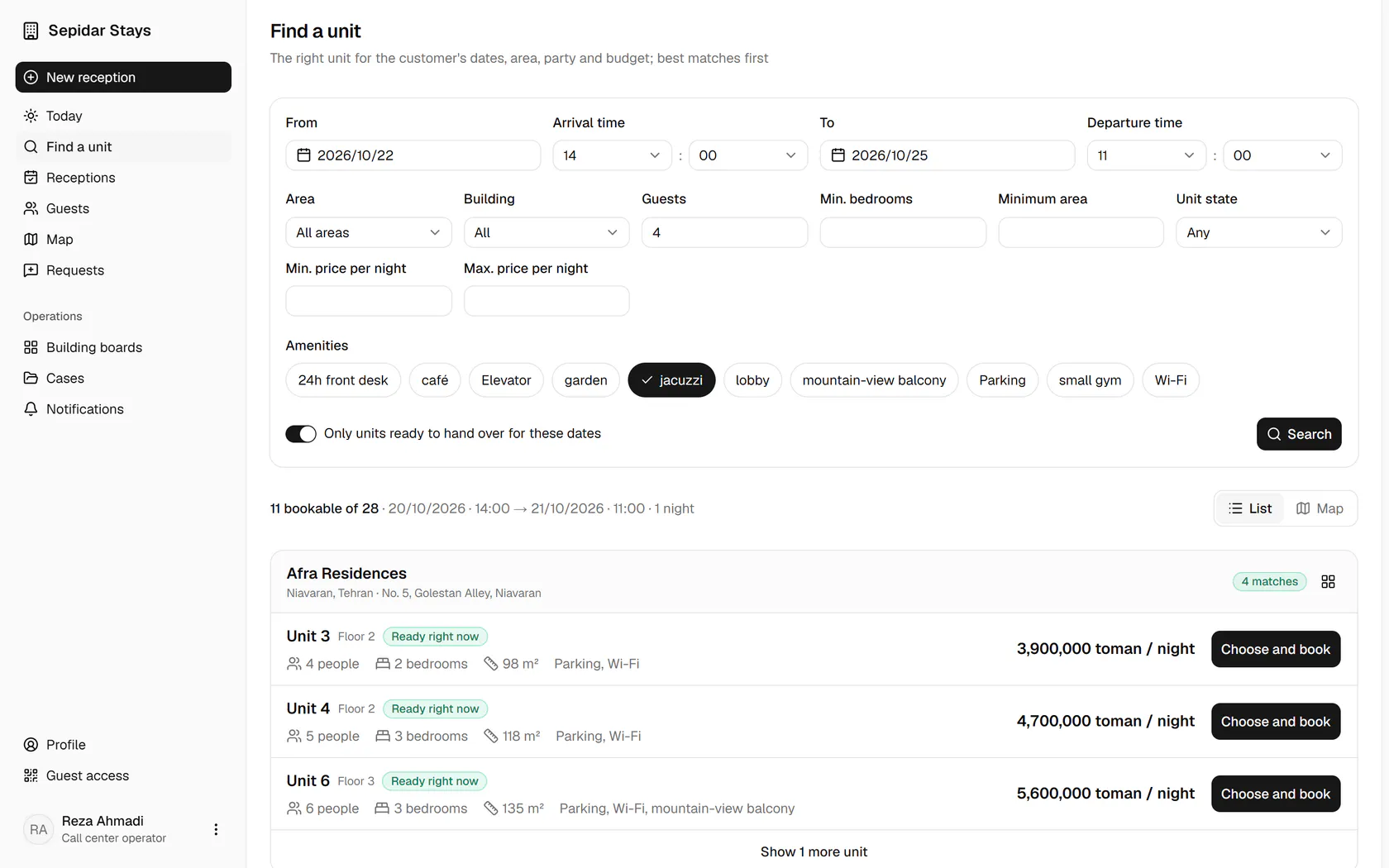
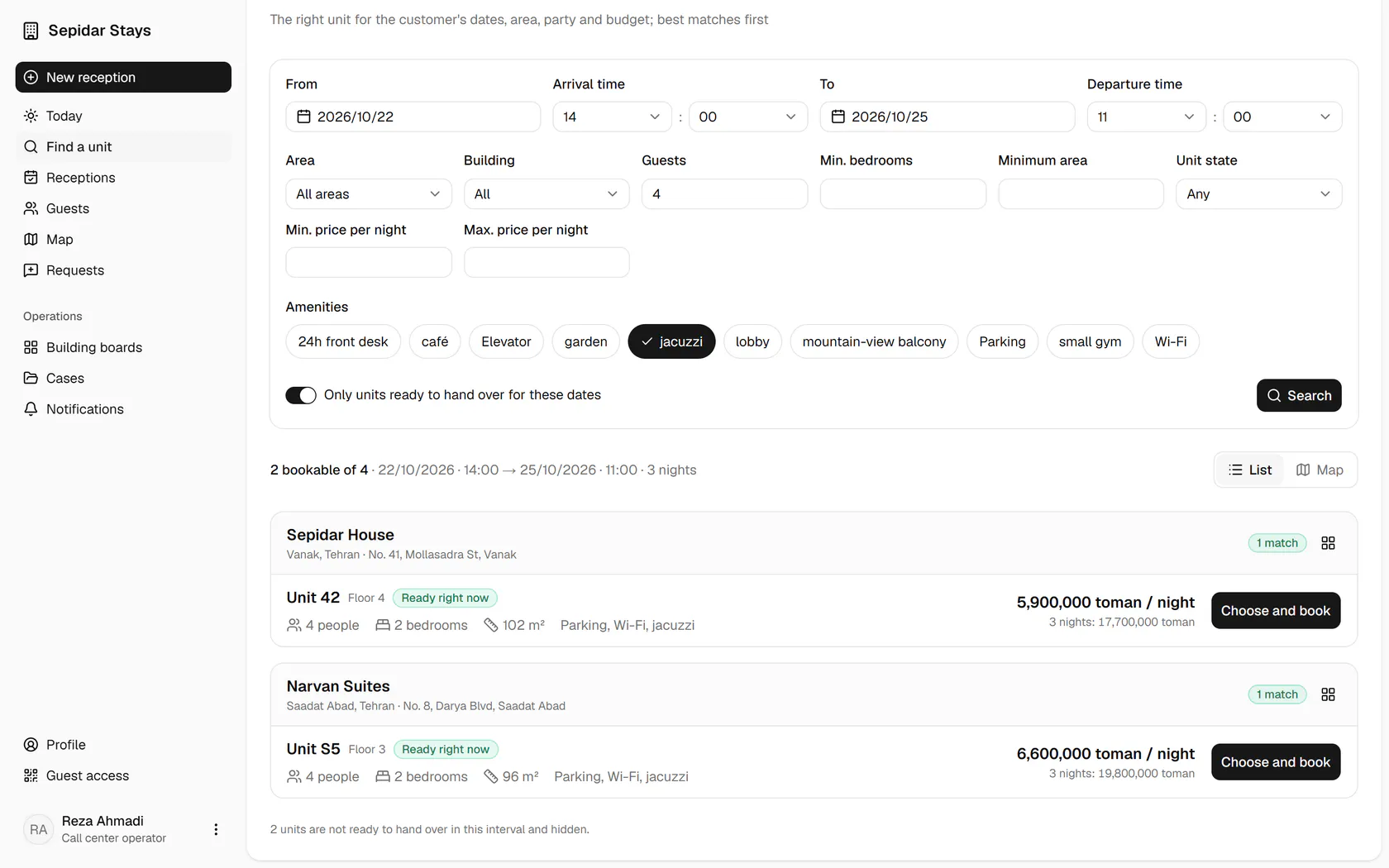
The customer wants Thursday to Sunday; pick the arrival and departure days.Enter the number of guests so smaller units drop out.The customer wants a jacuzzi; pick it from the amenities.Only units ready to hand over is on; press Search.Results are grouped by building, best match first; choose unit 42.The booking form has the building, unit and dates filled in; enter the guest's details.Add the referrer, companions and amount, then save the booking.The booking is saved; send the guest the link and stay code for online pre-check-in.

The customer wants Thursday to Sunday; pick the arrival and departure days.

Step by step

  1. 1

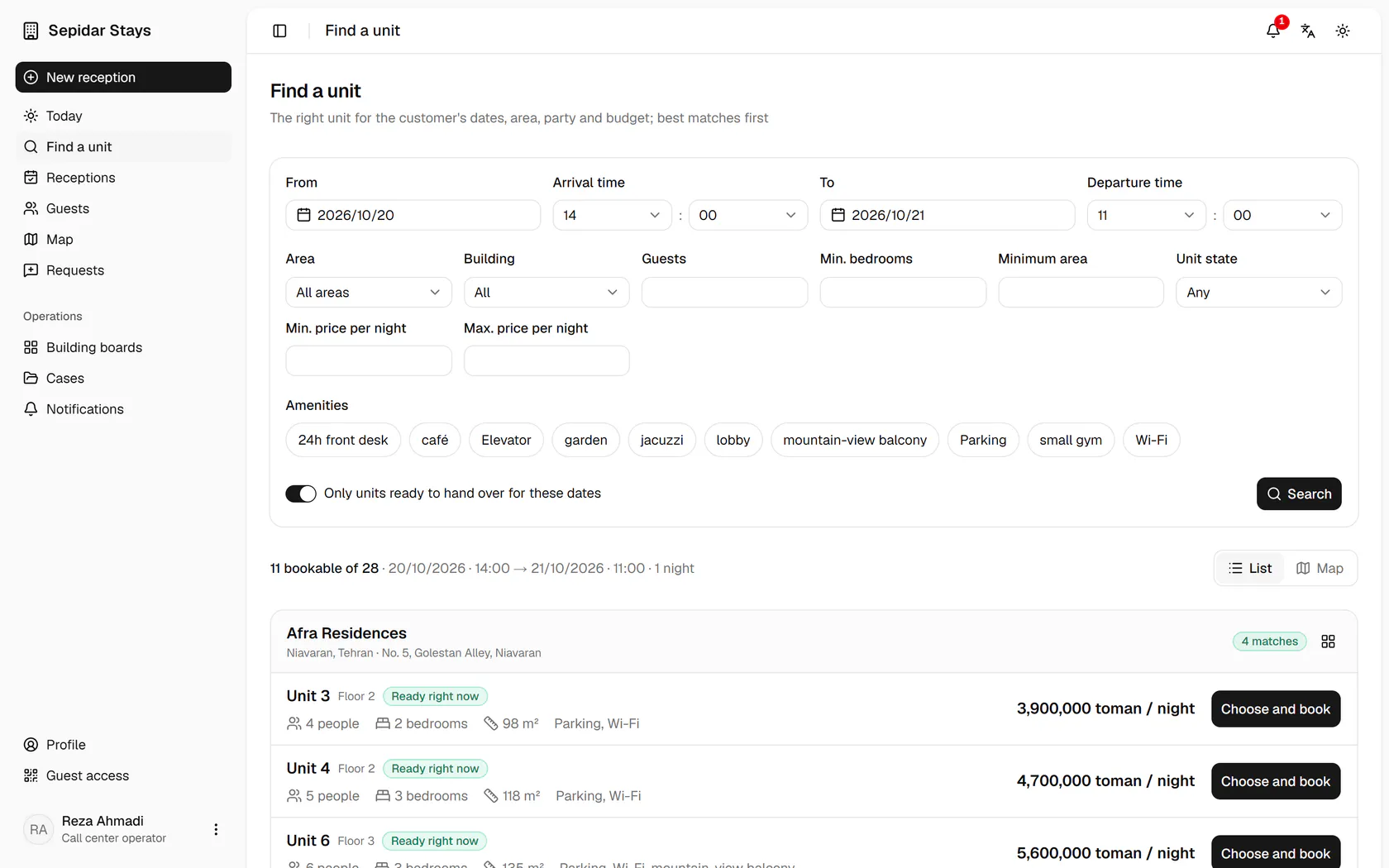
    The customer wants Thursday to Sunday; pick the arrival and departure days.

    The customer wants Thursday to Sunday; pick the arrival and departure days.
  2. 2

    Enter the number of guests so smaller units drop out.

    Enter the number of guests so smaller units drop out.
  3. 3

    The customer wants a jacuzzi; pick it from the amenities.

    The customer wants a jacuzzi; pick it from the amenities.
  4. 4

    Only units ready to hand over is on; press Search.

    Only units ready to hand over is on; press Search.
  5. 5

    Results are grouped by building, best match first; choose unit 42.

    Results are grouped by building, best match first; choose unit 42.
  6. 6

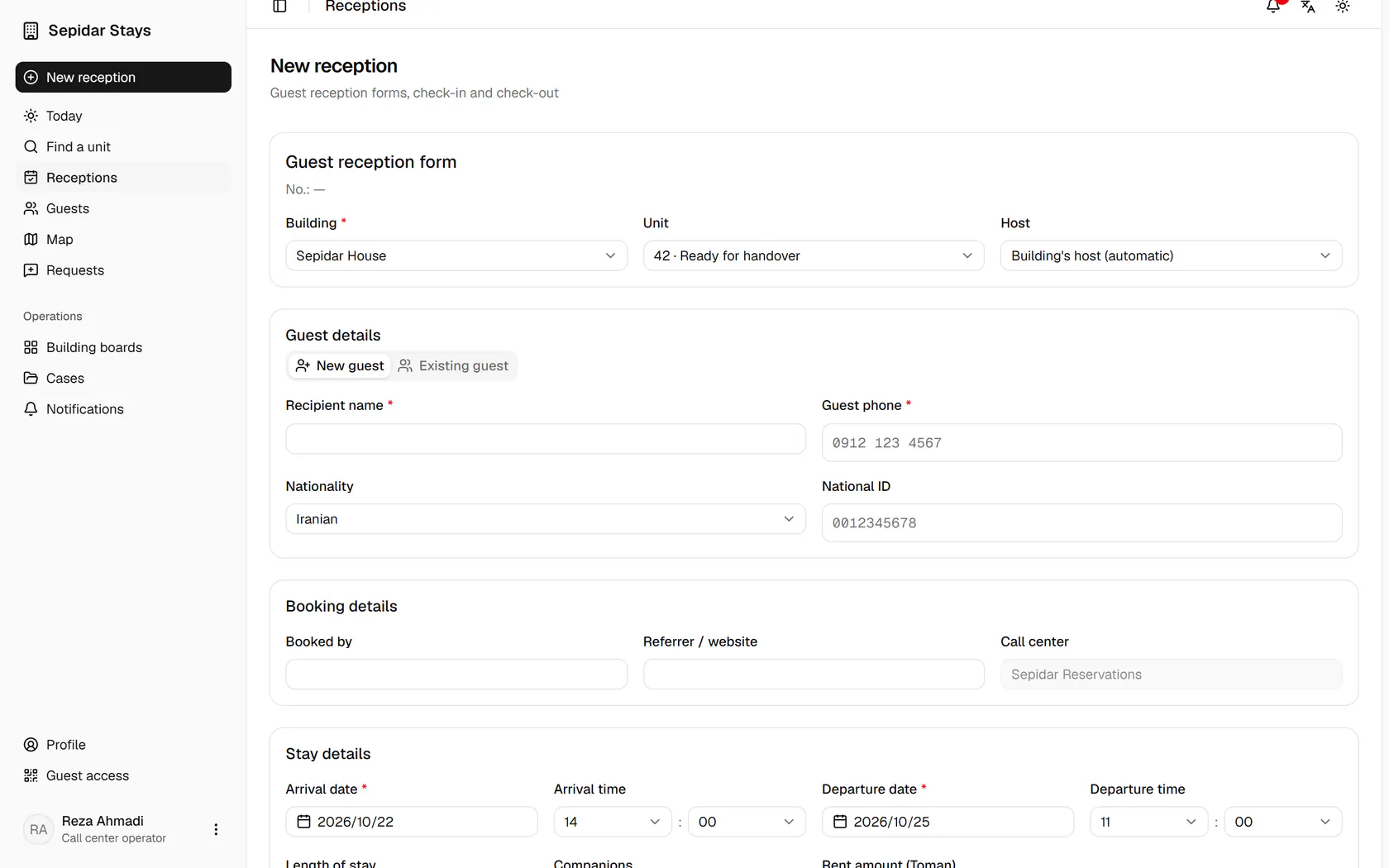
    The booking form has the building, unit and dates filled in; enter the guest's details.

    The booking form has the building, unit and dates filled in; enter the guest's details.
  7. 7

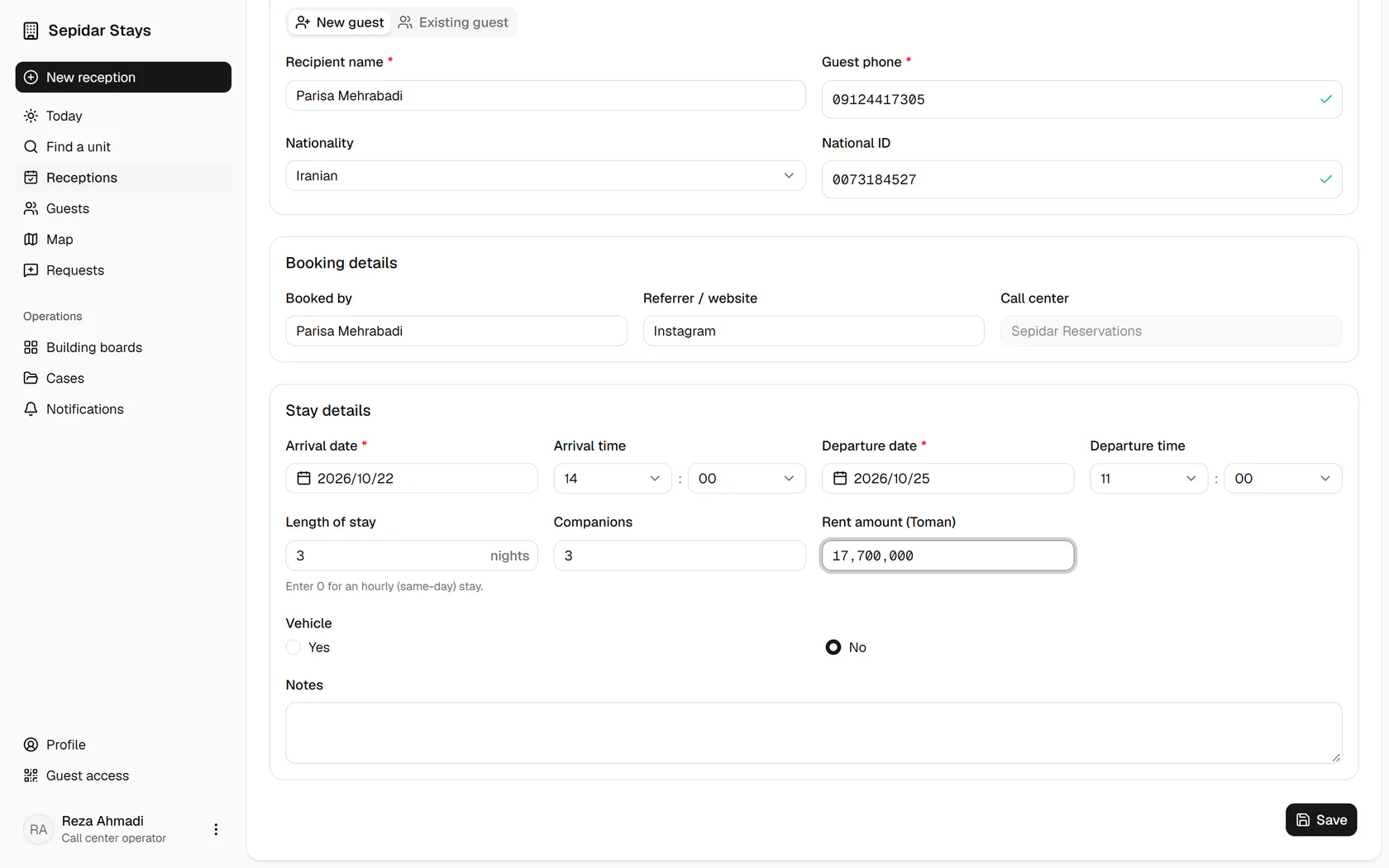
    Add the referrer, companions and amount, then save the booking.

    Add the referrer, companions and amount, then save the booking.
  8. 8

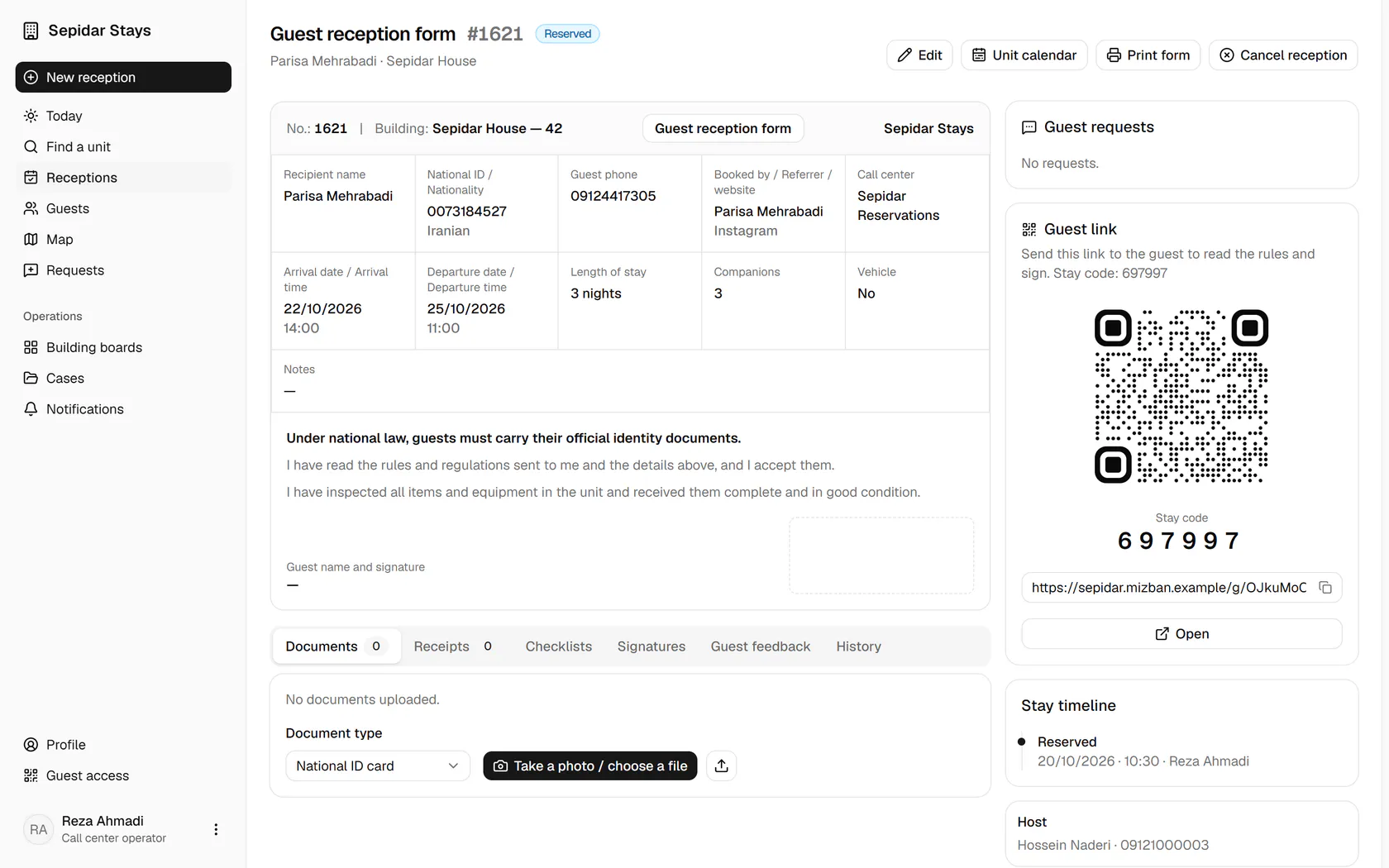
    The booking is saved; send the guest the link and stay code for online pre-check-in.

    The booking is saved; send the guest the link and stay code for online pre-check-in.