The map for a customer
On the map the operator sees how many units are free in the customer's chosen area for their dates and party.
Call centerOn a computer7 steps
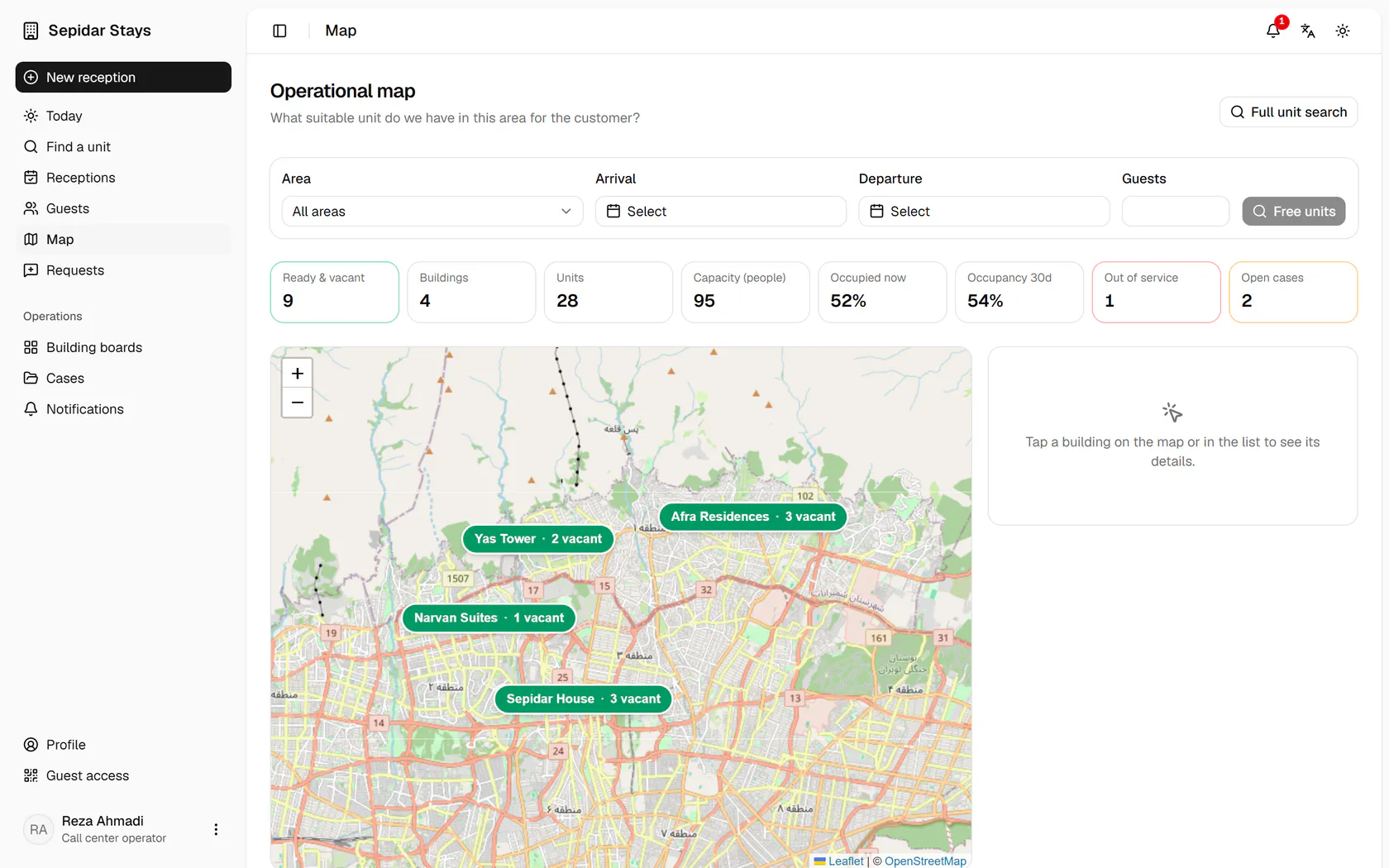
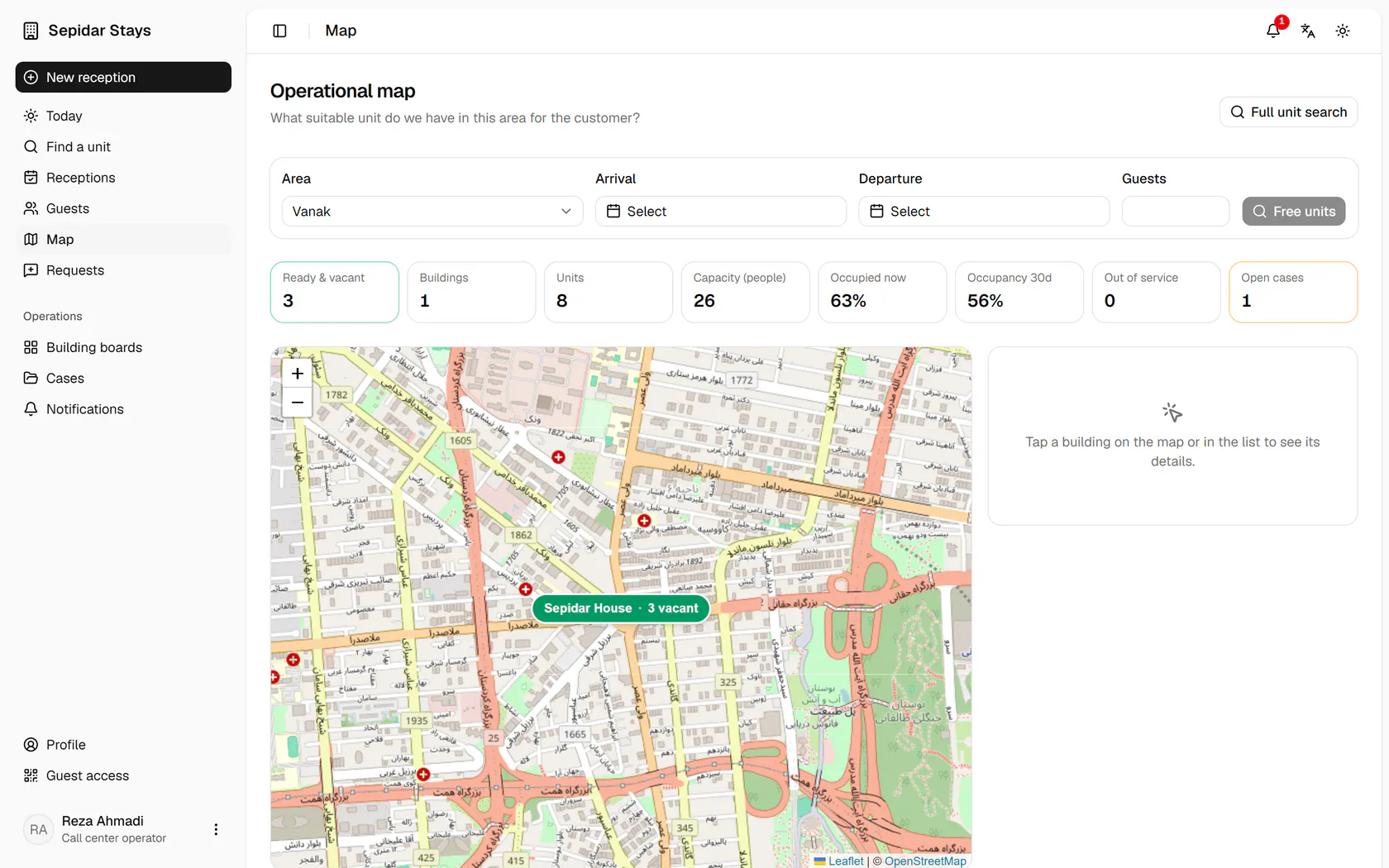
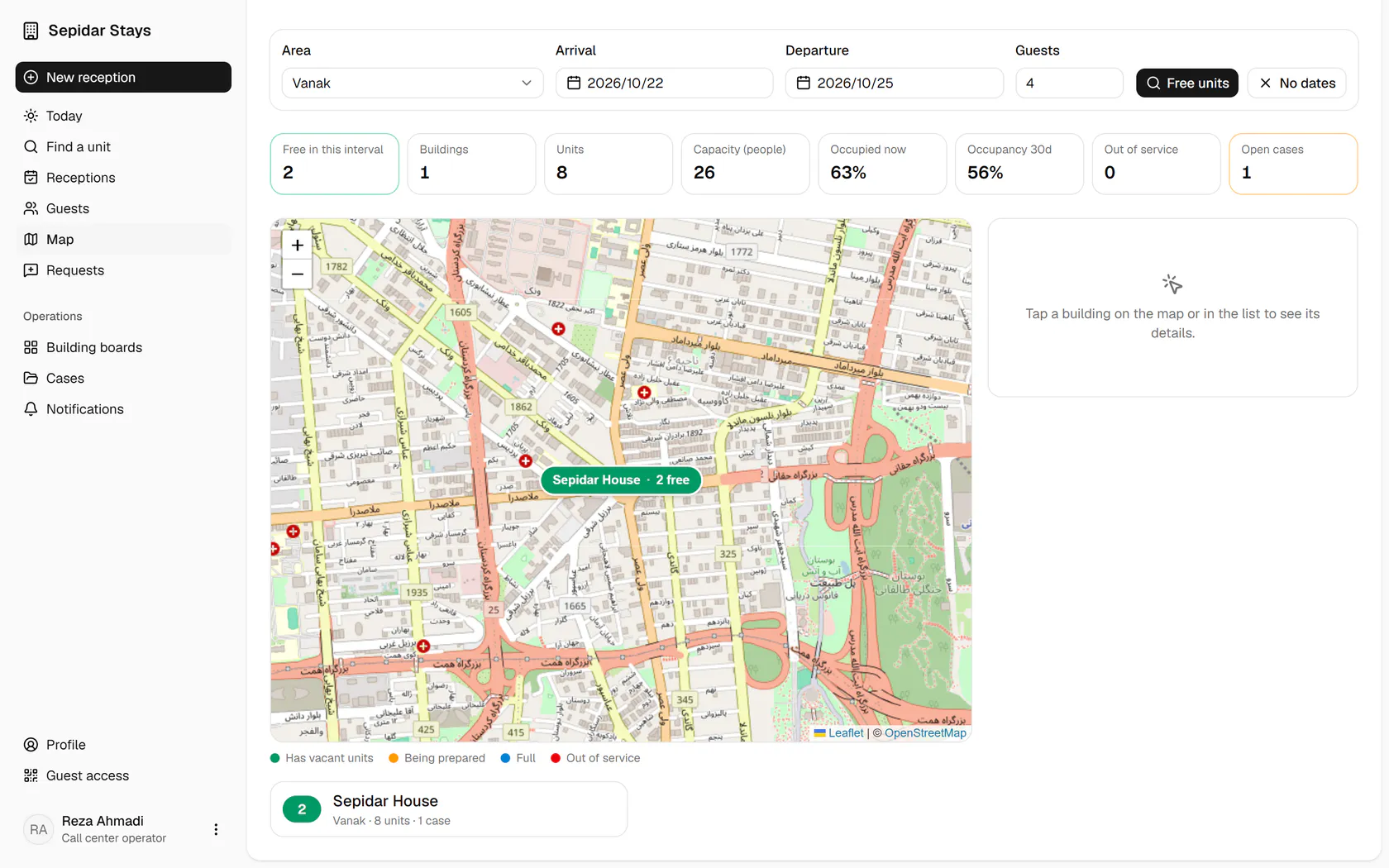
The customer wants Vanak; choose the area and the map zooms to it.
Step by step
- 1
The customer wants Vanak; choose the area and the map zooms to it.
- 2
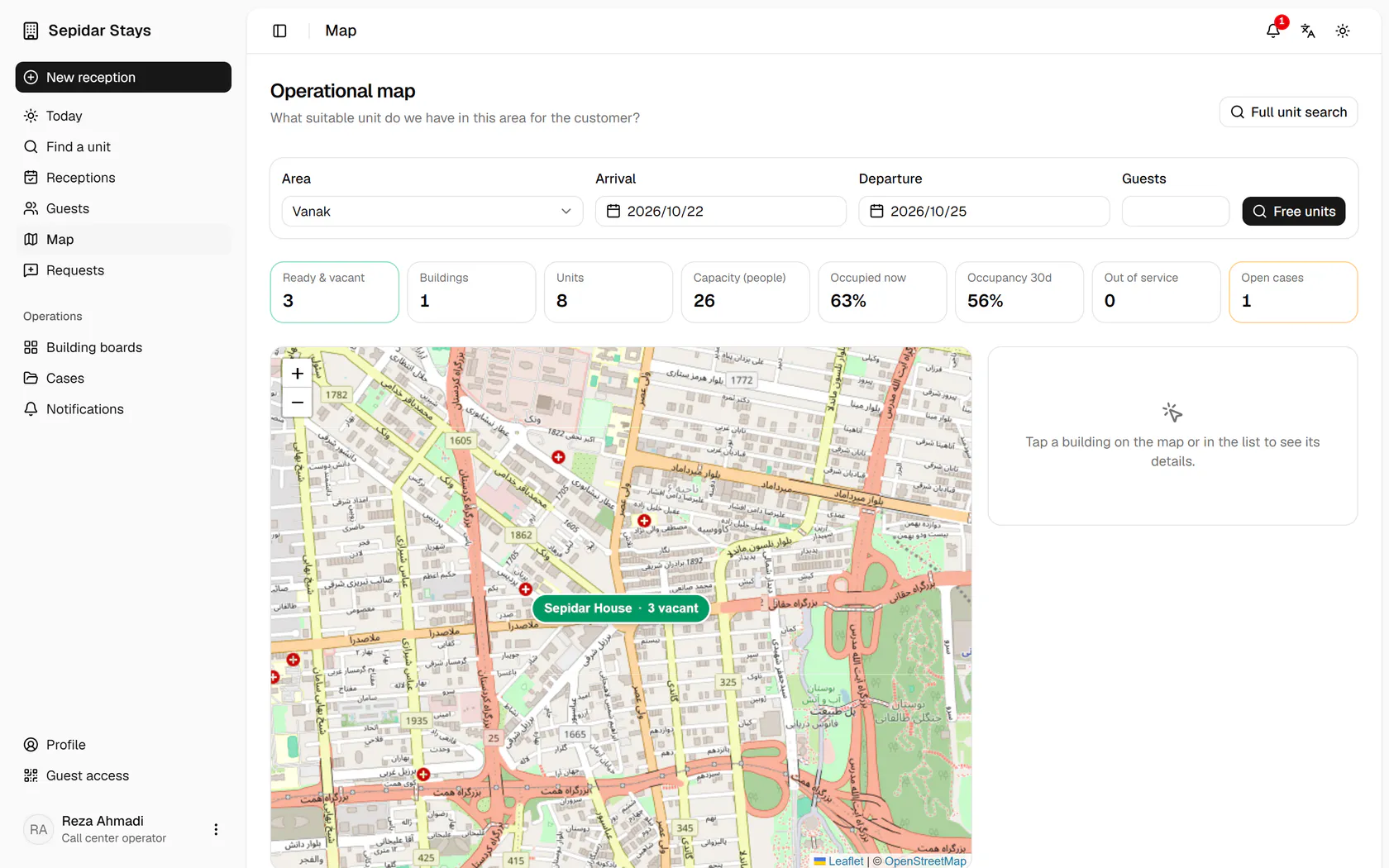
Pick the customer's arrival and departure dates.
- 3
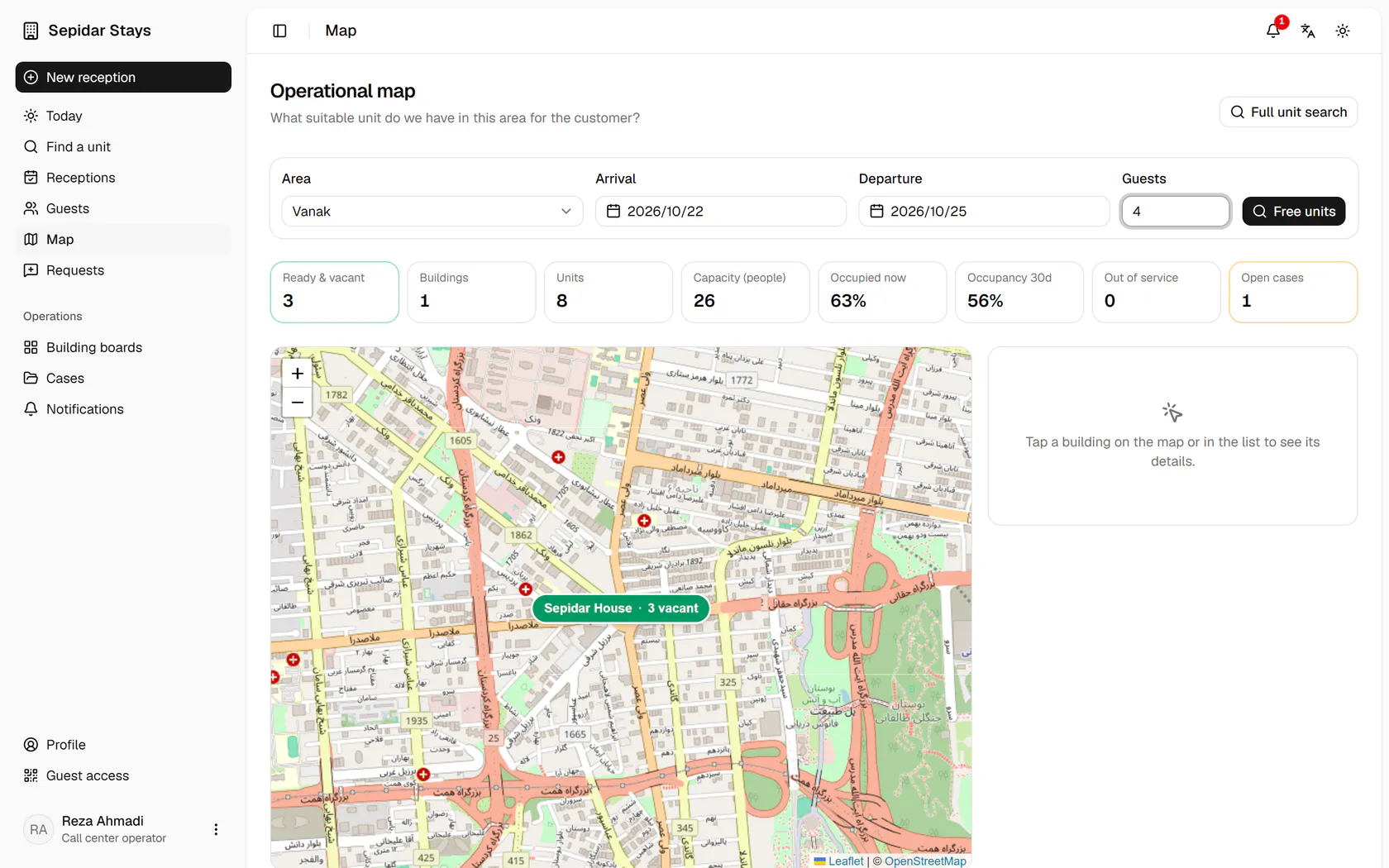
Enter the party size so only units big enough are counted.
- 4
Free units turns each building's count into units free for that interval.
- 5
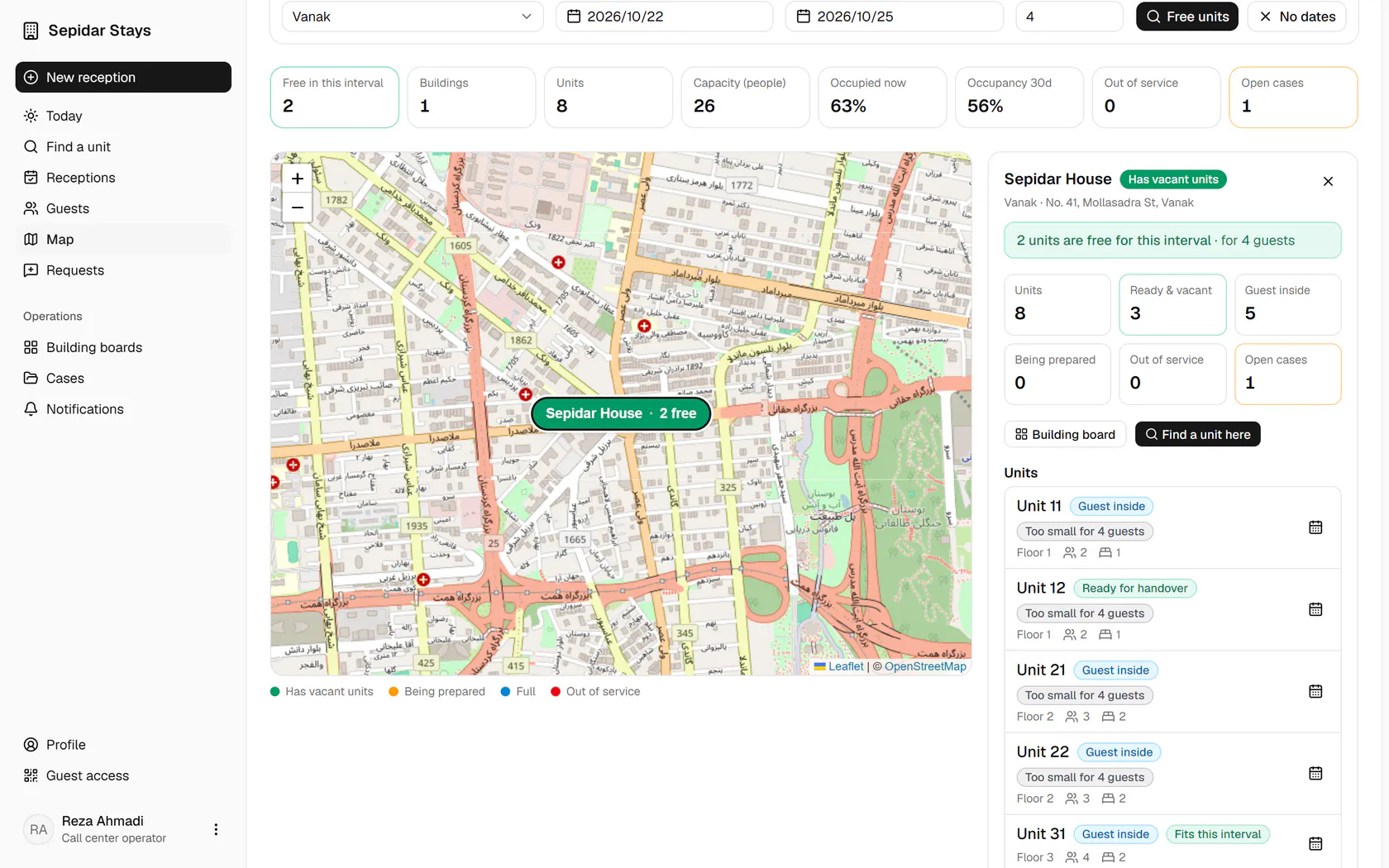
Sepidar House has two free units; pick it from the list under the map.
- 6
The building panel shows the counts and its units; press Find a unit here.
- 7
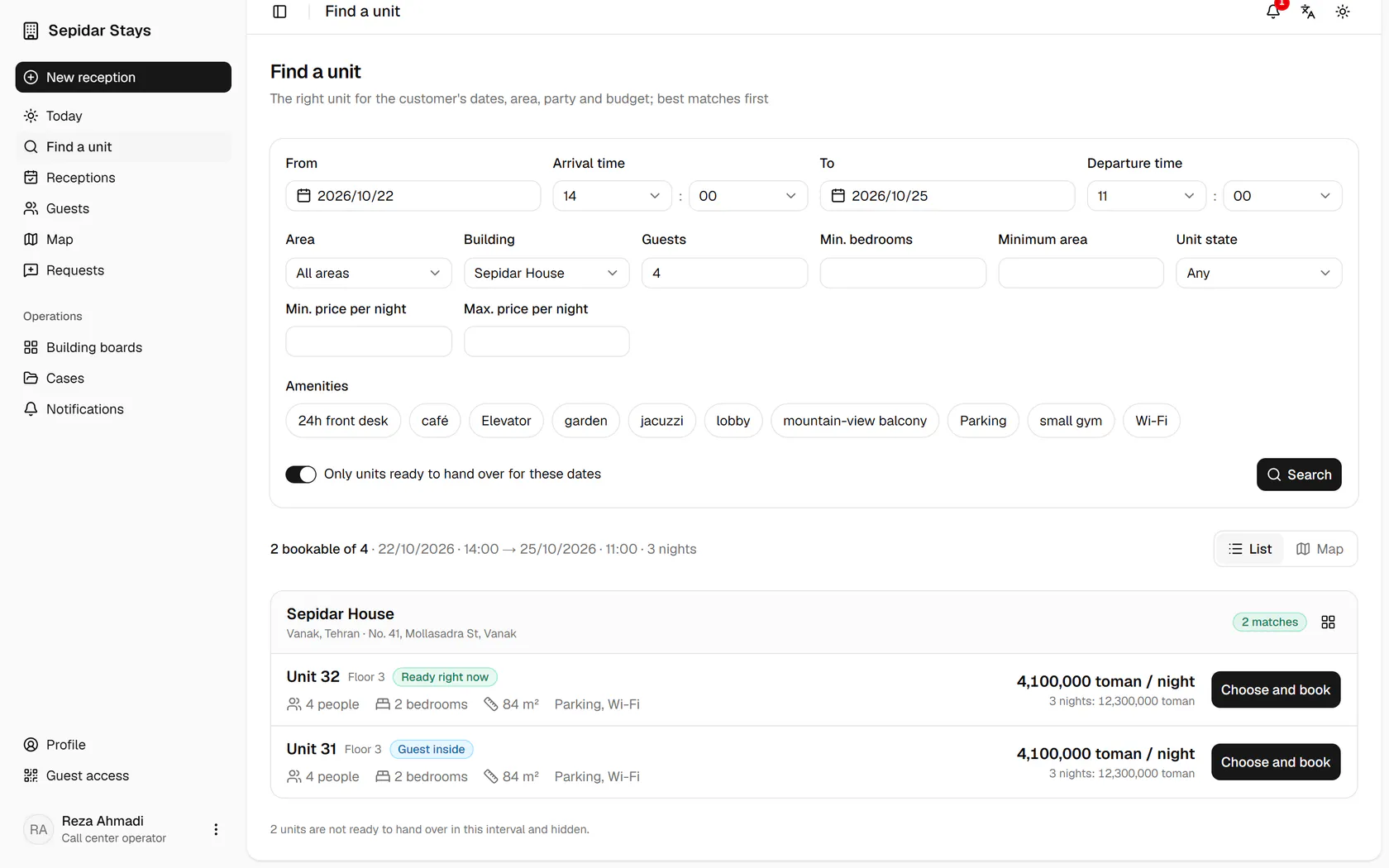
The search opens with the same dates and party, showing the bookable units.