Skip to content
Mizban

Guest rules and the map

Check-in requirements, the short rules before arrival, the full house rules and the map service are set on one page.

ManagementOn a computer7 steps
Under Check-in requirements, make an identity document required for every check-in.The map service is OpenStreetMap by default; with keys, Neshan can be chosen.Reception texts are kept per language; open the tab for this language.Write the key rules one per line; guests see these before they arrive.The full house rules are here too, and guests read them under Help.Click Save changes to store the texts and settings.The settings are saved and apply to guest pages right away.

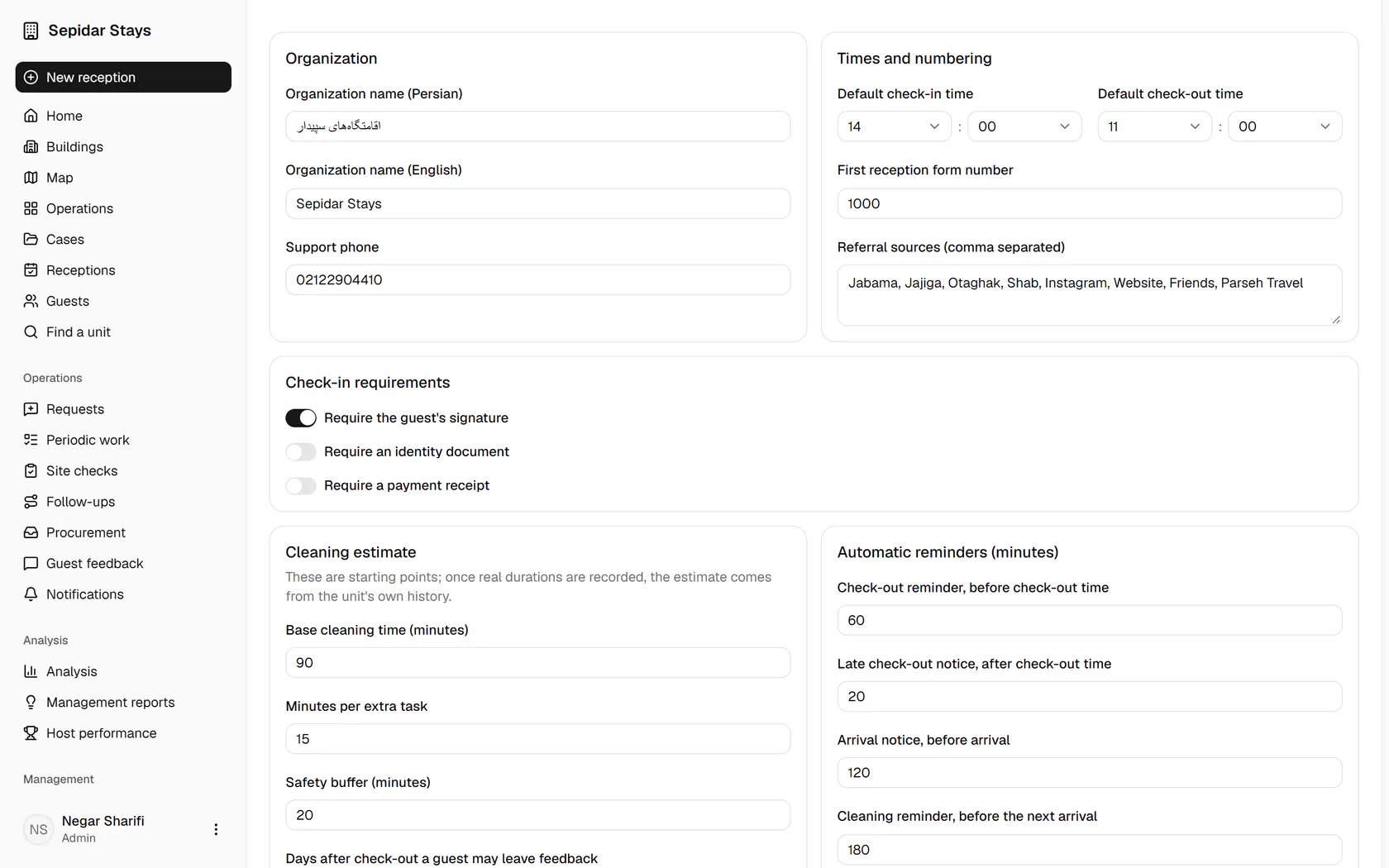
Under Check-in requirements, make an identity document required for every check-in.

Step by step

  1. 1

    Under Check-in requirements, make an identity document required for every check-in.

    Under Check-in requirements, make an identity document required for every check-in.
  2. 2

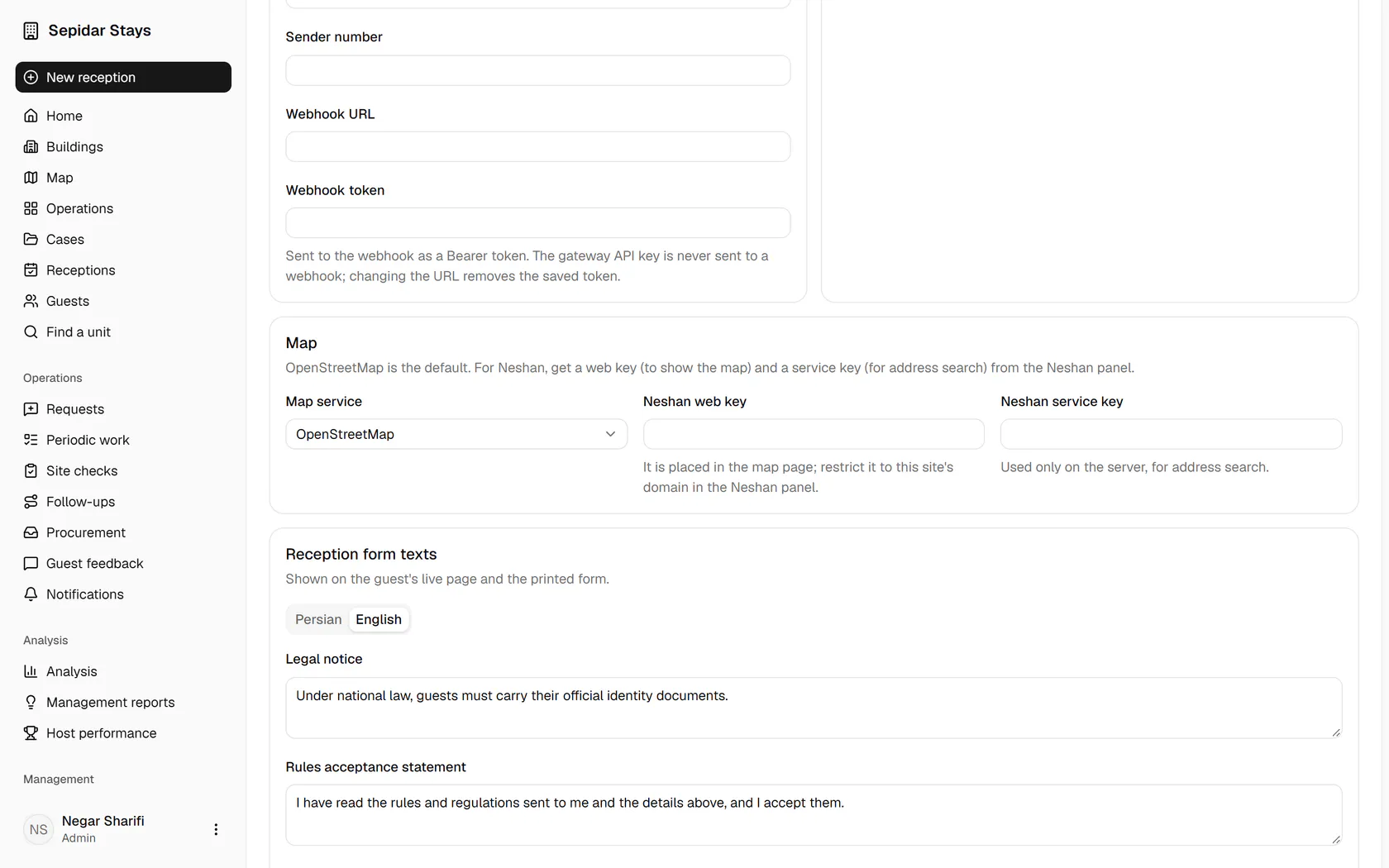
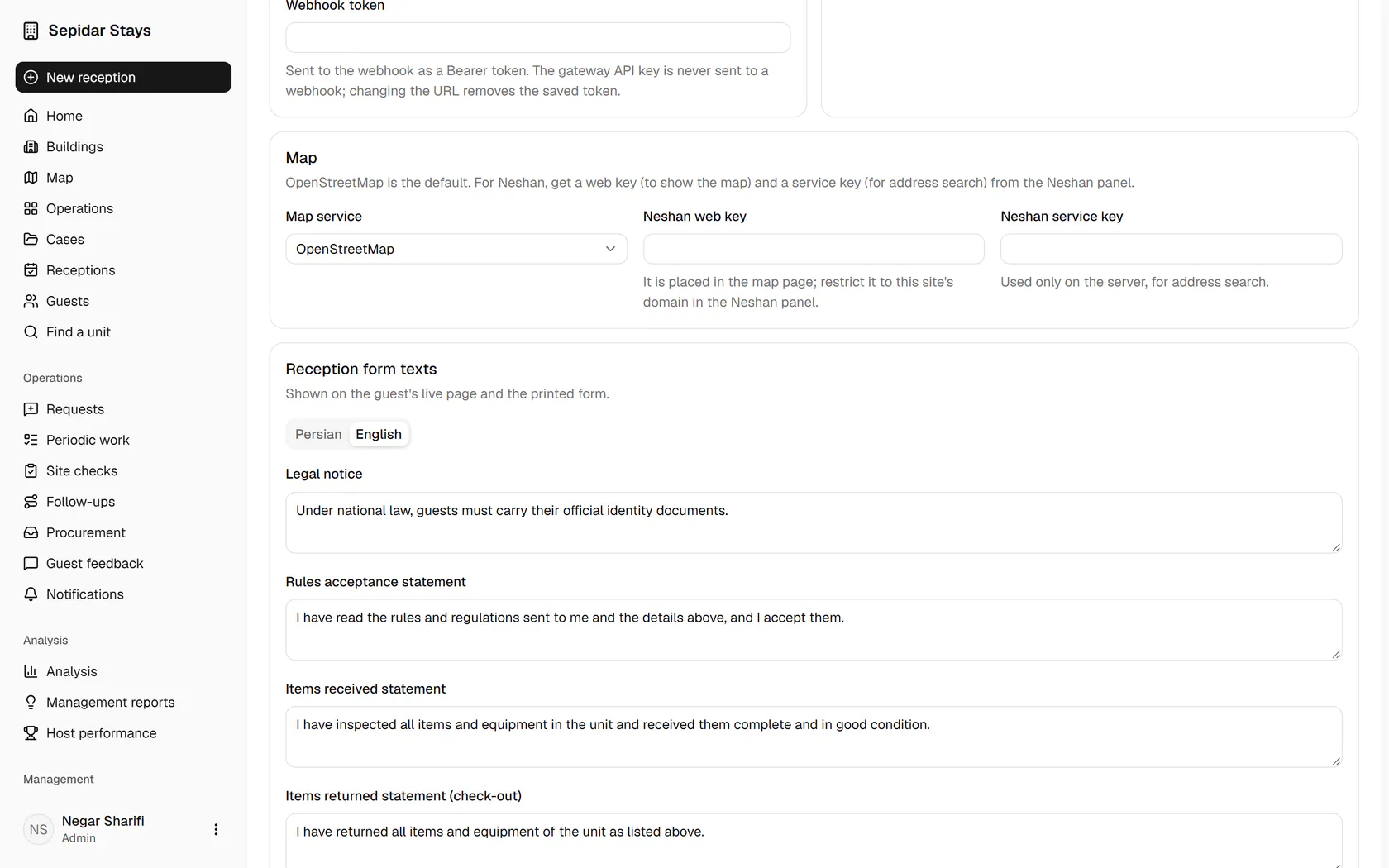
    The map service is OpenStreetMap by default; with keys, Neshan can be chosen.

    The map service is OpenStreetMap by default; with keys, Neshan can be chosen.
  3. 3

    Reception texts are kept per language; open the tab for this language.

    Reception texts are kept per language; open the tab for this language.
  4. 4

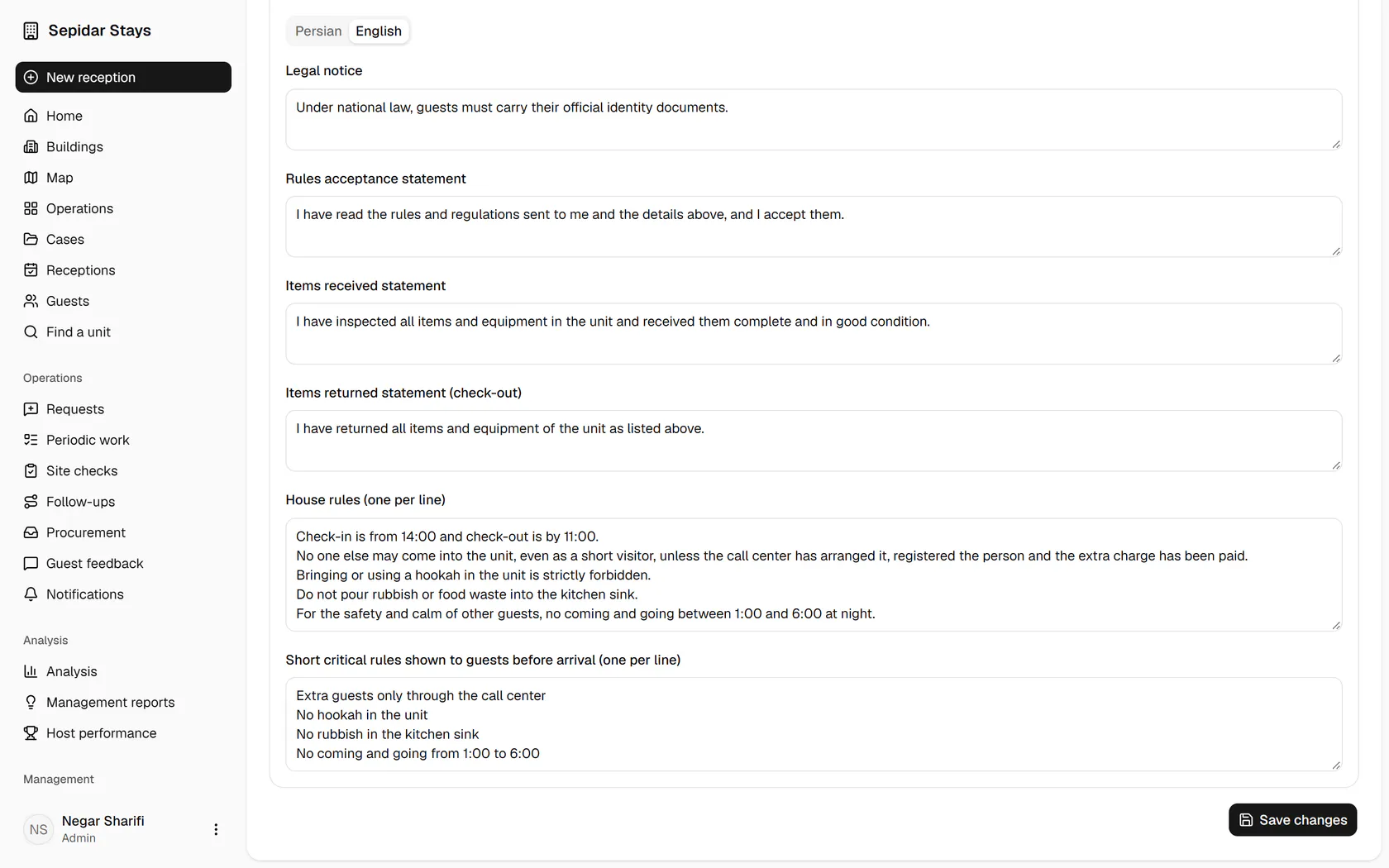
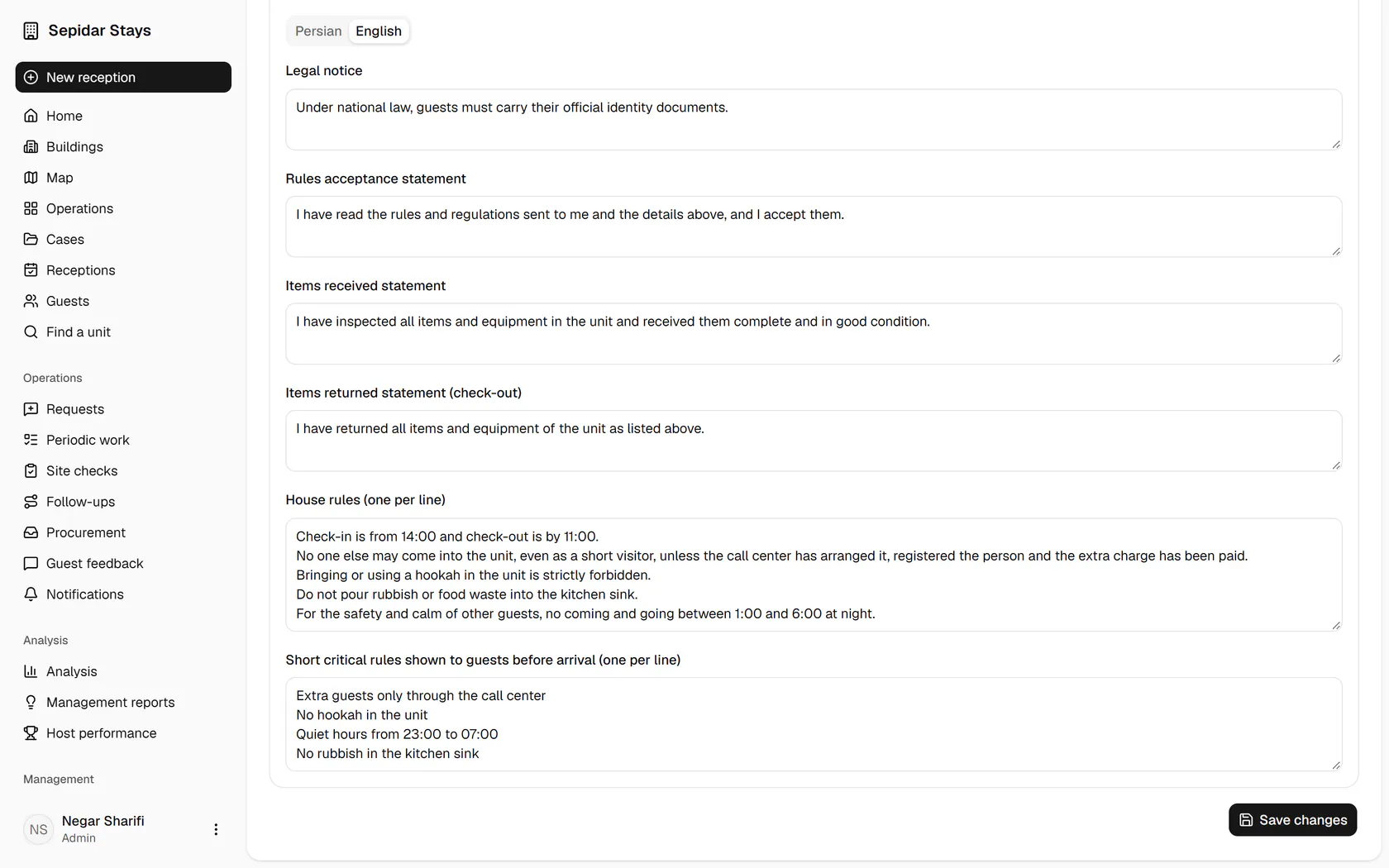
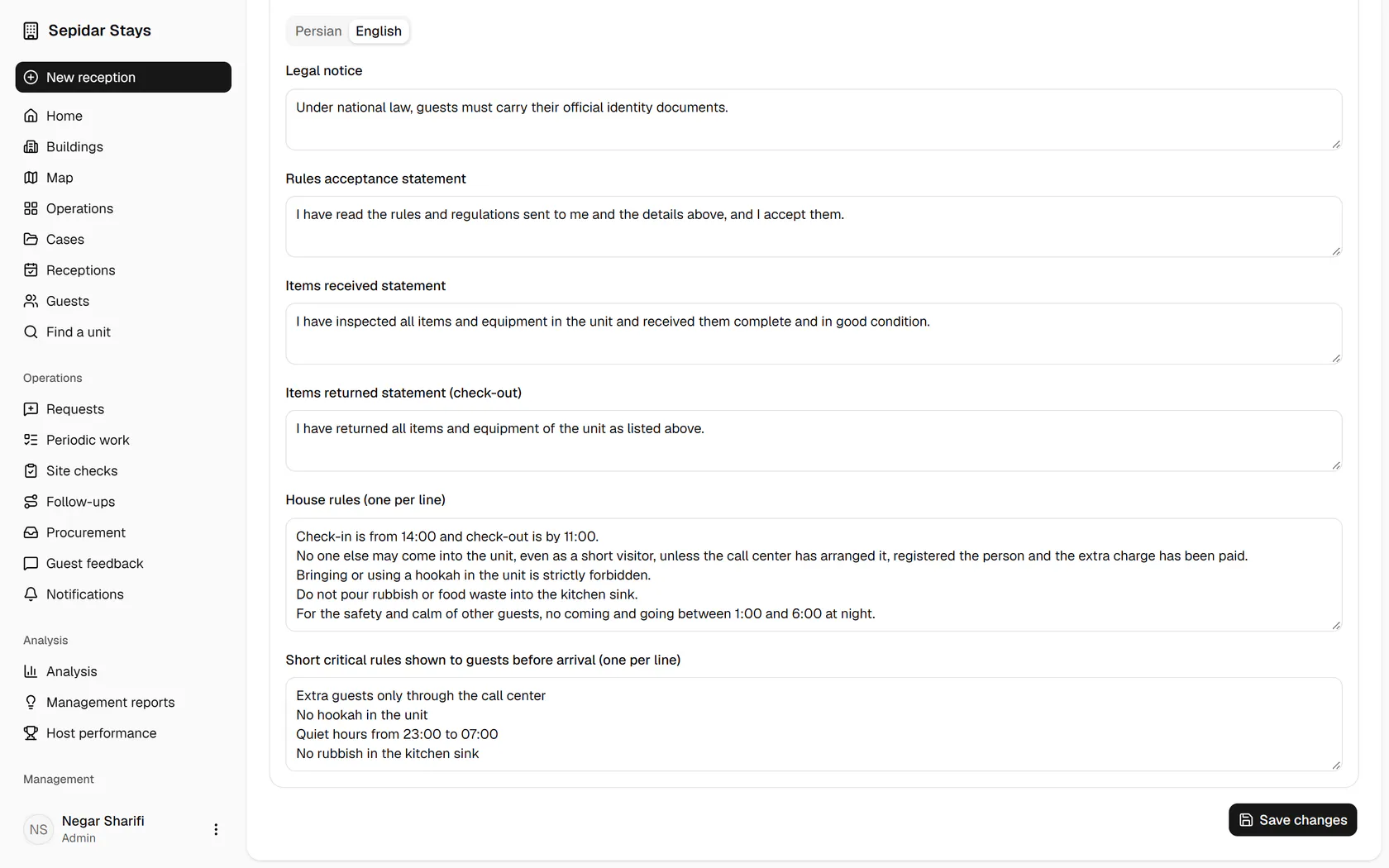
    Write the key rules one per line; guests see these before they arrive.

    Write the key rules one per line; guests see these before they arrive.
  5. 5

    The full house rules are here too, and guests read them under Help.

    The full house rules are here too, and guests read them under Help.
  6. 6

    Click Save changes to store the texts and settings.

    Click Save changes to store the texts and settings.
  7. 7

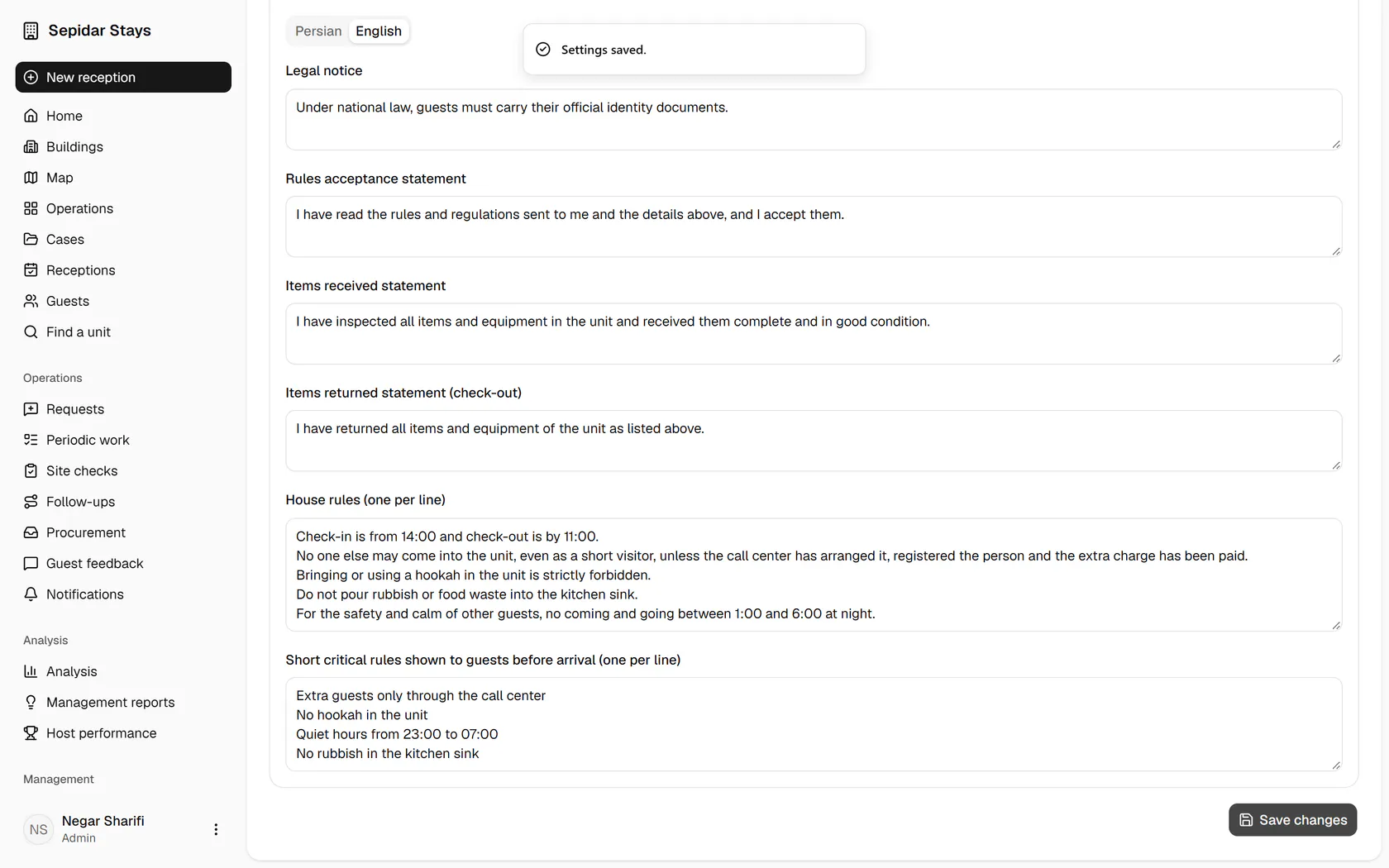
    The settings are saved and apply to guest pages right away.

    The settings are saved and apply to guest pages right away.