Management
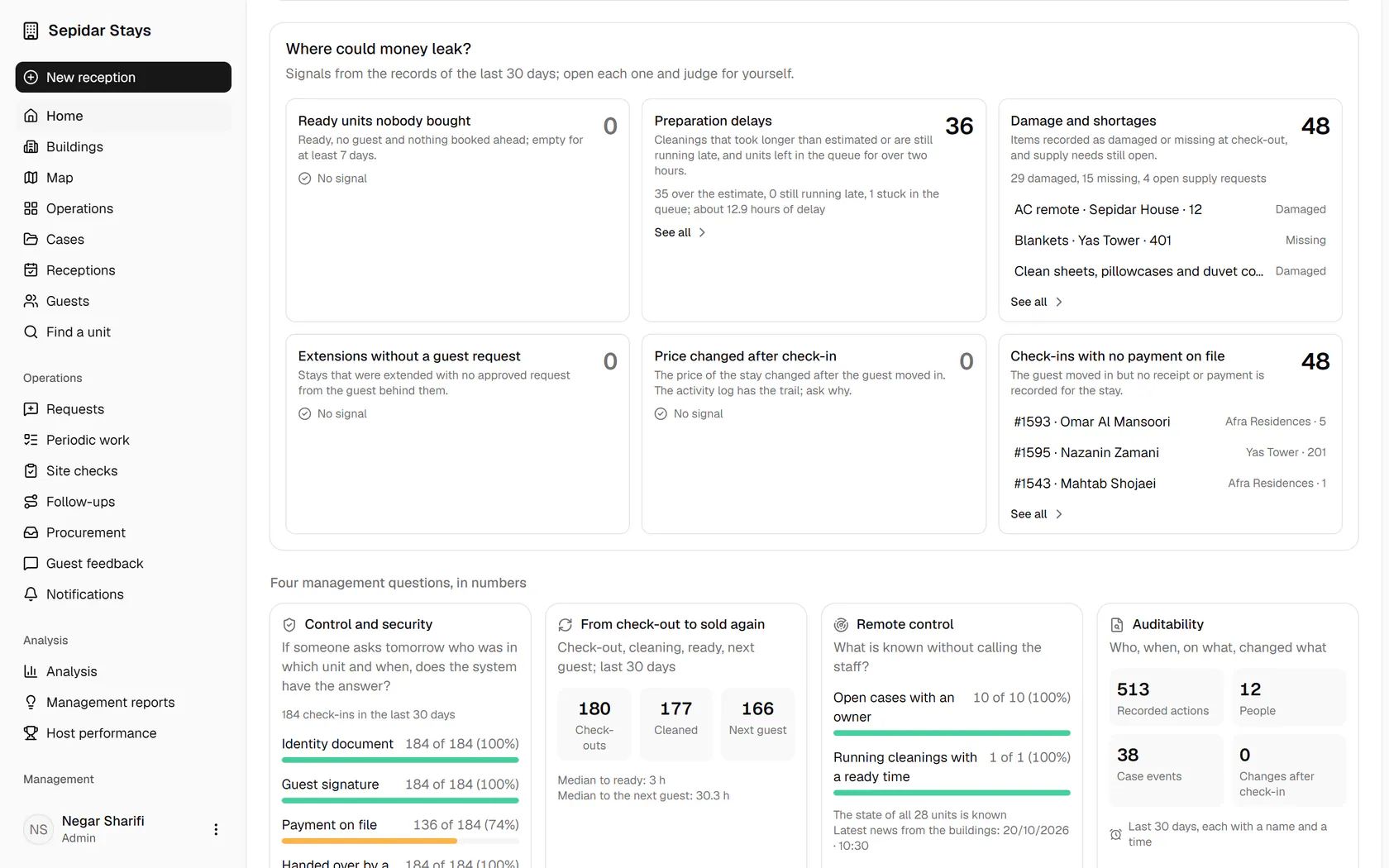
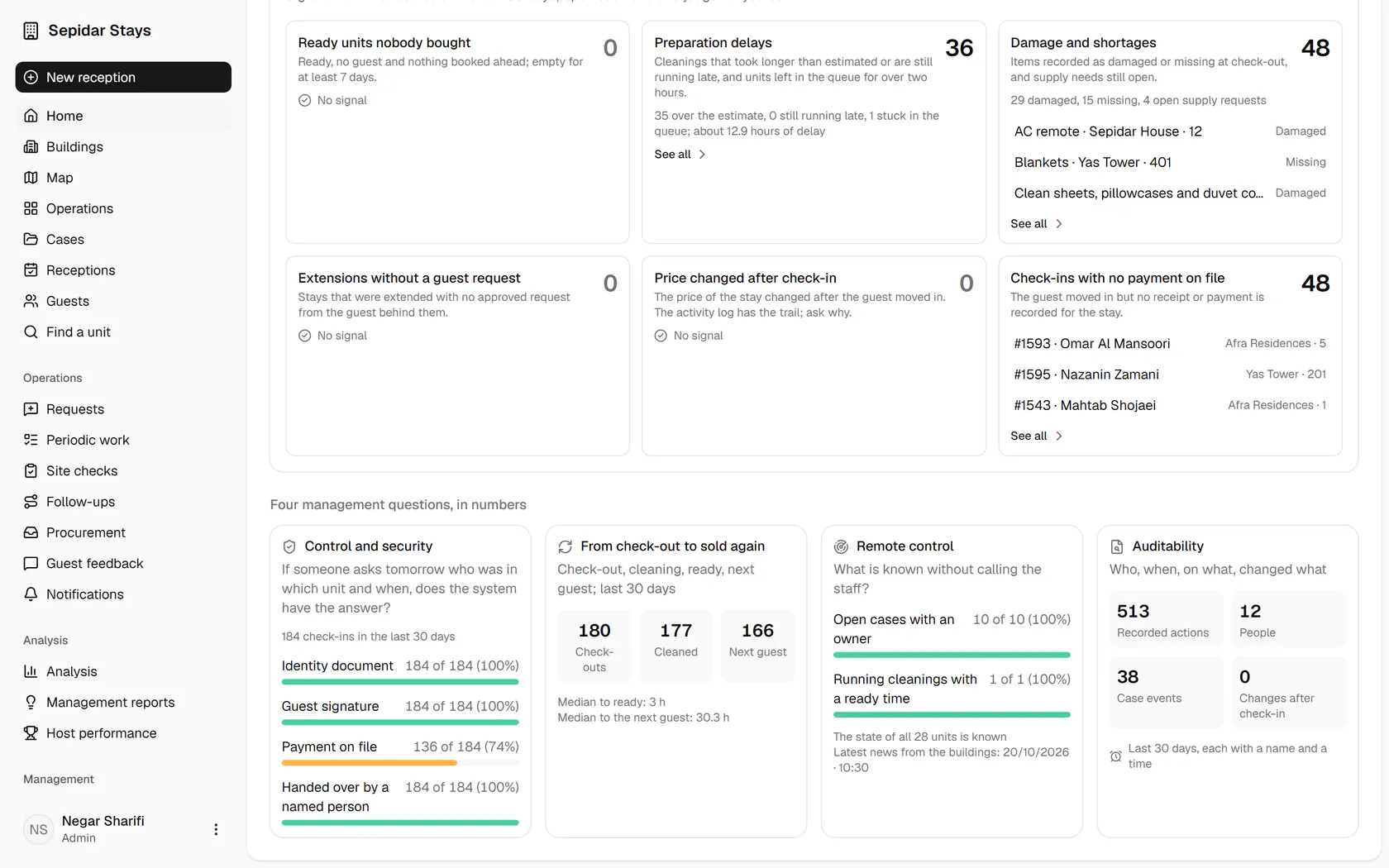
Sees at a glance what is happening, where the problems are and where money could leak; sets up buildings, people and rules.
The whole operation at a glance
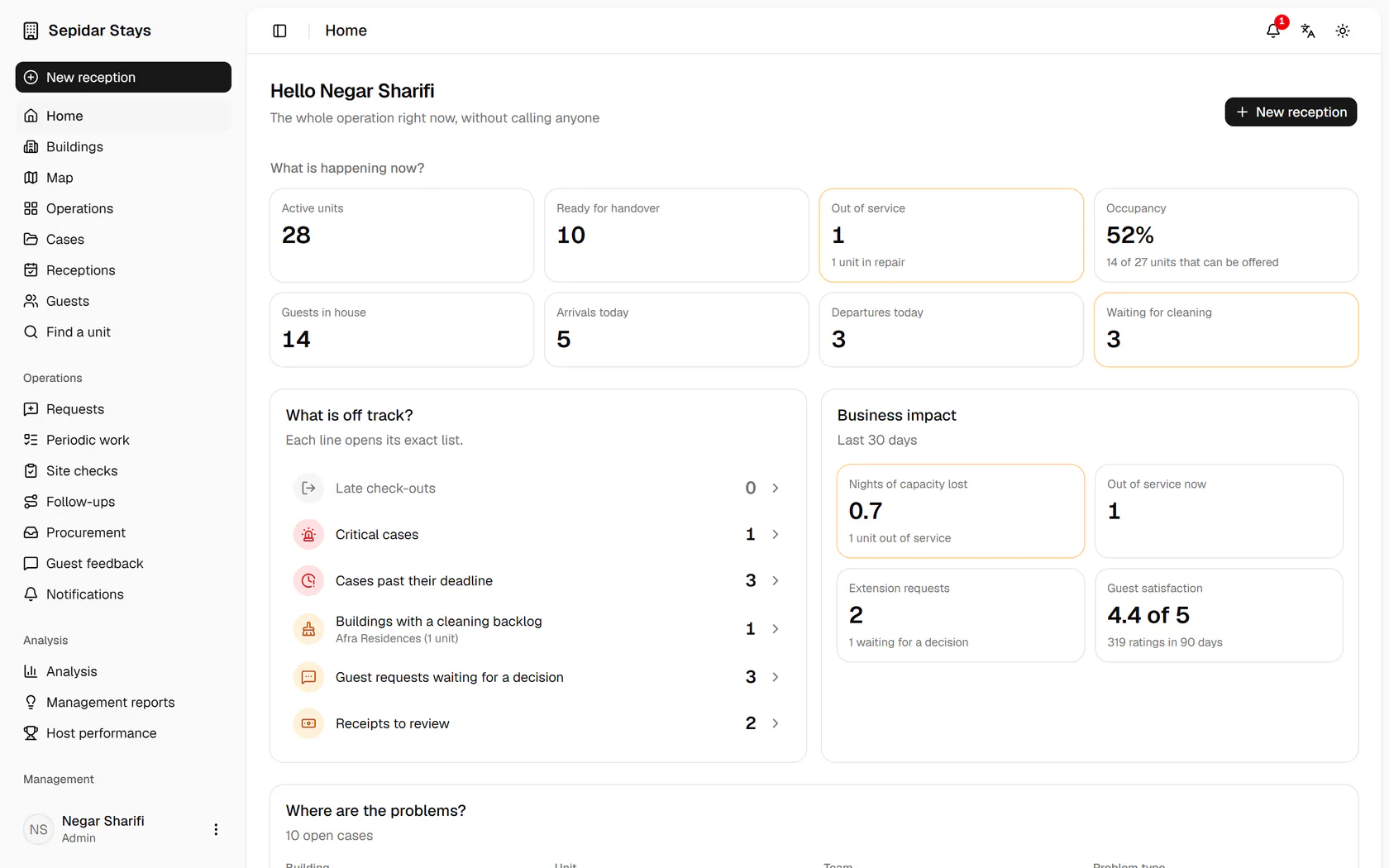
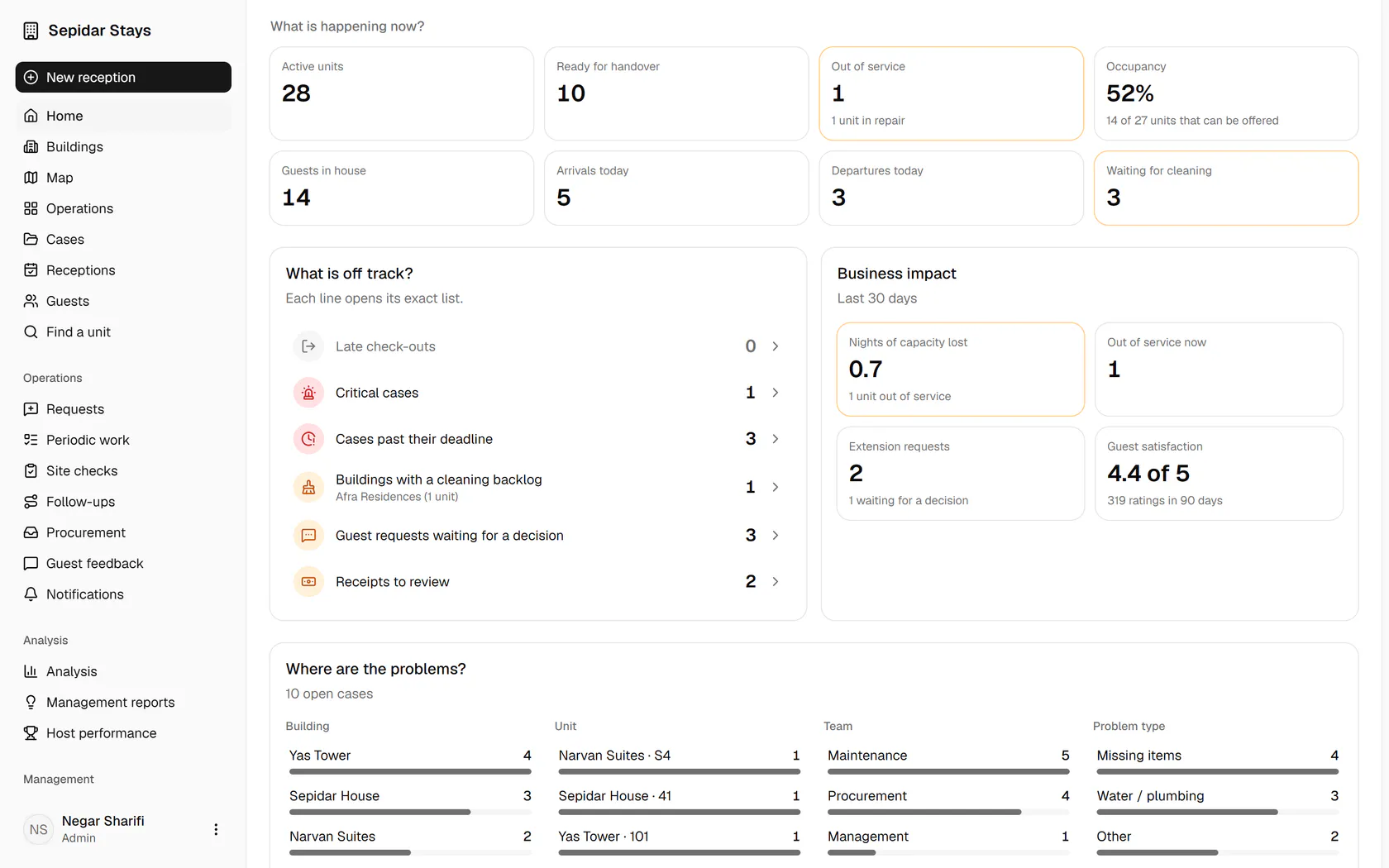
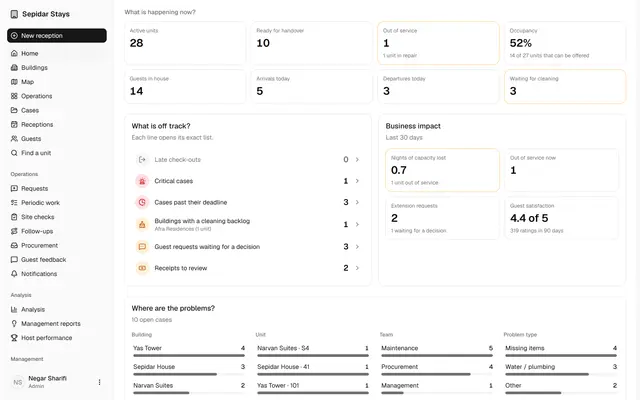
The first row is the live picture: active units, ready to hand over, out of service, occupancy.
The whole operation at a glance
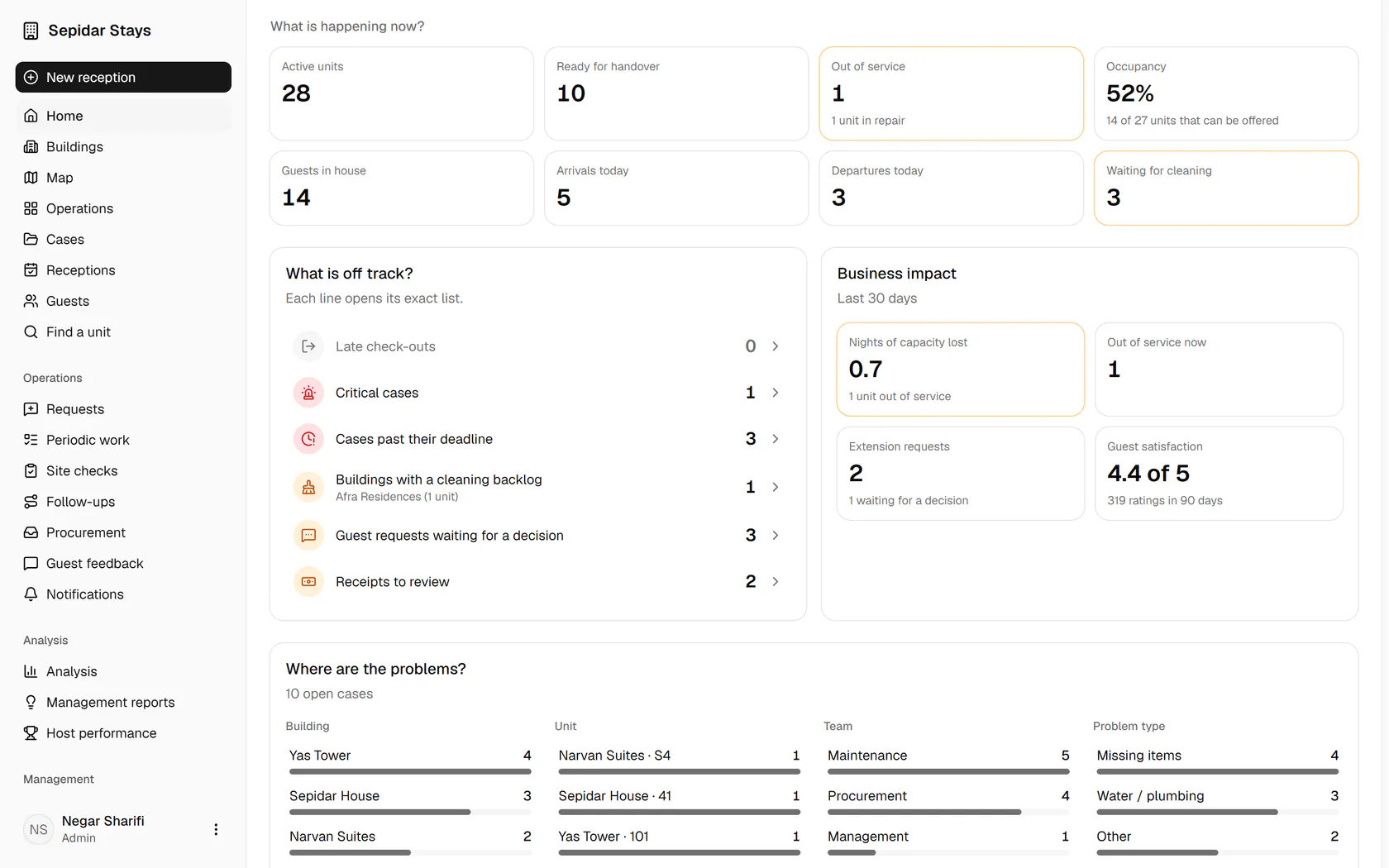
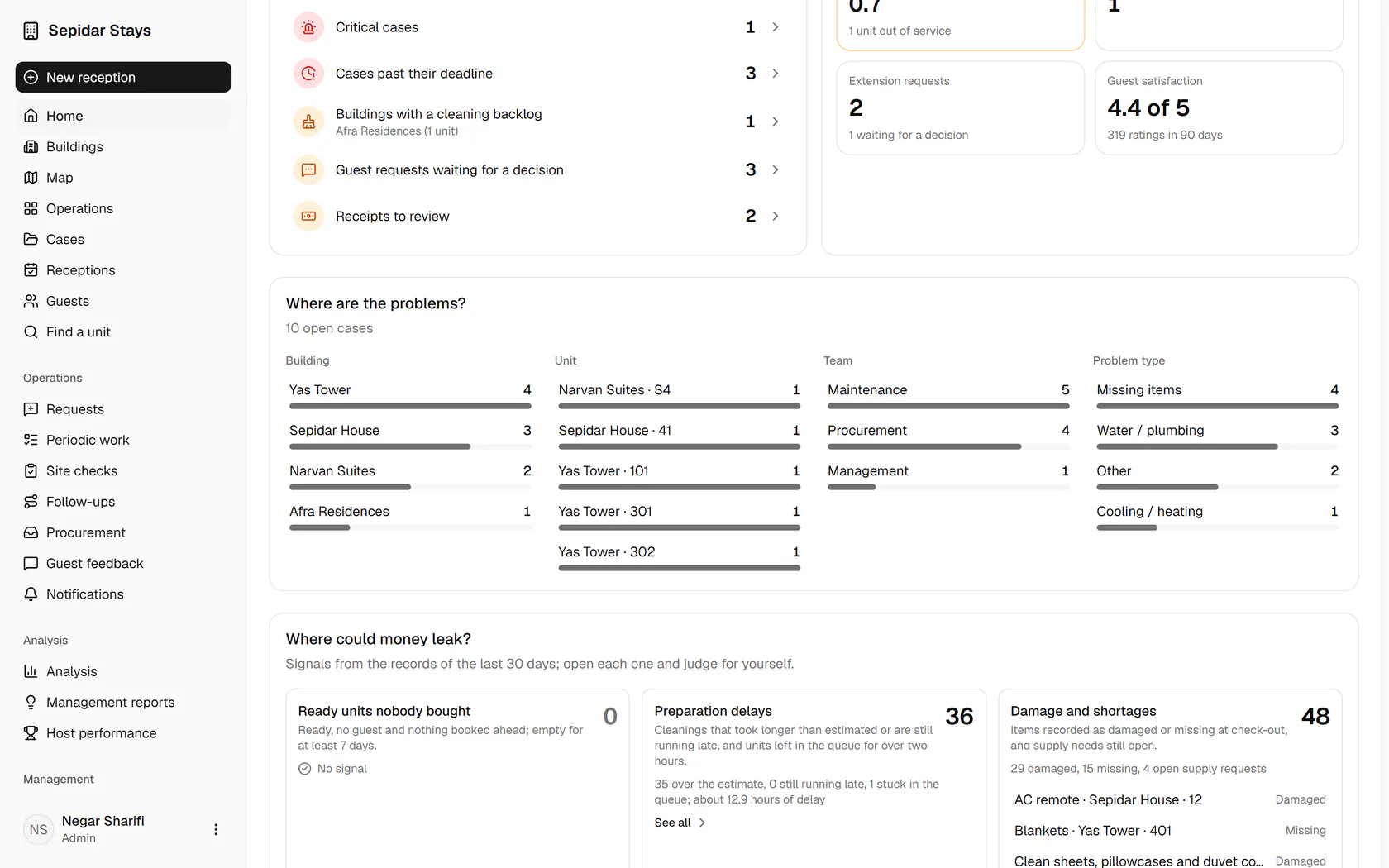
Management sees what is happening now, what is off track and where money may leak, without calling anyone.
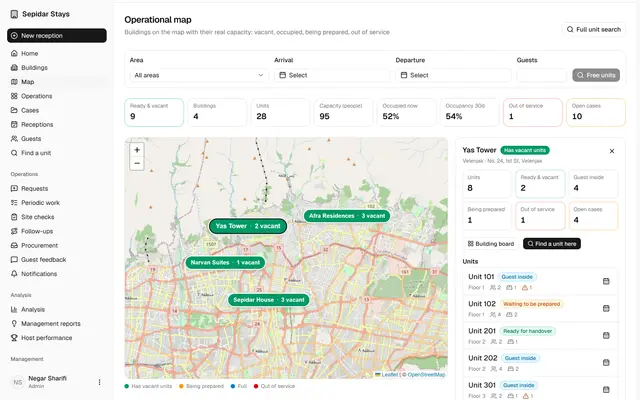
The operational map
Every building sits on the map with its real capacity, and one click leads to its board and unit calendars.
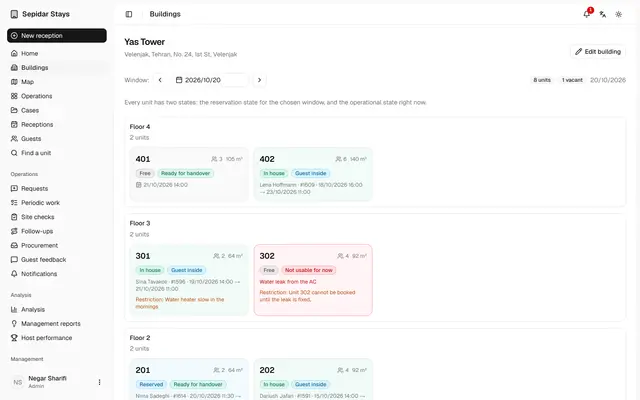
The building board
Management sees floor by floor which unit is occupied, vacant, being prepared or not usable for now.
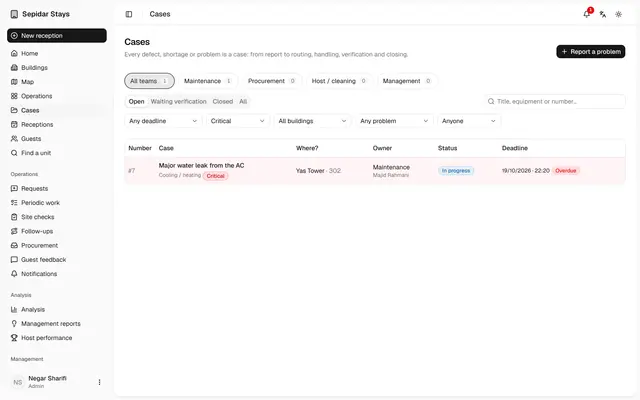
A critical case closes a unit
A critical fault takes the unit off sale until it is fixed, and everyone knows who owns the repair.
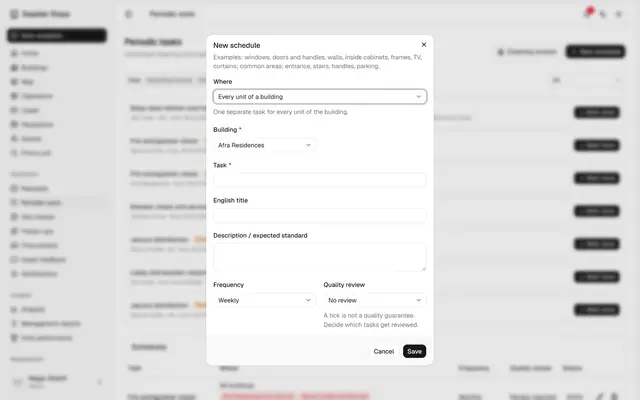
One periodic task for every building
Management defines the task once; each building gets its own share and its status is tracked separately.
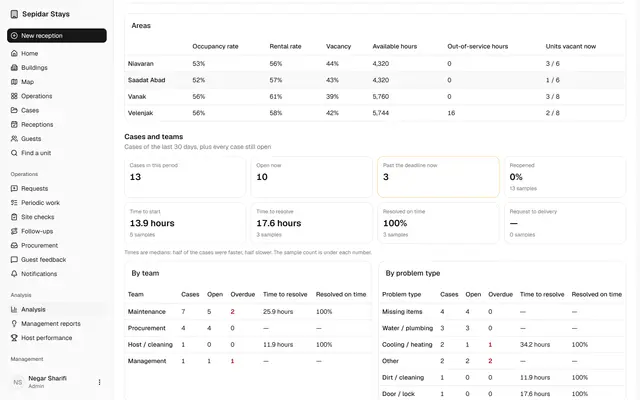
Cases and teams in numbers
Management sees how many cases each team holds, how long they take and how many close on time.
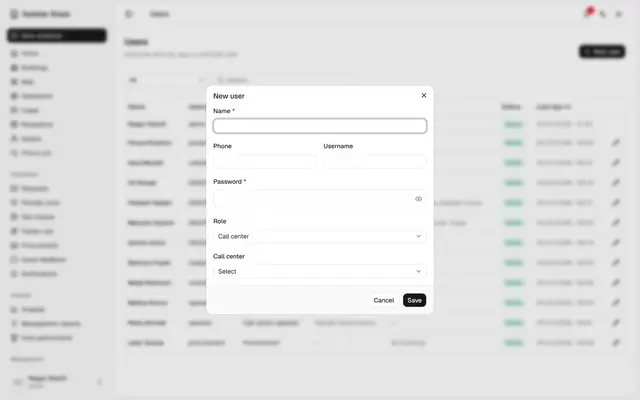
A maintenance user and their buildings
Each maintenance or procurement person only sees the work of the buildings they cover.
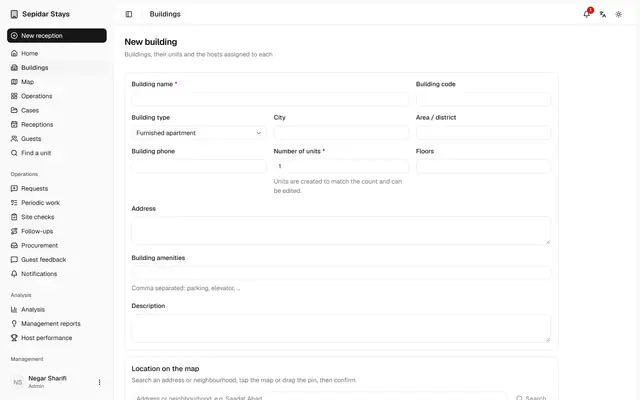
A new building on the map
A building is added with its units, its place on the map and the information guests need, on one page.
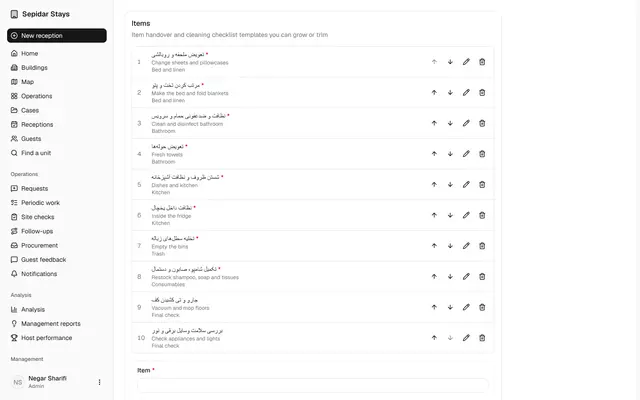
Cleaning checklist in six groups
Cleaning items fall into six big groups, so the host records a preparation with a few taps.
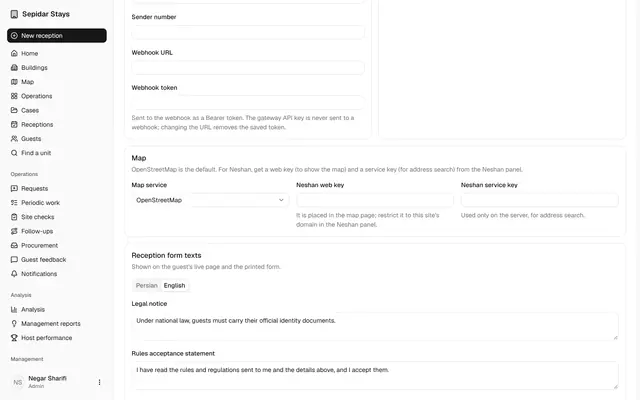
Guest rules and the map
Check-in requirements, the short rules before arrival, the full house rules and the map service are set on one page.
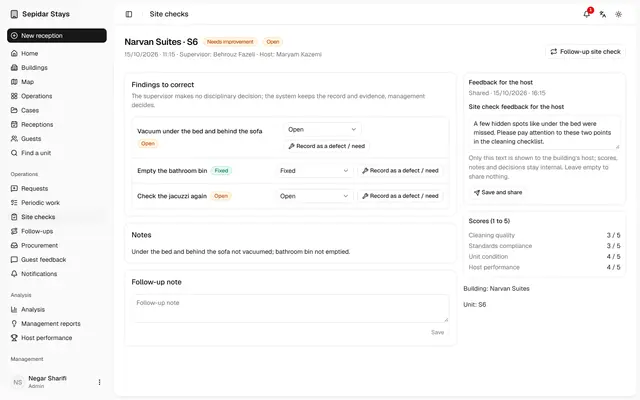
Share site check feedback
A site check becomes clear feedback for the host, while scores and internal notes stay private.
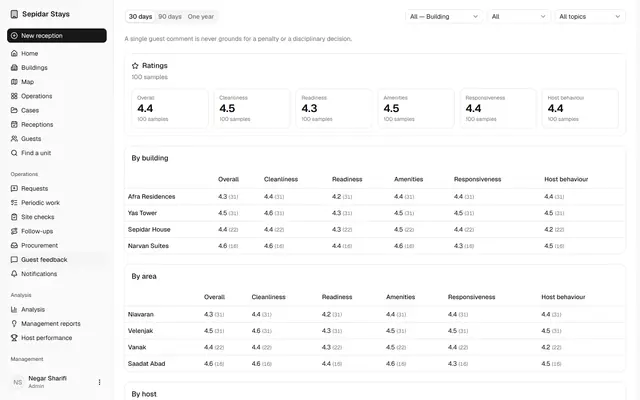
Guest feedback
Management reads guest scores by building and files each comment with a category and a note.
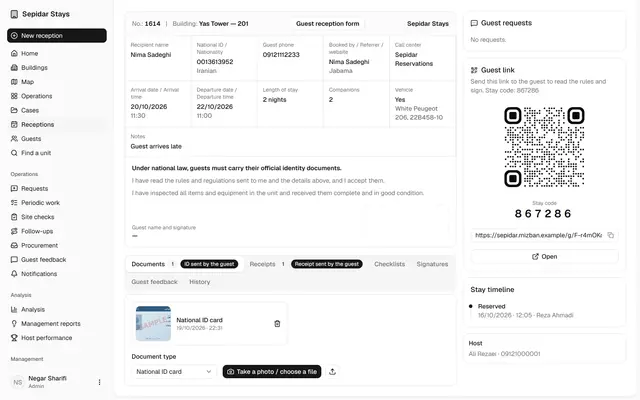
Verify a payment receipt
Receipts uploaded by guests are checked and verified, so no check-in waits on an unconfirmed payment.
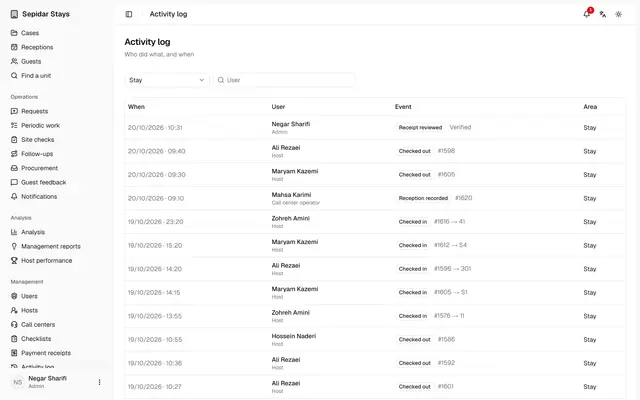
Activity log and notifications
Management sees who did what, and which texts and reminders were sent and with what status.