Signing the handover
The guest sees the handed-over items live on their own phone and accepts with a real signature, without paper.
GuestOn a phone7 steps
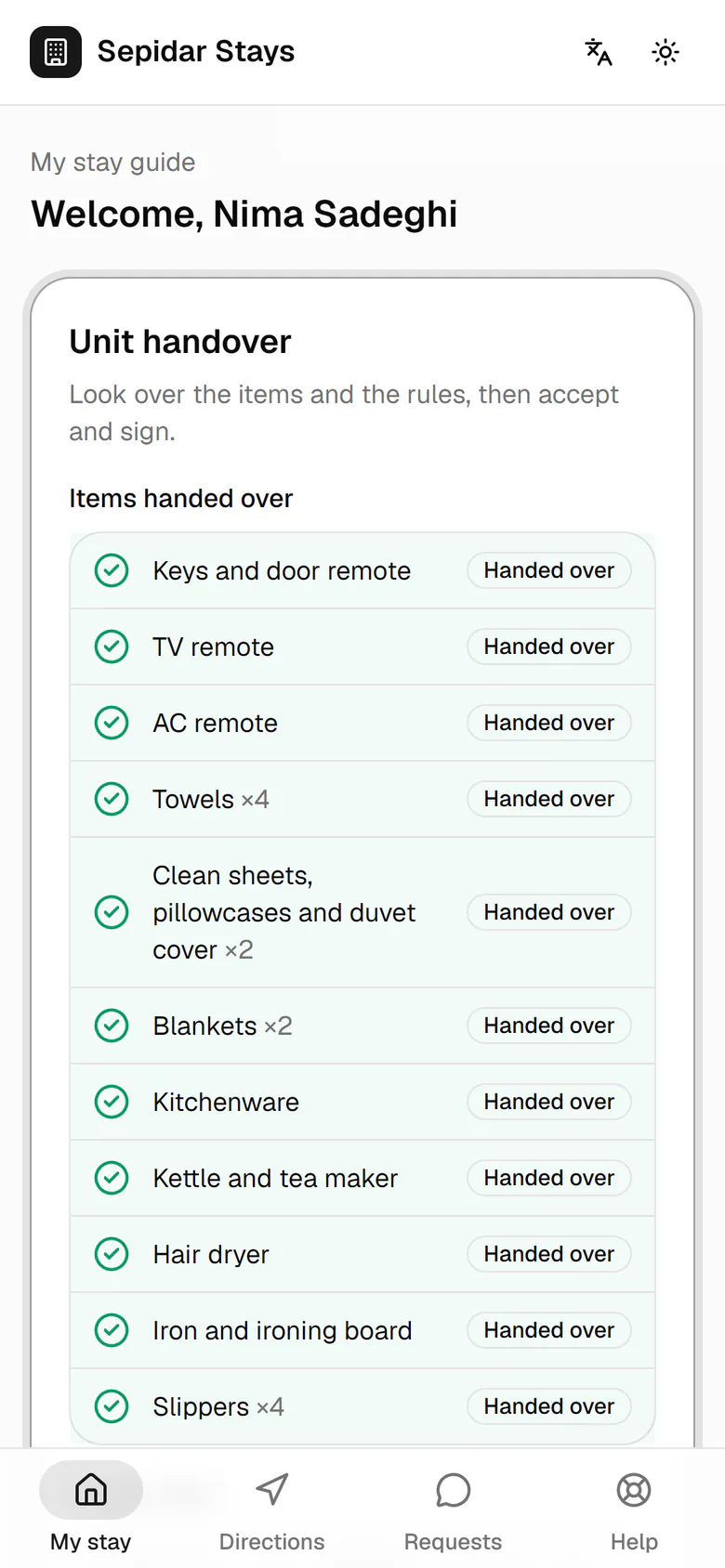
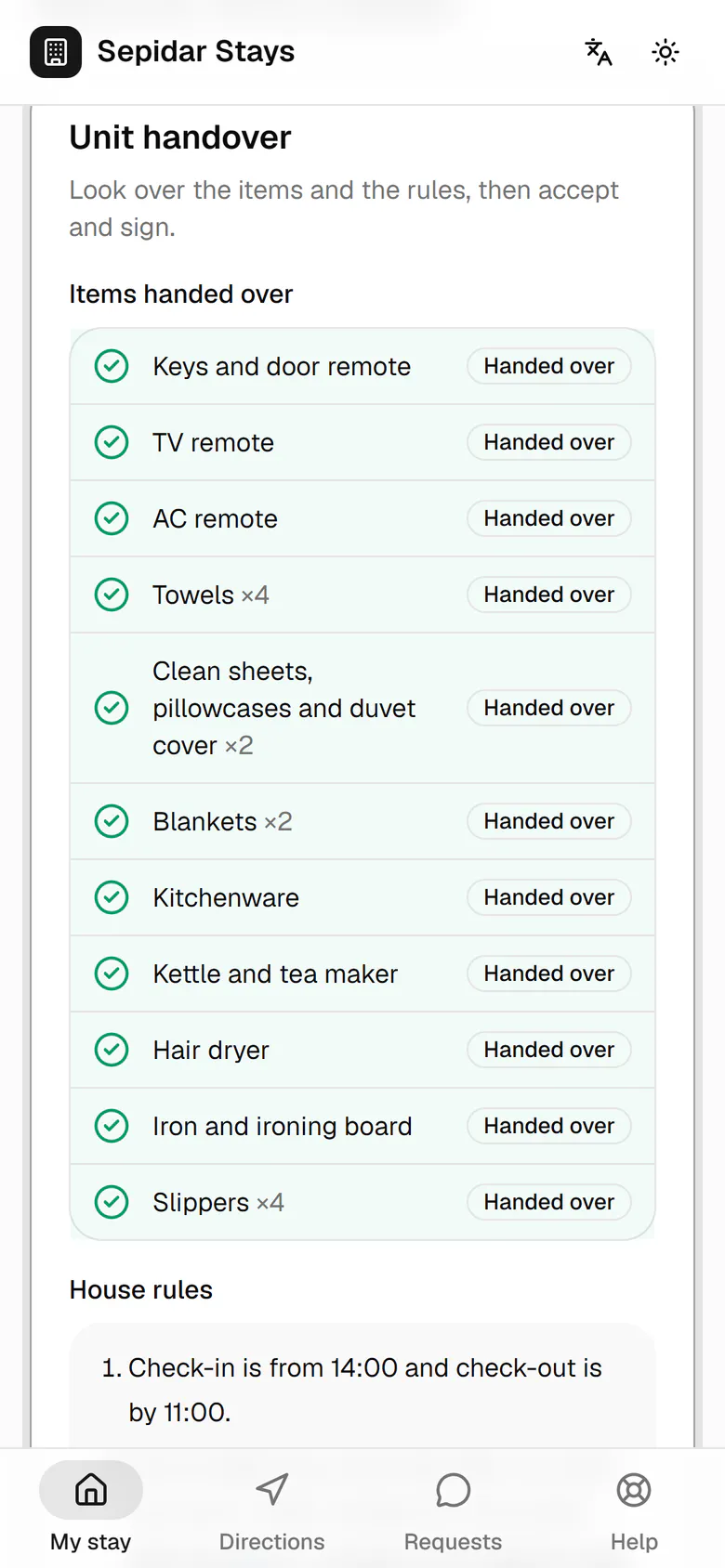
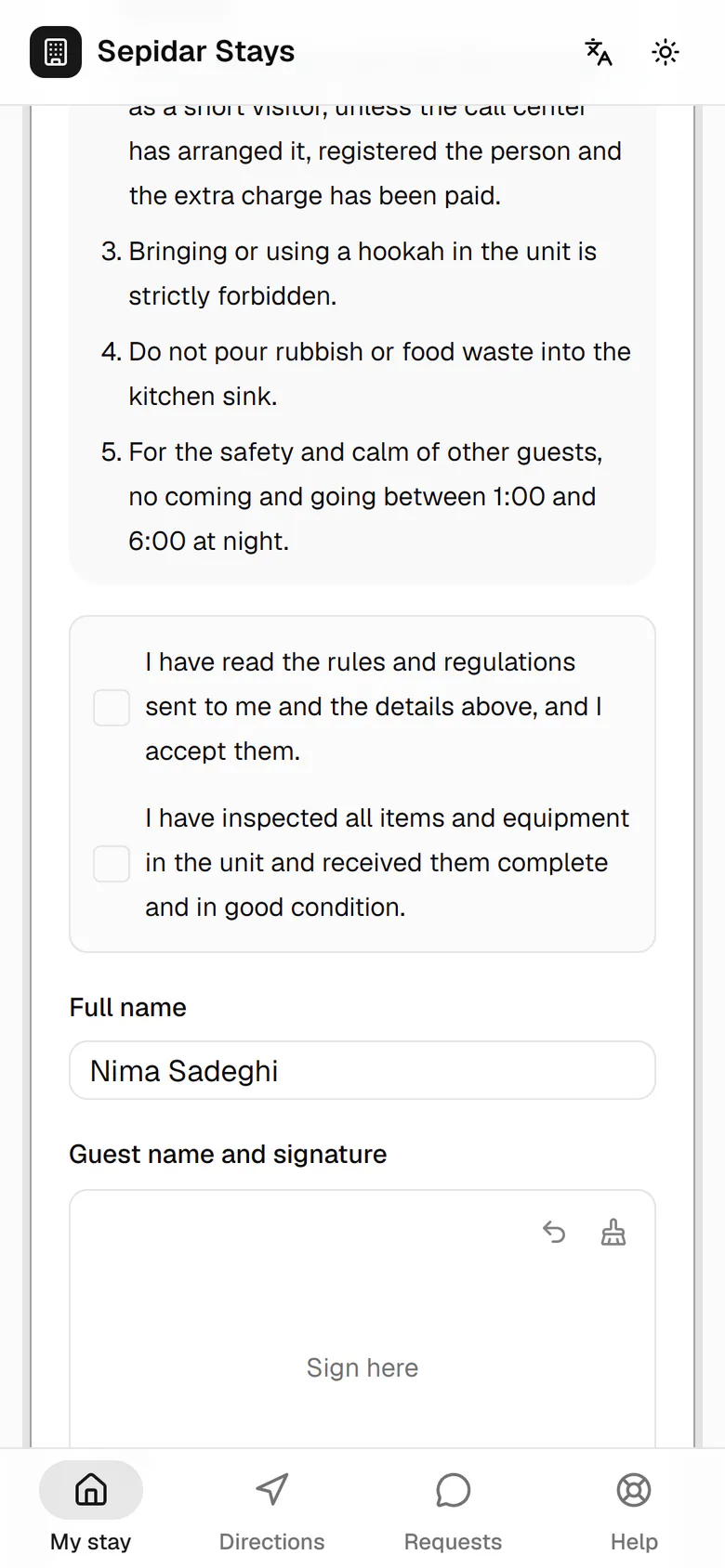
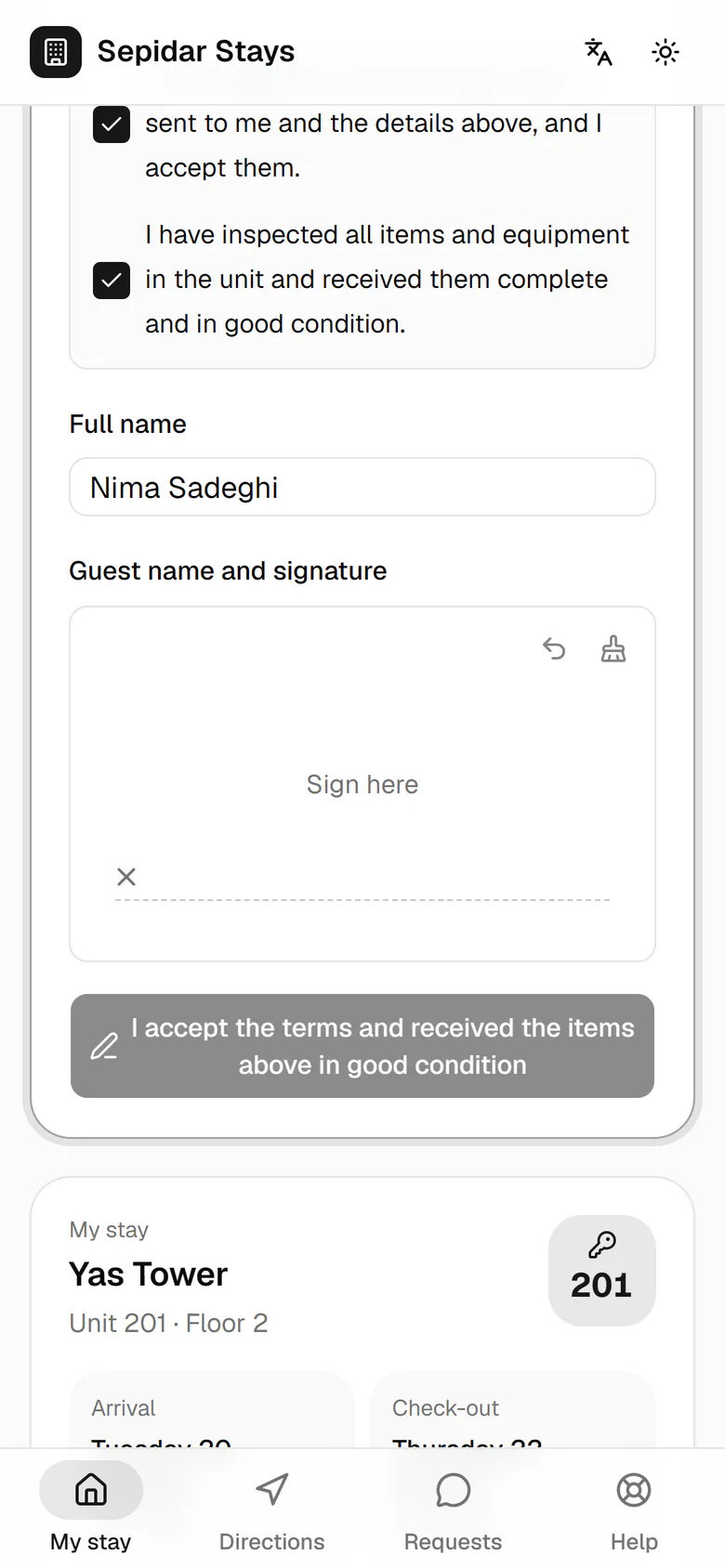
The host has started handing over unit 201, and signing opens on Nima's phone.
Step by step
- 1
The host has started handing over unit 201, and signing opens on Nima's phone.
- 2
Each item the host ticks appears here at once as handed over.
- 3
Below the rules, Nima ticks both statements: the rules and the items received in good condition.
- 4
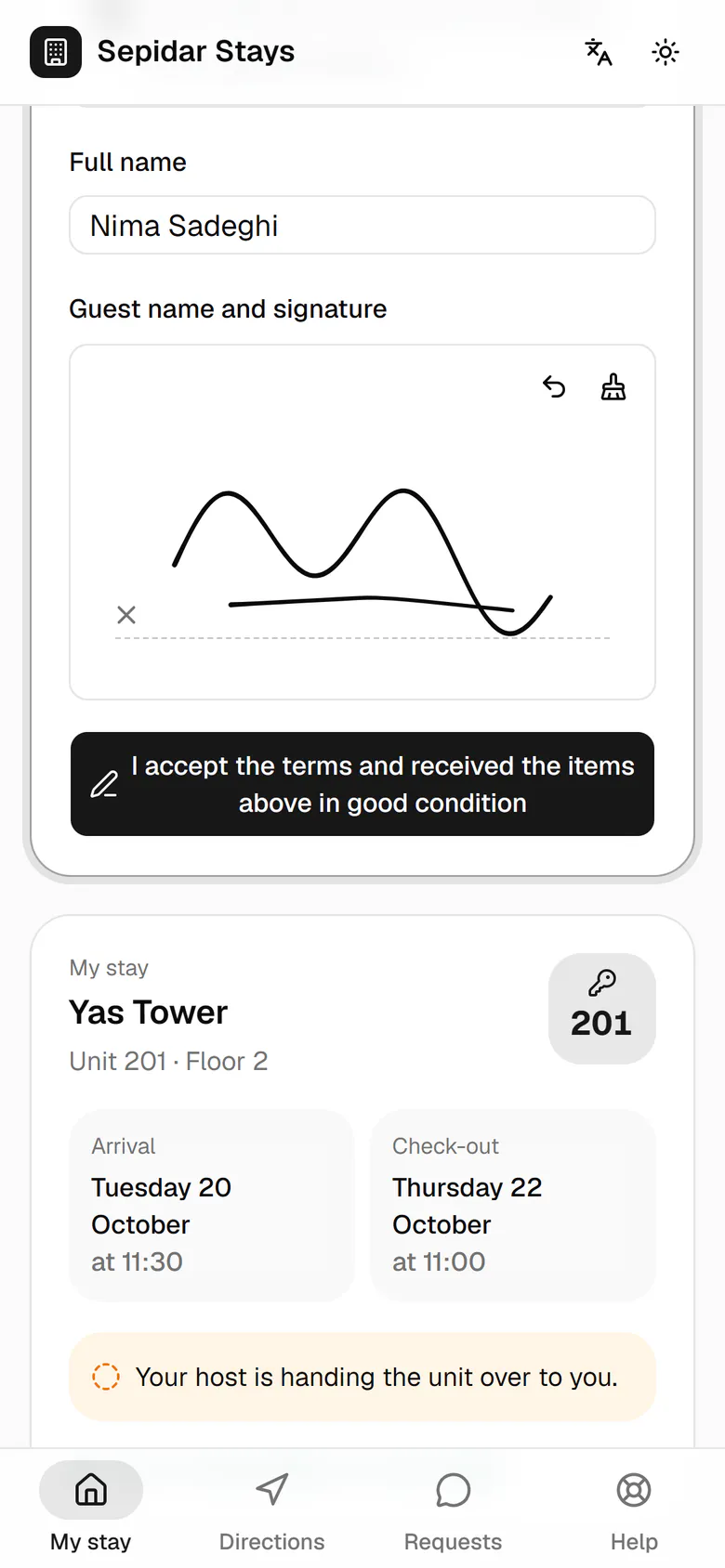
He signs in the box with a finger; the signature is kept like on the paper form.
- 5
This button sends the acceptance and signature to the host.
- 6
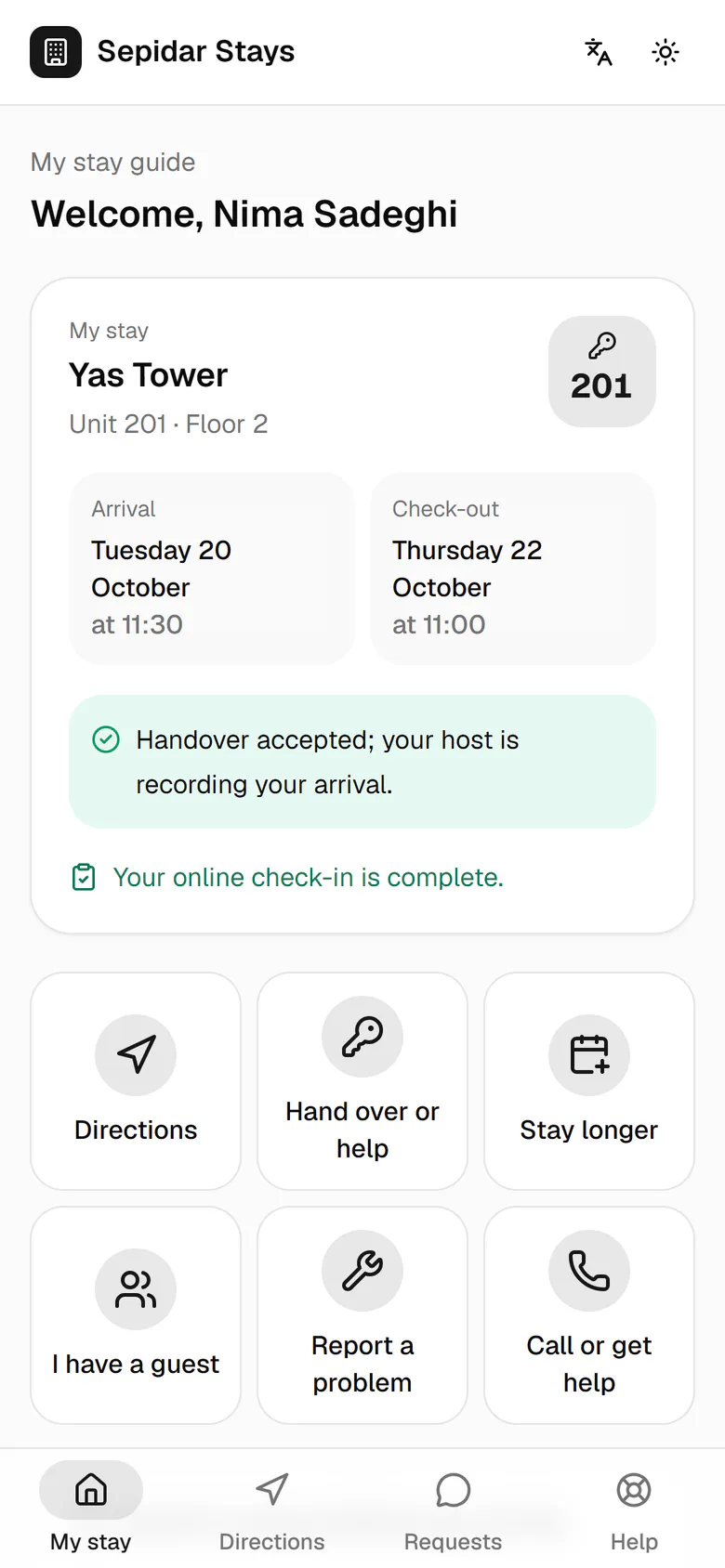
The handover is accepted, and the host now completes the check-in on their phone.
- 7
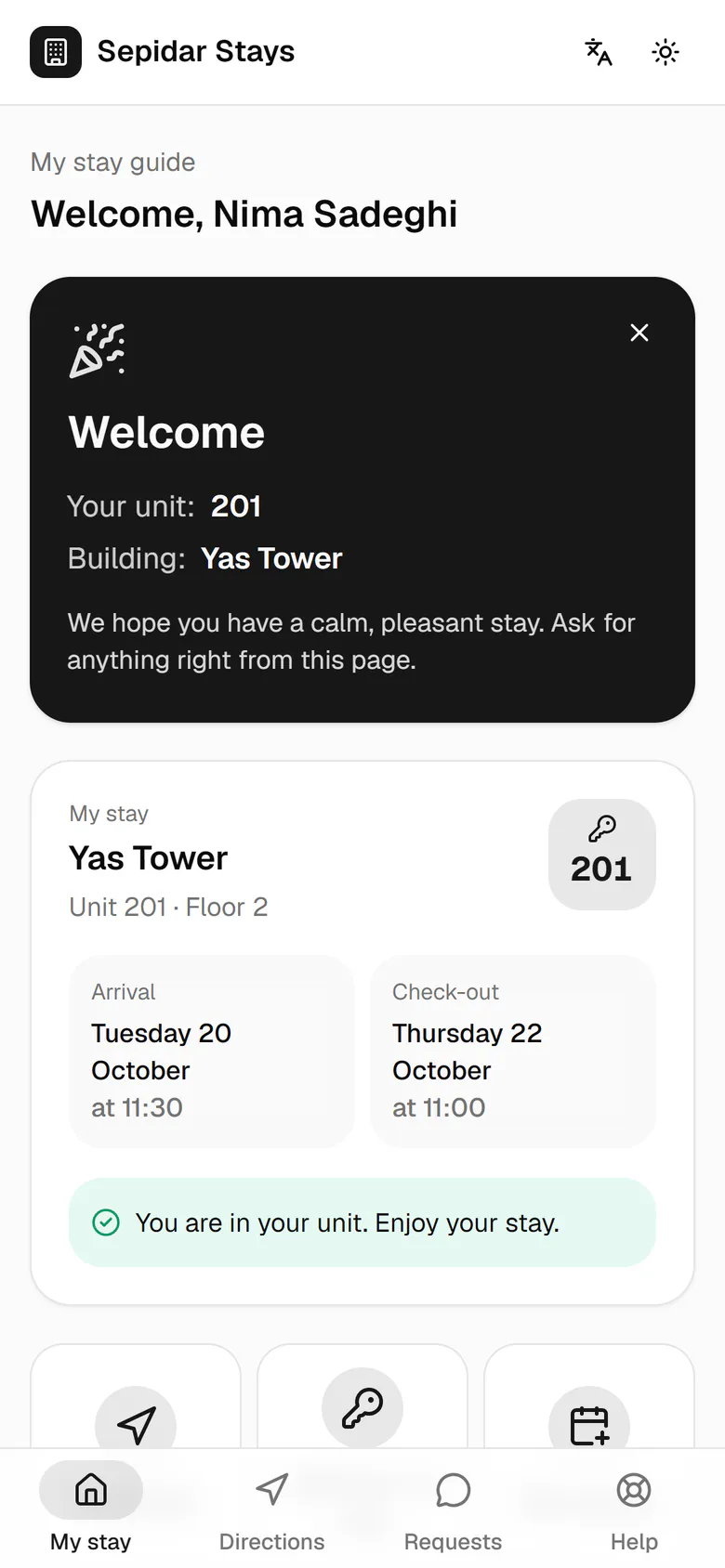
Once check-in is recorded, a one-time welcome card shows the guest their unit.