Guest
No app to install: a QR code or text opens the stay companion for pre-check-in, directions, unit details, rules and requests.
The guest's stay companion
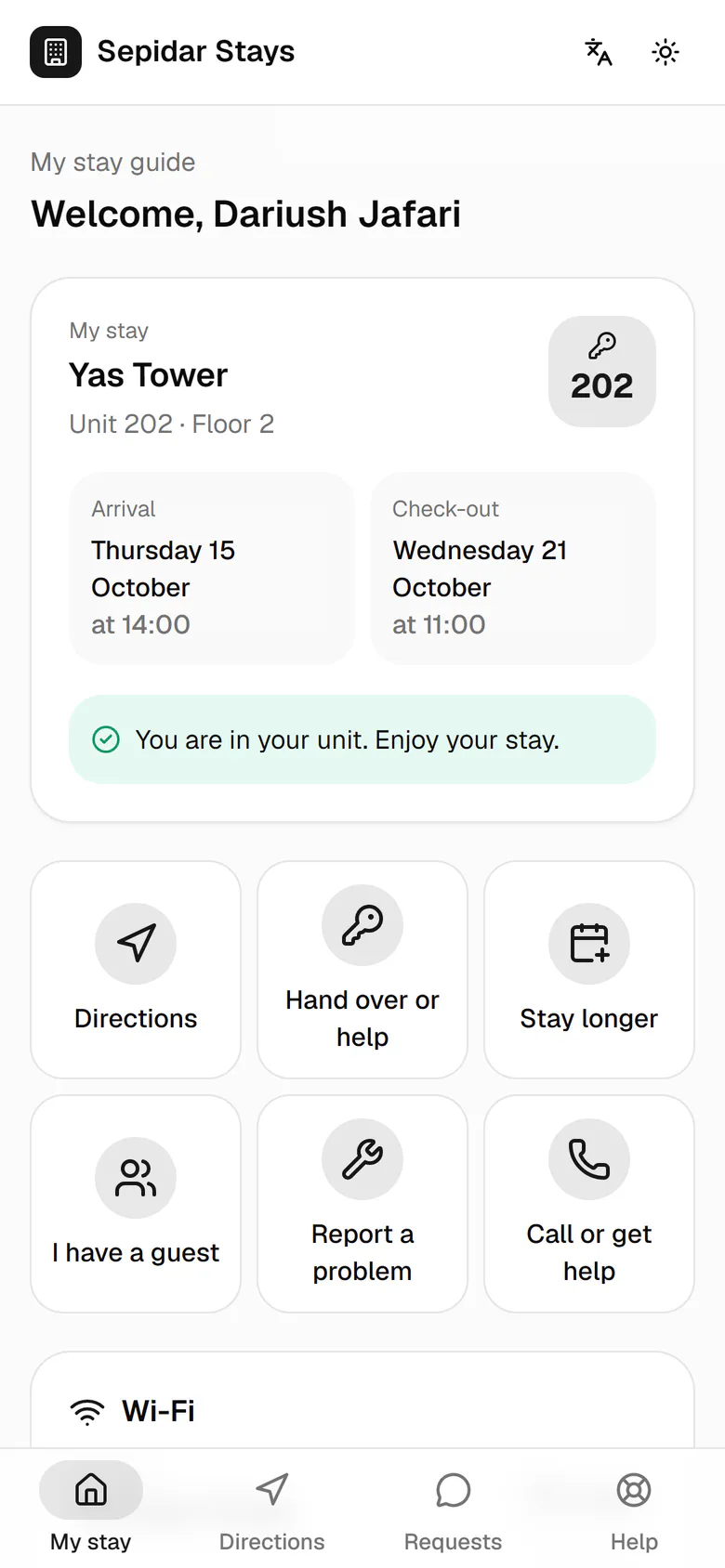
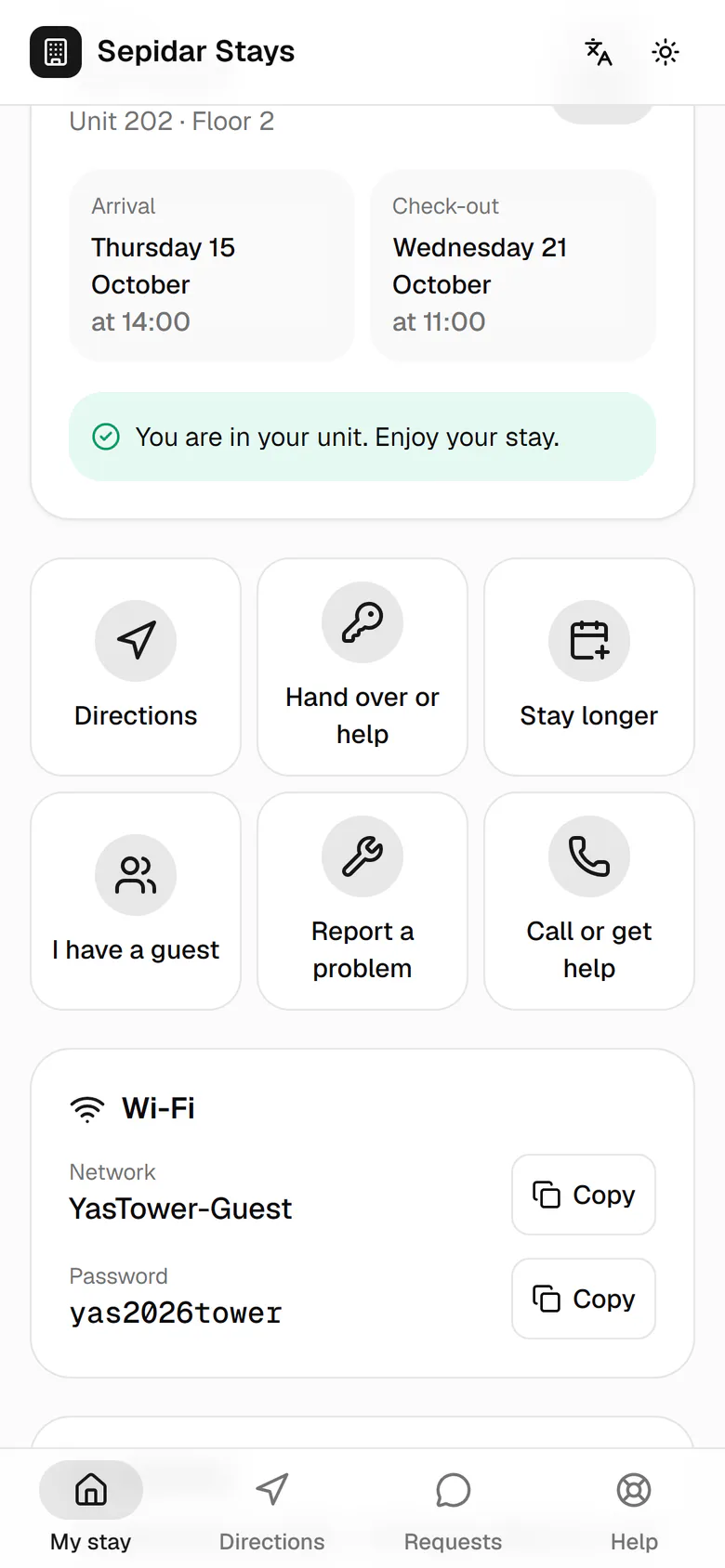
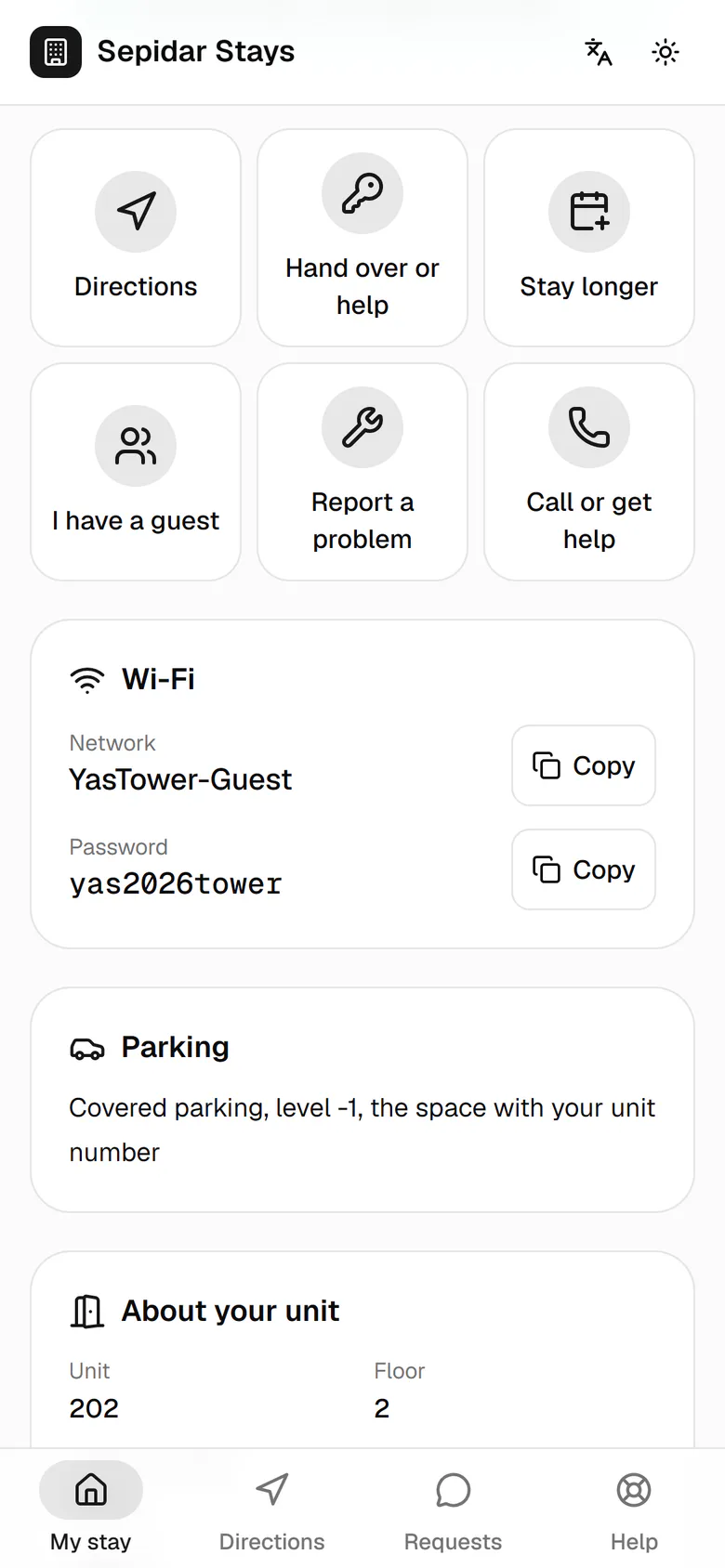
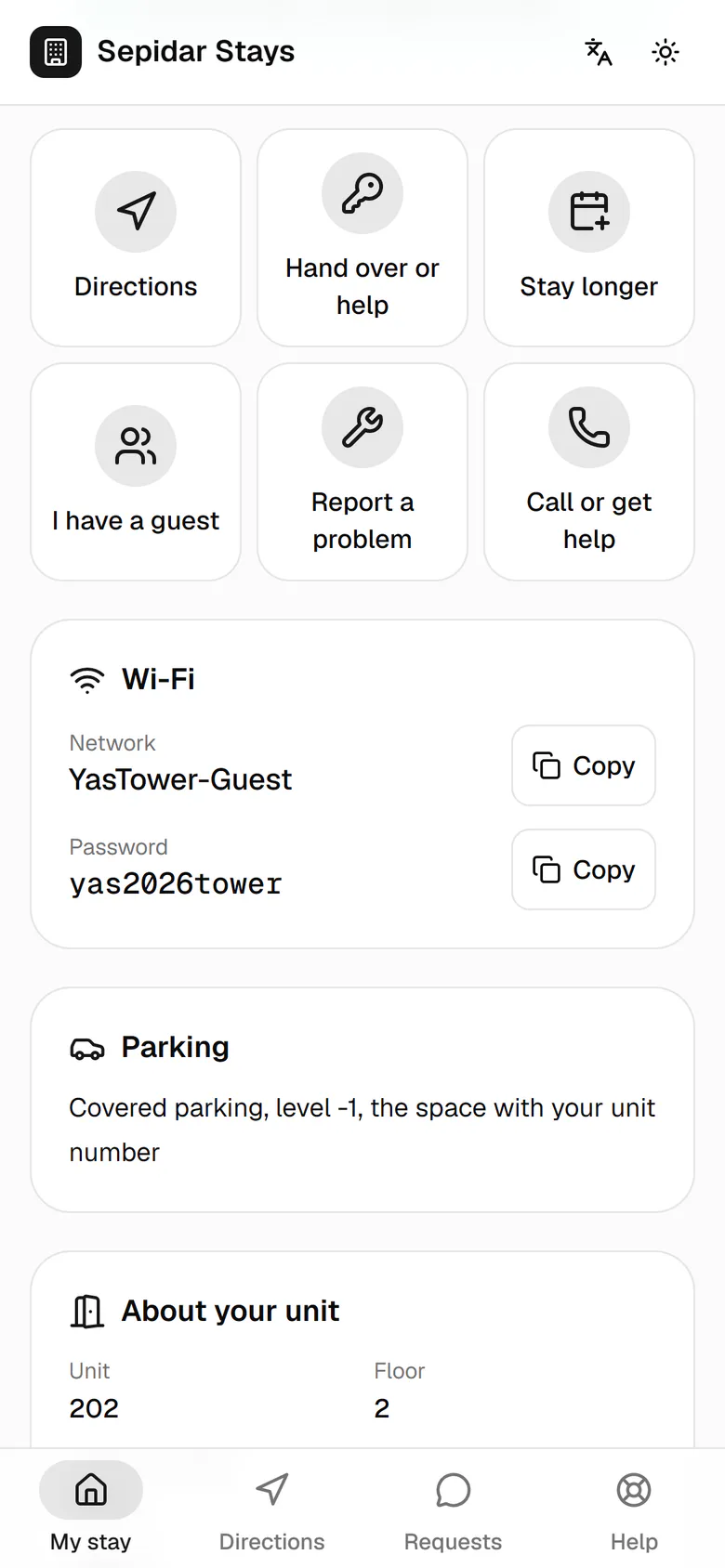
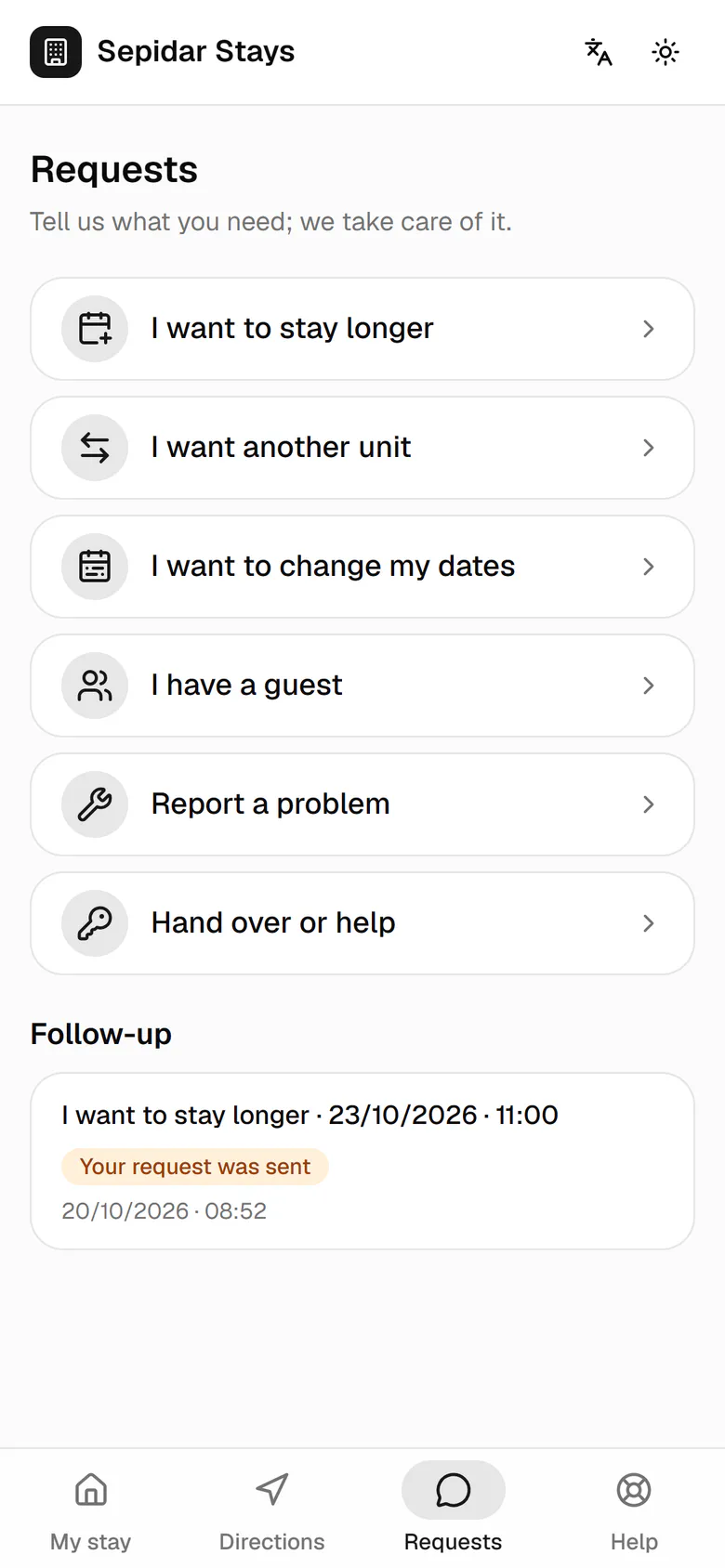
The stay card comes first: building, unit number, arrival and check-out days, and the current state.
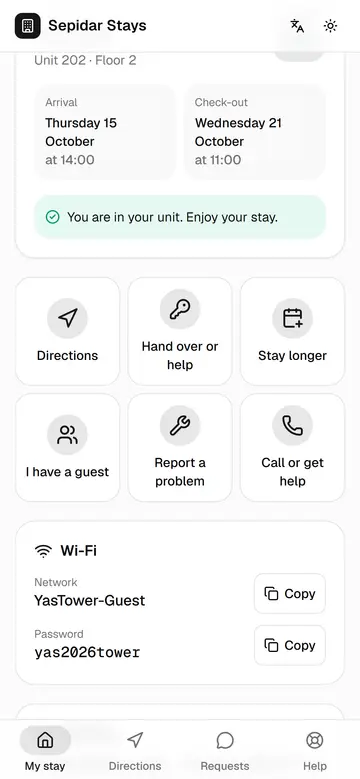
The guest's stay companion
The guest has the whole stay on their own phone, from the unit and Wi-Fi to requests and calls, with no app to install.
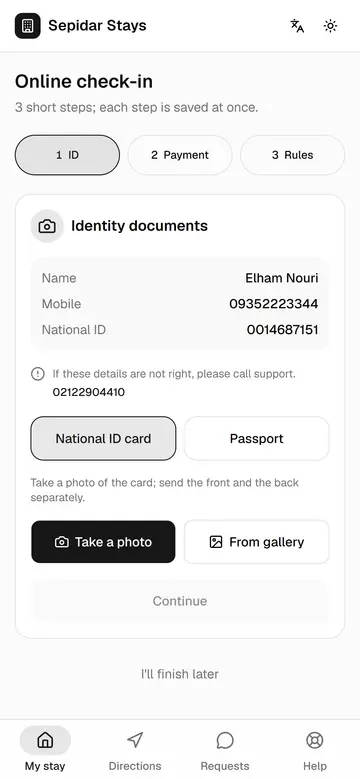
Online pre-check-in
The guest sends ID and a payment receipt and accepts the rules before arriving, so only the handover and signature remain.
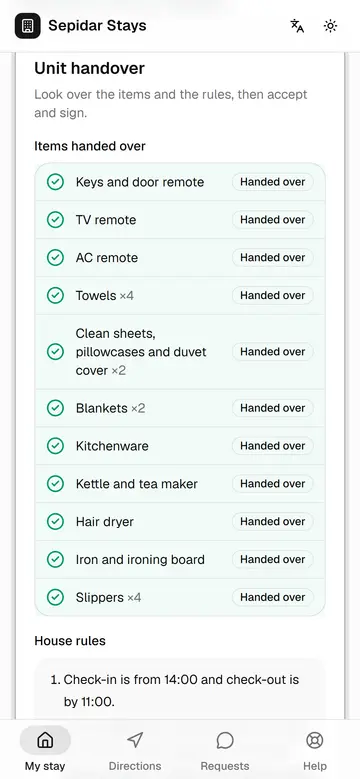
Signing the handover
The guest sees the handed-over items live on their own phone and accepts with a real signature, without paper.
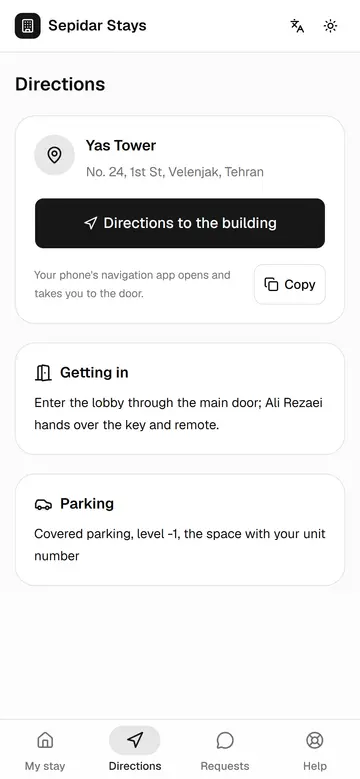
Directions to the building
The guest reaches the door with their own navigation app and calls less to ask for the address.
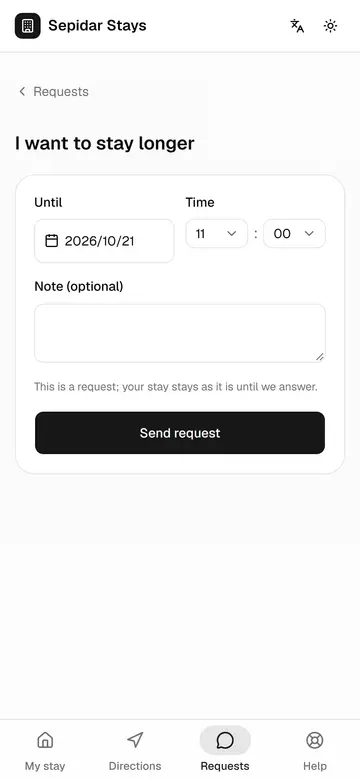
Asking to stay longer
The guest asks for an extension with an exact date, and the call center decides without calls or guesswork.
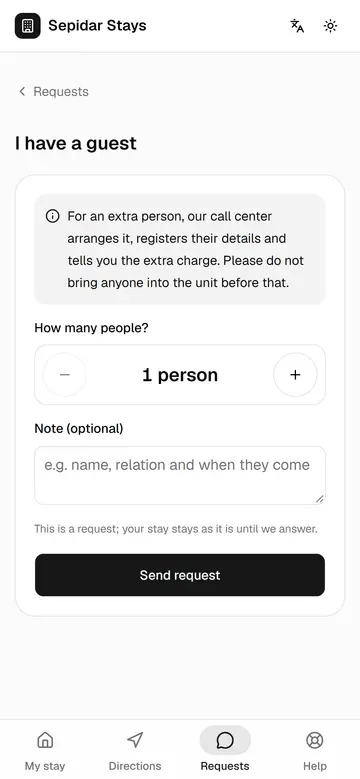
I have a guest
The guest tells us before bringing someone in, and the call center registers the extra person and the charge.
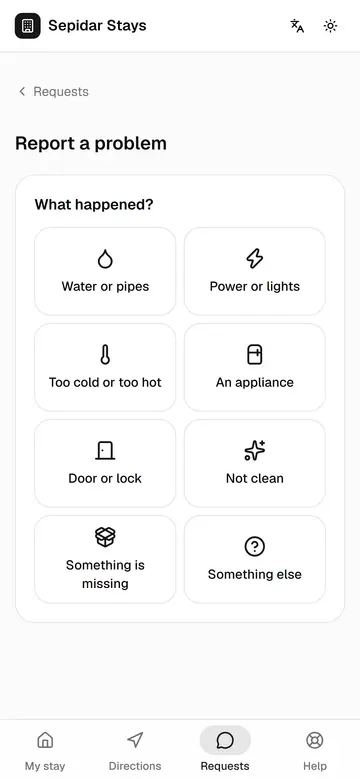
Reporting a problem
The guest reports a problem in two steps with a photo, and the case goes straight to the right team.
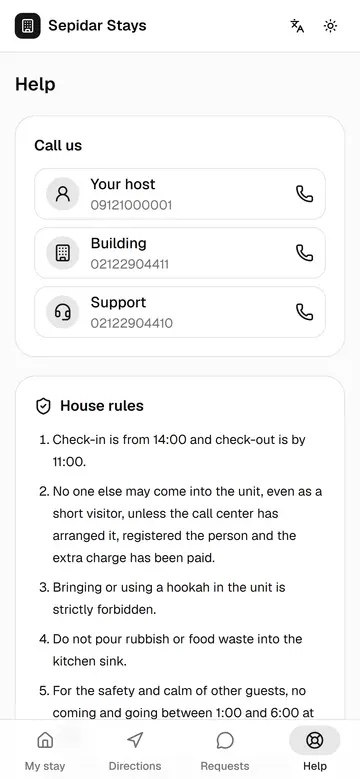
The rules during the stay
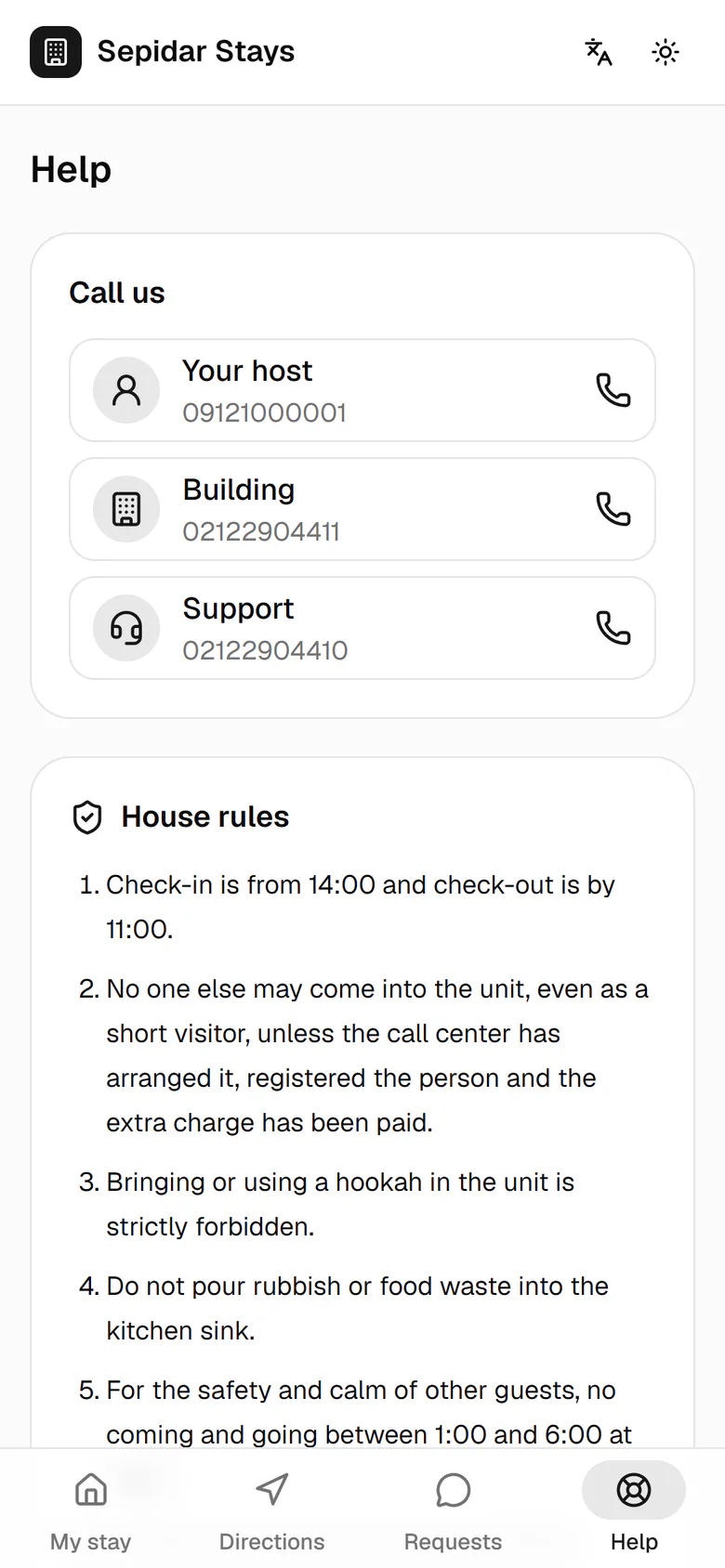
The house rules and the signed reception form stay on the guest's phone, so there are fewer misunderstandings.
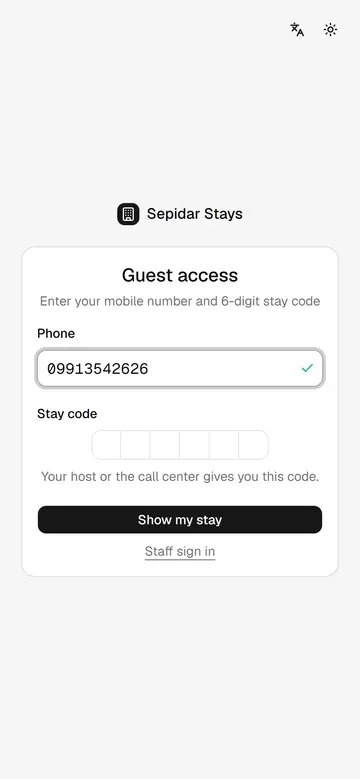
Signing in with the stay code
If the guest loses the link, their mobile number and the six-digit stay code bring the page back.
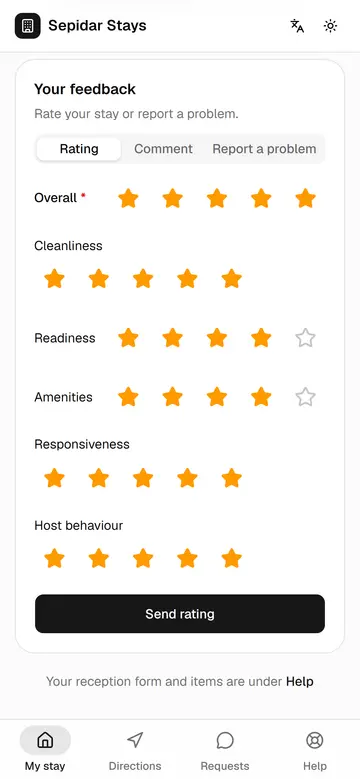
Feedback after the stay
After check-out the guest rates the stay and comments, so management can measure each building and host.