Skip to content
Mizban

Directions to the building

The guest reaches the door with their own navigation app and calls less to ask for the address.

GuestOn a phone6 steps
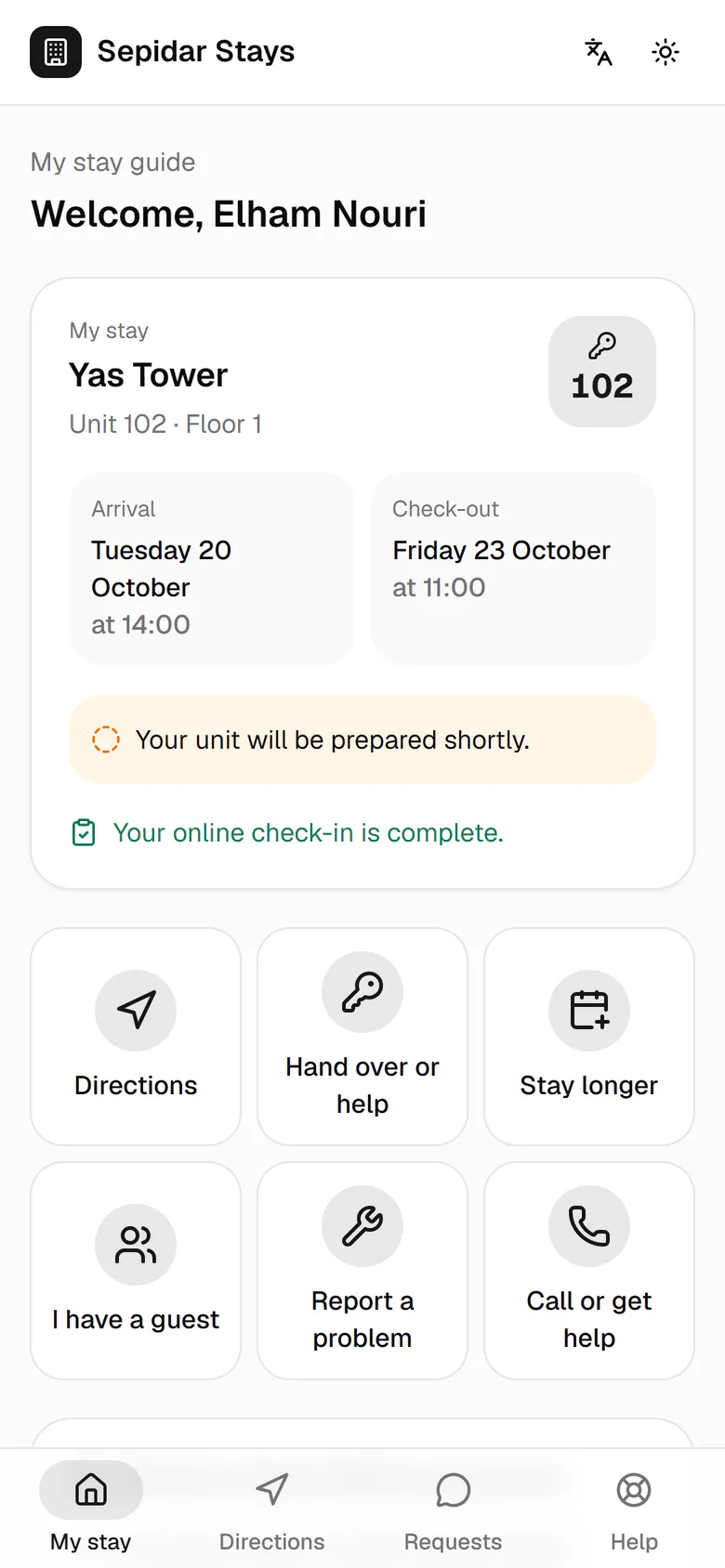
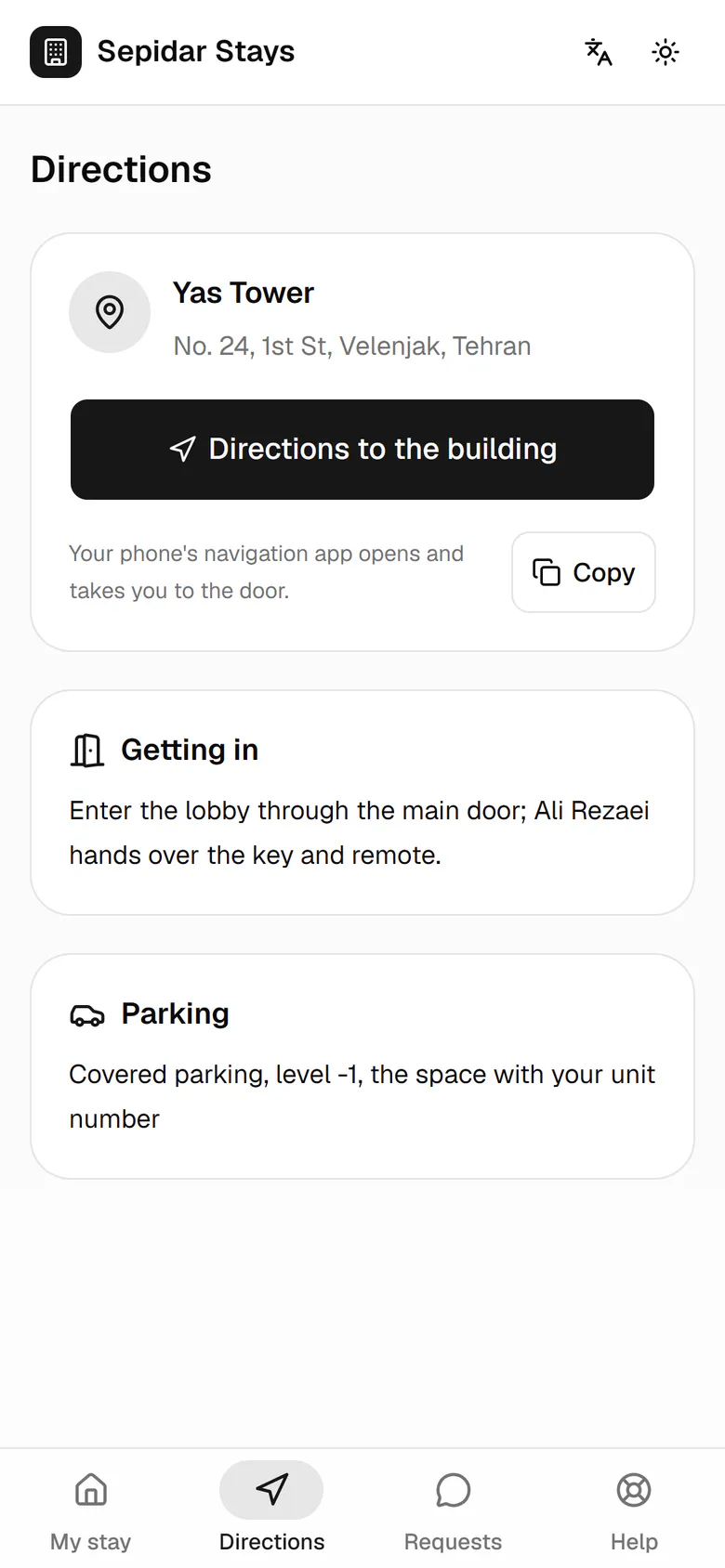
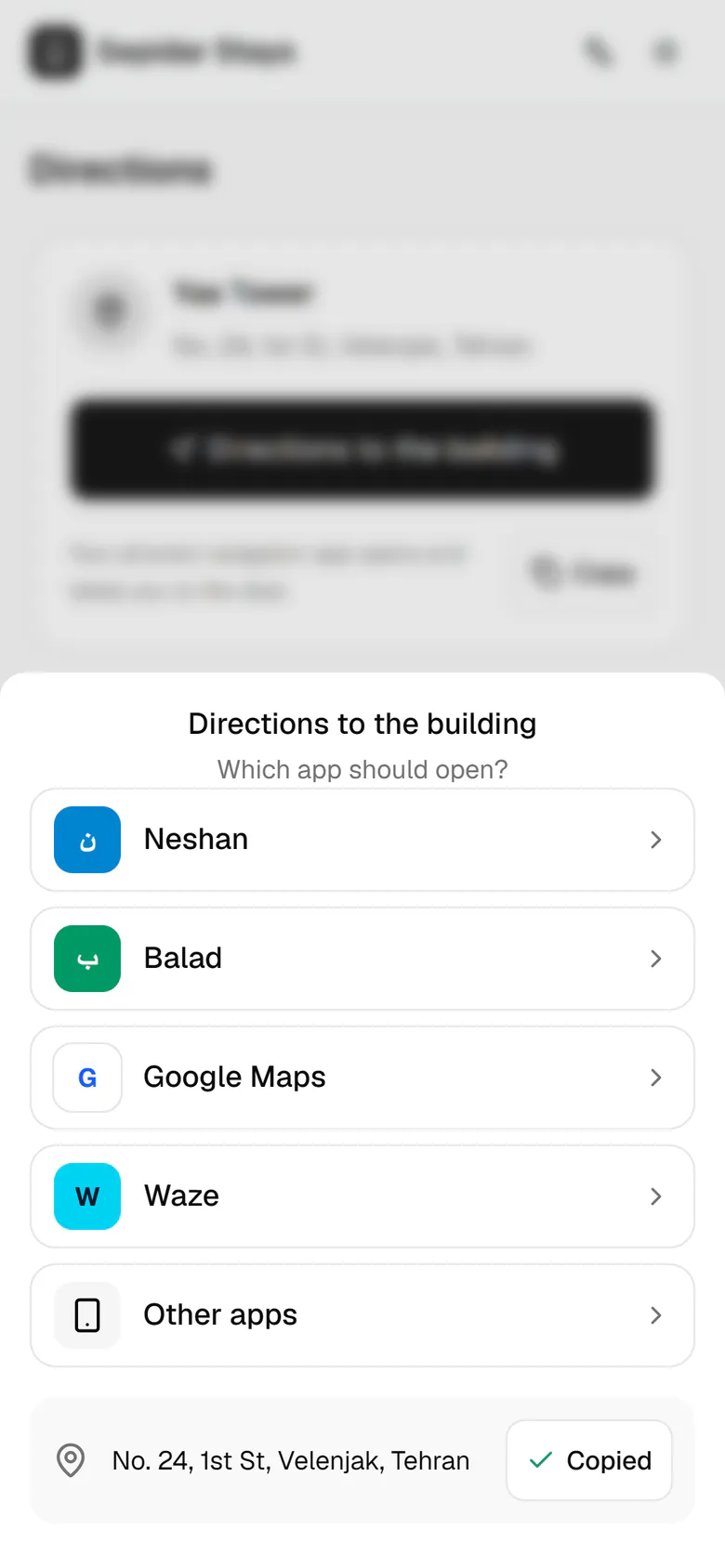
Elham is on her way and opens Directions from the bottom bar.The entry guide and parking are right here, such as who hands over the key.Directions to the building opens the list of navigation apps.Neshan, Balad, Google Maps or Waze: each opens on the building's exact location.To send the address to a driver, she copies it.The address is copied and ready to paste into a message.

Elham is on her way and opens Directions from the bottom bar.

Step by step

  1. 1

    Elham is on her way and opens Directions from the bottom bar.

    Elham is on her way and opens Directions from the bottom bar.
  2. 2

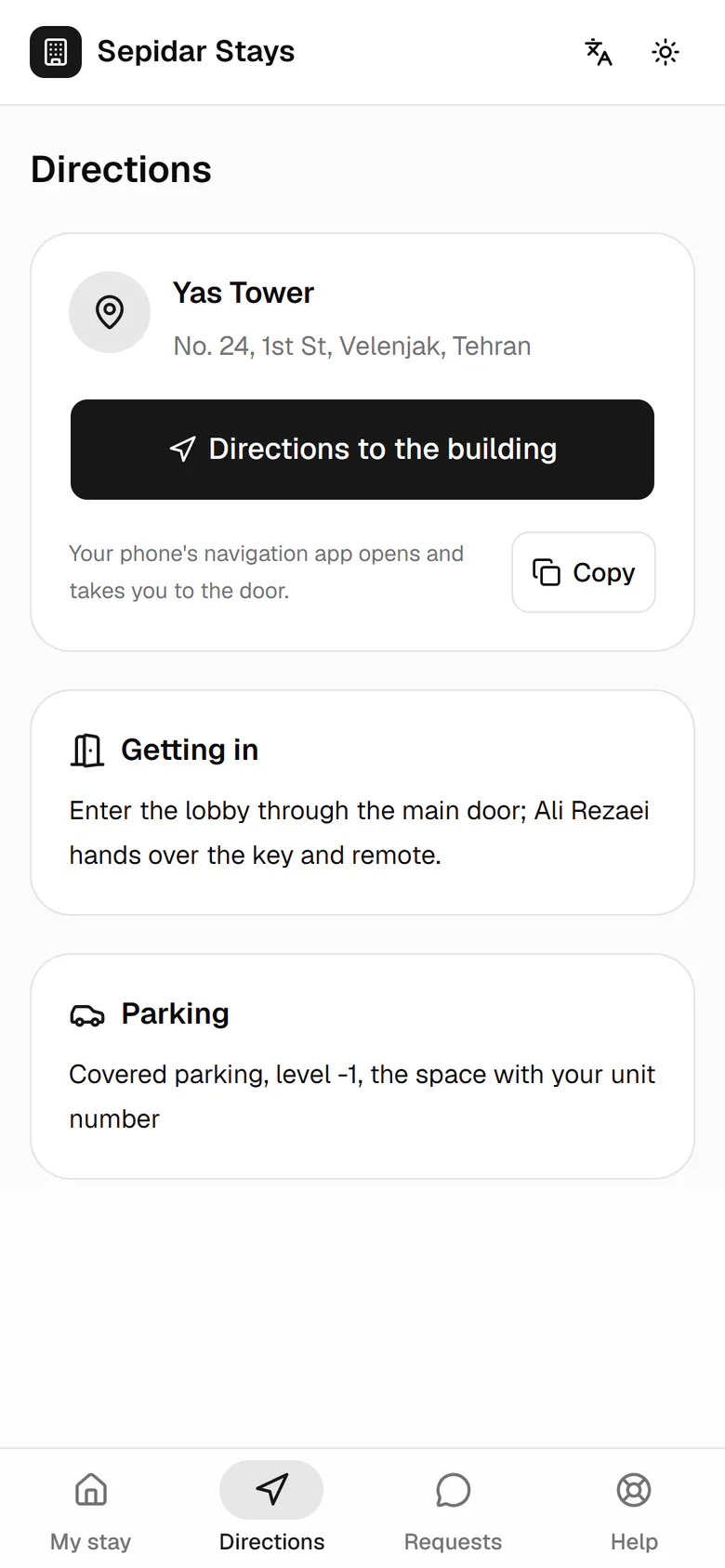
    The entry guide and parking are right here, such as who hands over the key.

    The entry guide and parking are right here, such as who hands over the key.
  3. 3

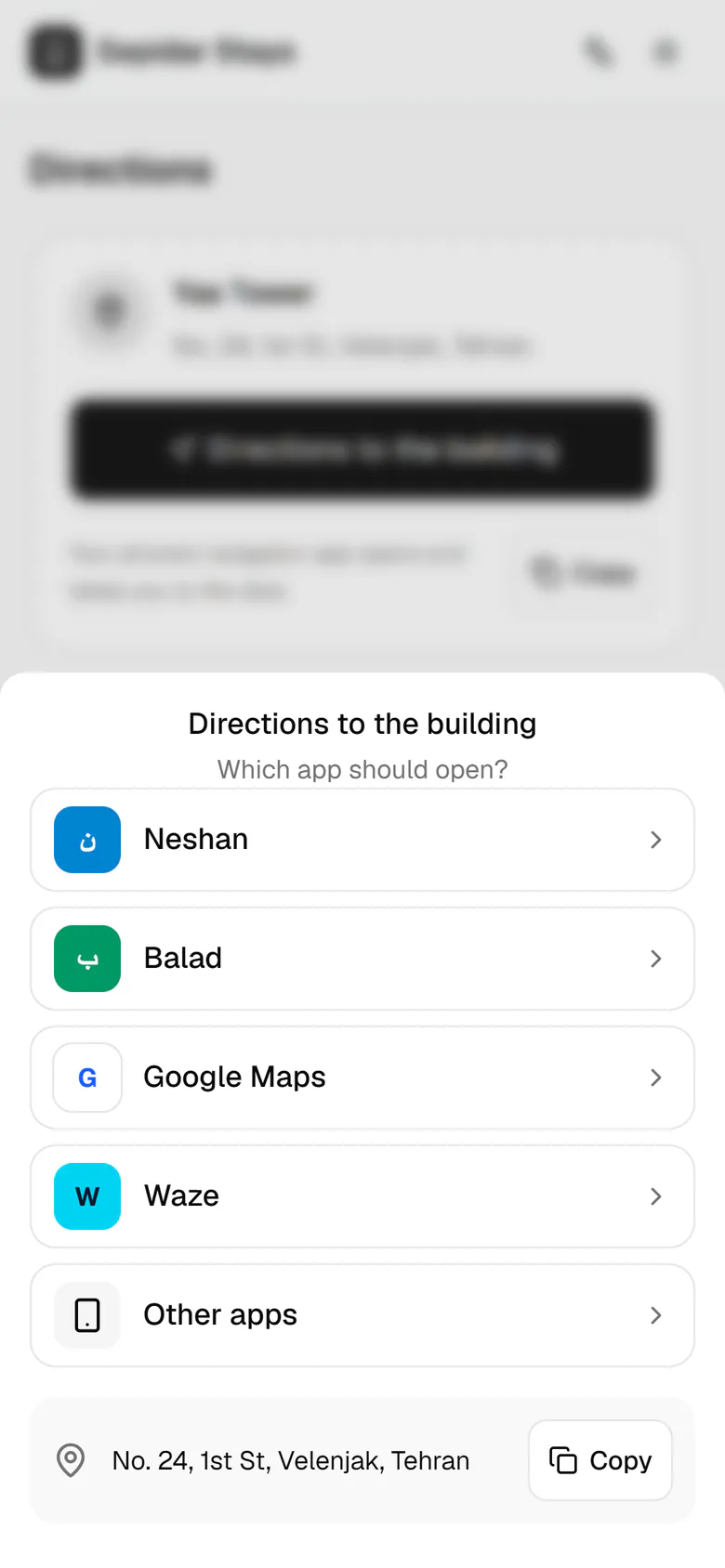
    Directions to the building opens the list of navigation apps.

    Directions to the building opens the list of navigation apps.
  4. 4

    Neshan, Balad, Google Maps or Waze: each opens on the building's exact location.

    Neshan, Balad, Google Maps or Waze: each opens on the building's exact location.
  5. 5

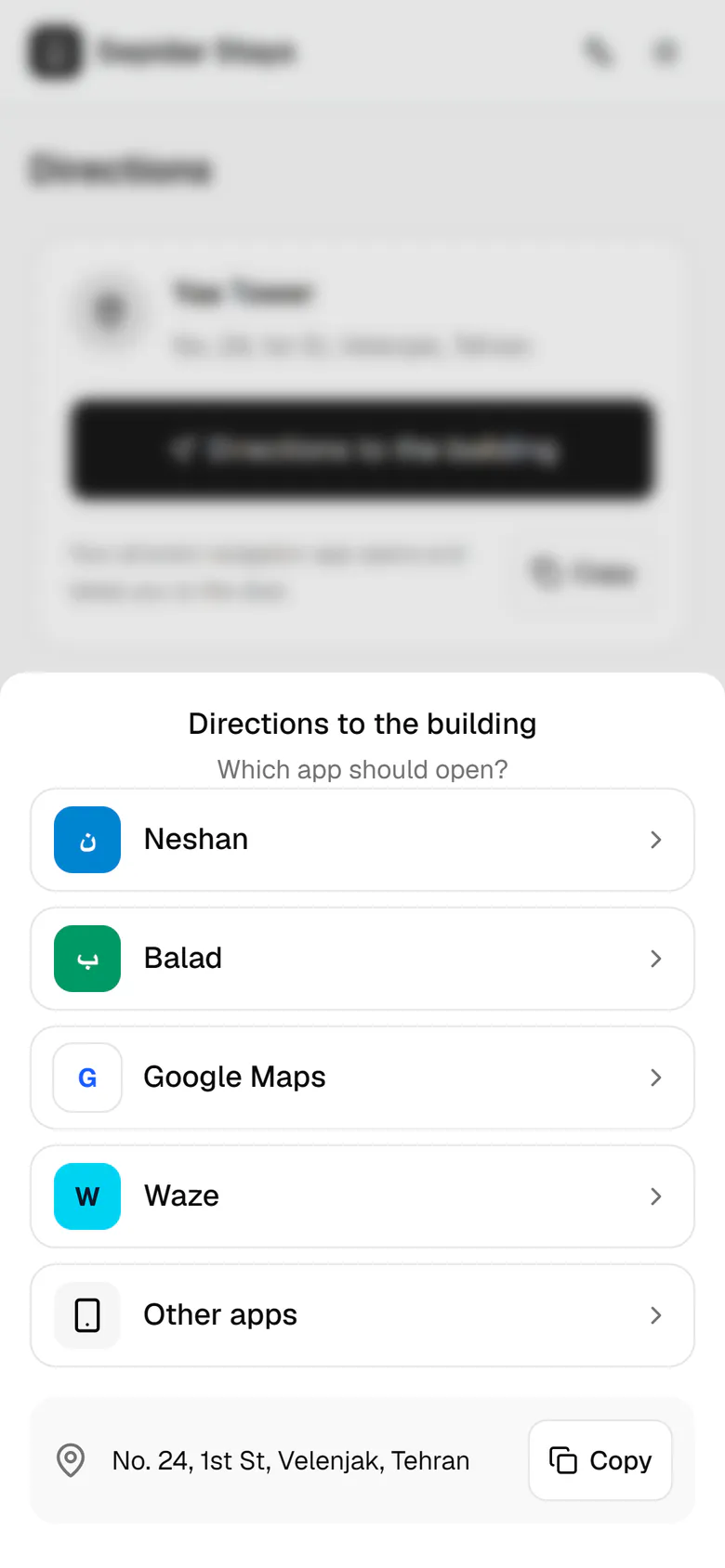
    To send the address to a driver, she copies it.

    To send the address to a driver, she copies it.
  6. 6

    The address is copied and ready to paste into a message.

    The address is copied and ready to paste into a message.