Skip to content
Mizban

Signing in with the stay code

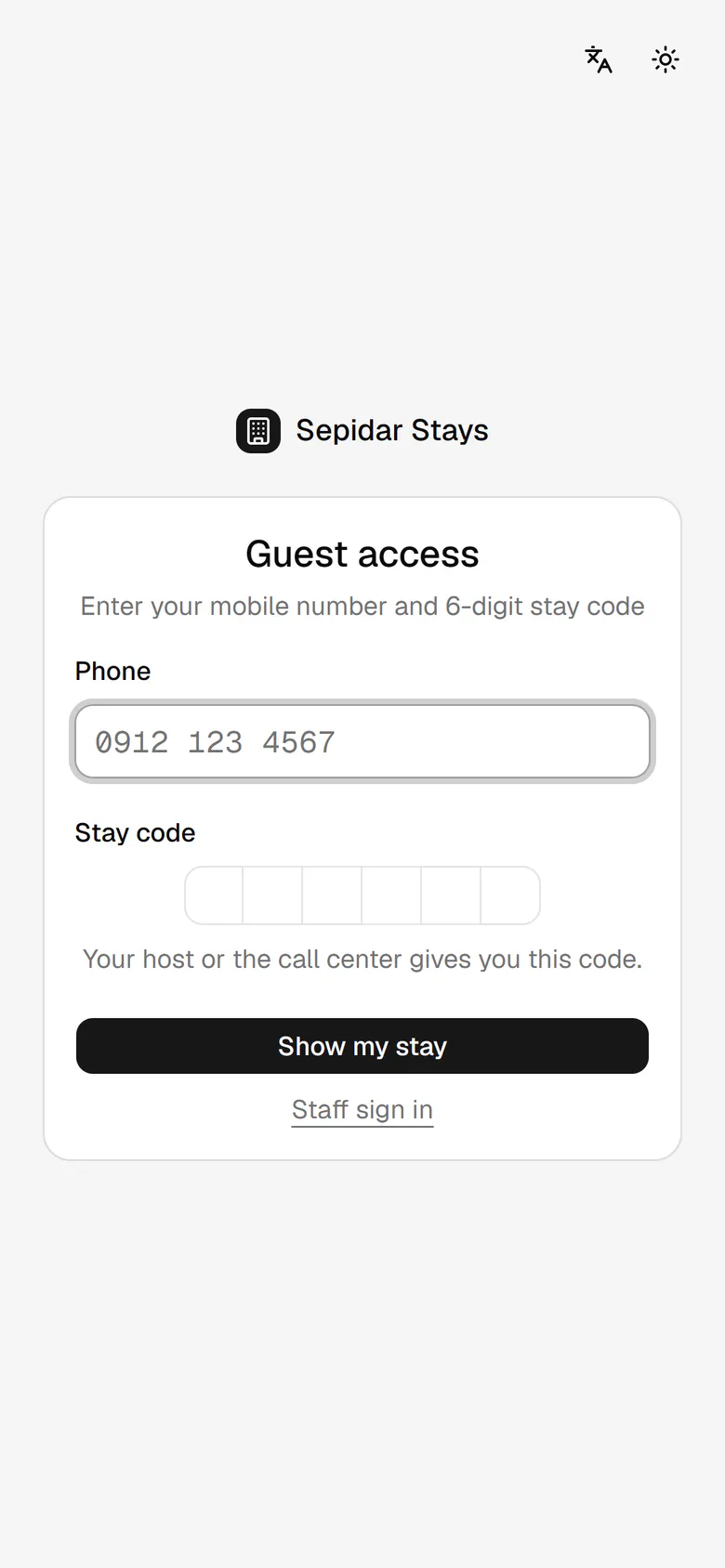
If the guest loses the link, their mobile number and the six-digit stay code bring the page back.

GuestOn a phone4 steps
The guest enters the mobile number the booking was made with.He types the six-digit stay code given by the host or the call center.This button opens his stay page.His stay companion is open again, with all his requests and details.

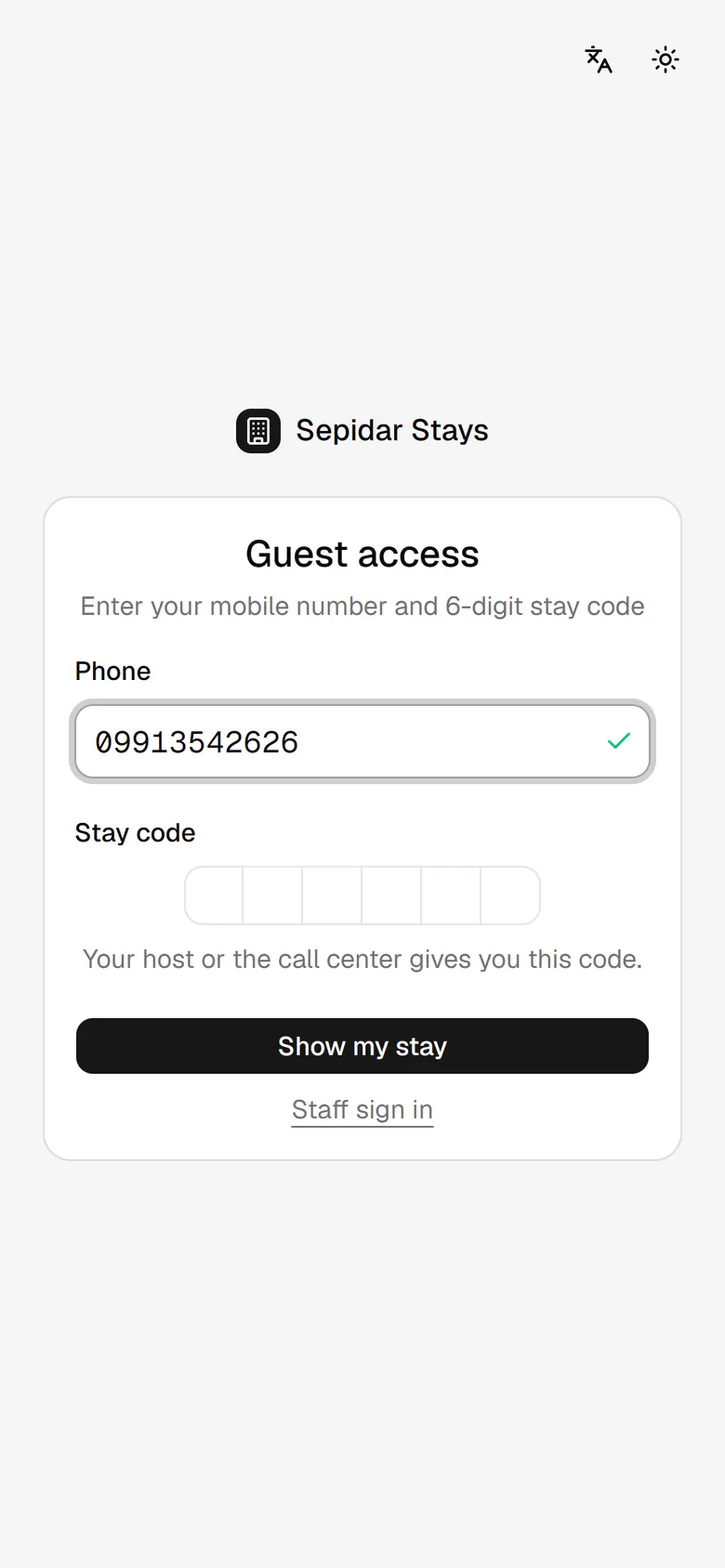
The guest enters the mobile number the booking was made with.

Step by step

  1. 1

    The guest enters the mobile number the booking was made with.

    The guest enters the mobile number the booking was made with.
  2. 2

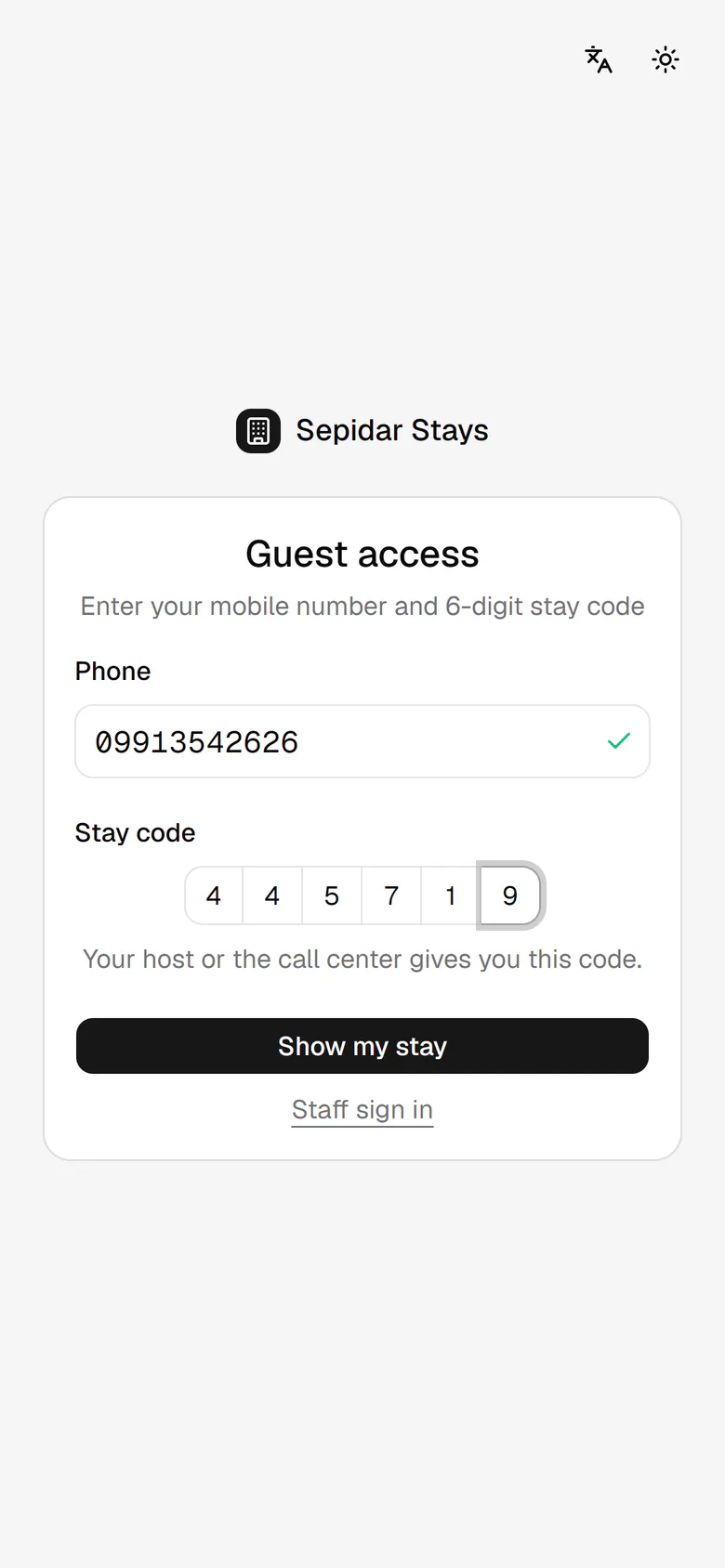
    He types the six-digit stay code given by the host or the call center.

    He types the six-digit stay code given by the host or the call center.
  3. 3

    This button opens his stay page.

    This button opens his stay page.
  4. 4

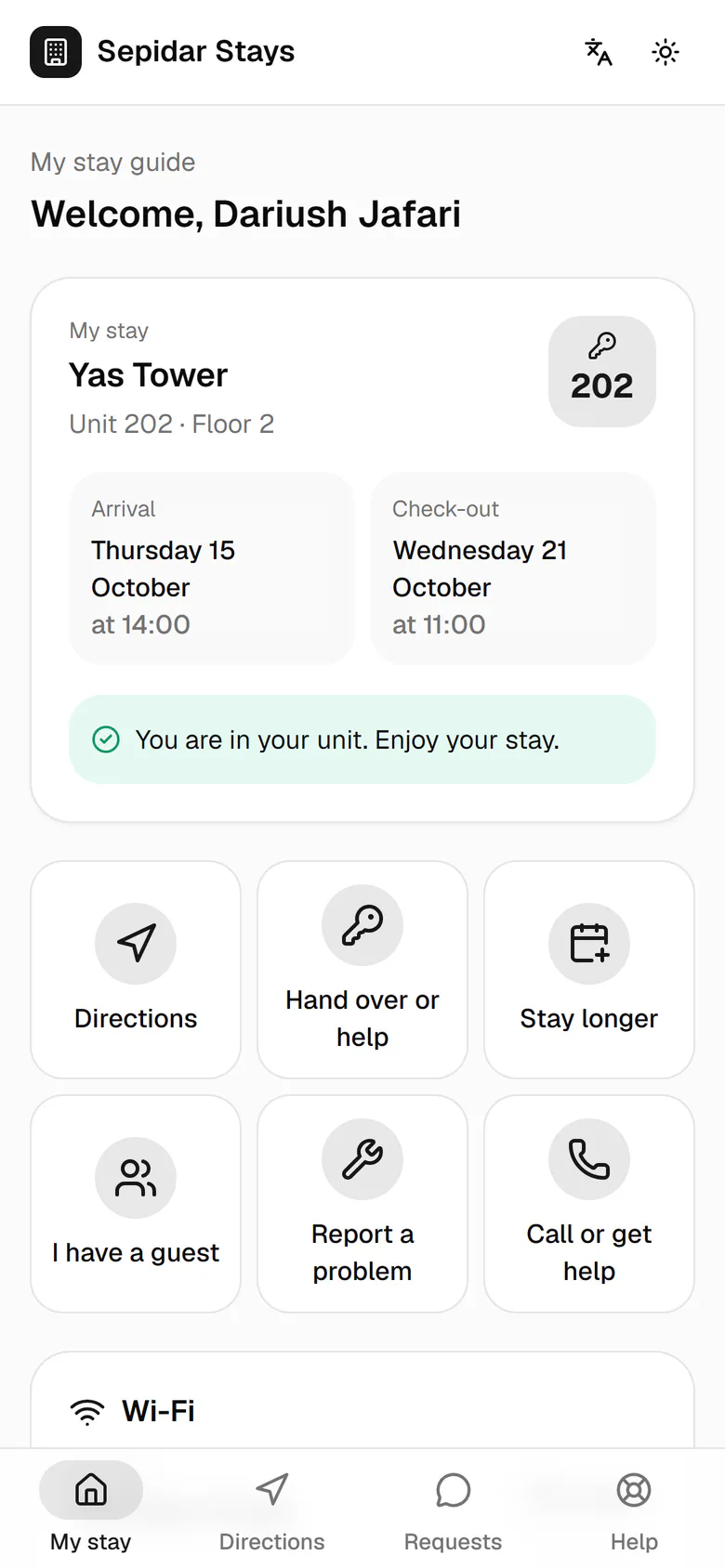
    His stay companion is open again, with all his requests and details.

    His stay companion is open again, with all his requests and details.