Skip to content
Mizban

The host's day at a glance

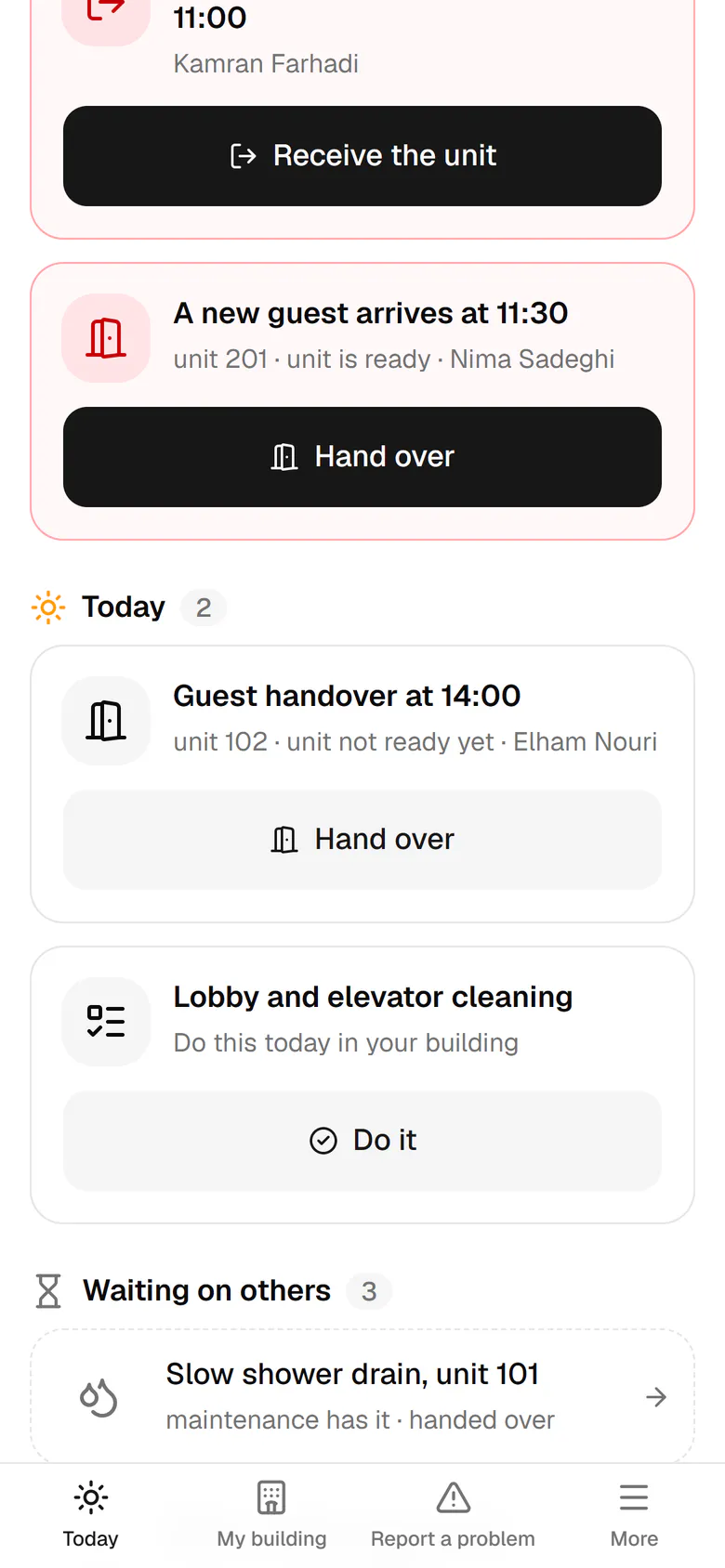
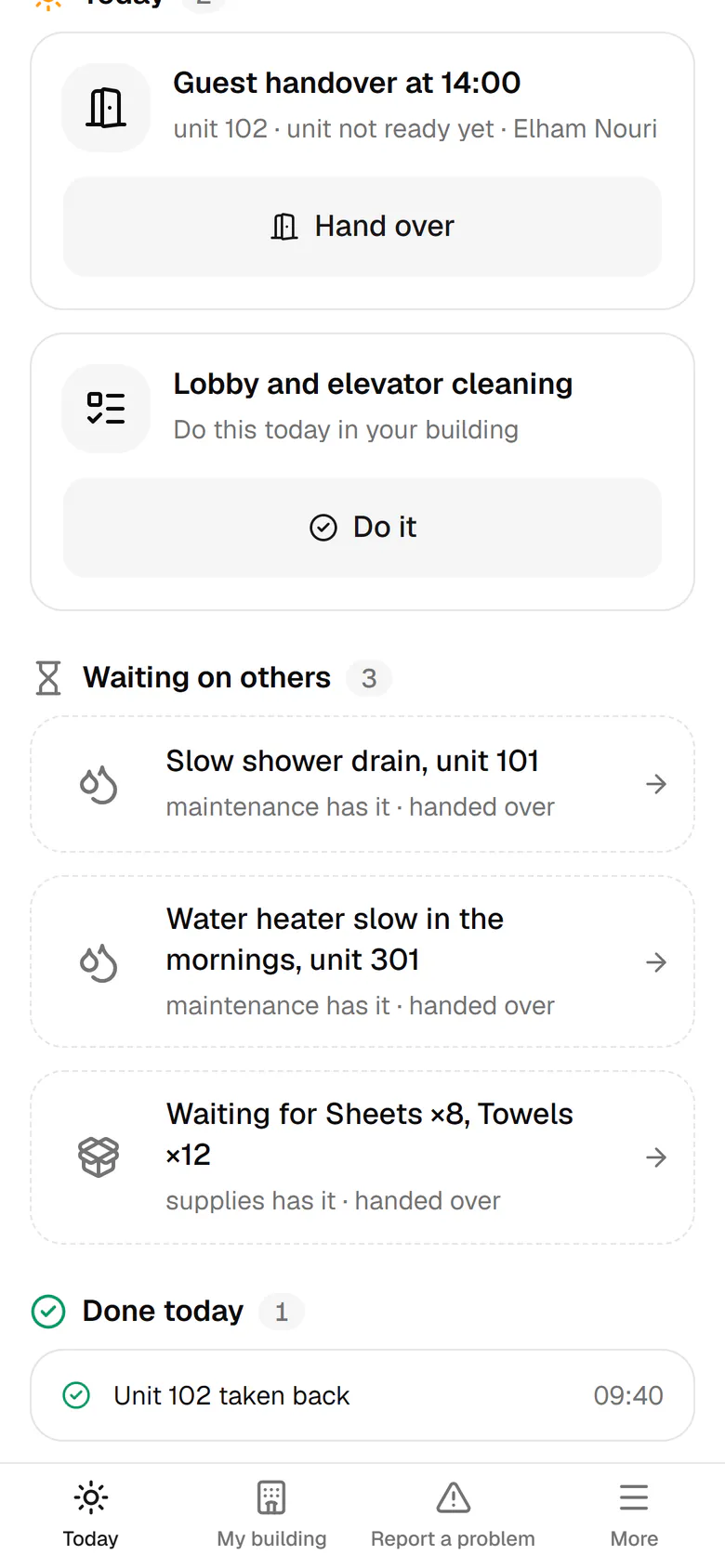
The host only sees what to do now: urgent, today, waiting on others and done today.

HostOn a phone7 steps
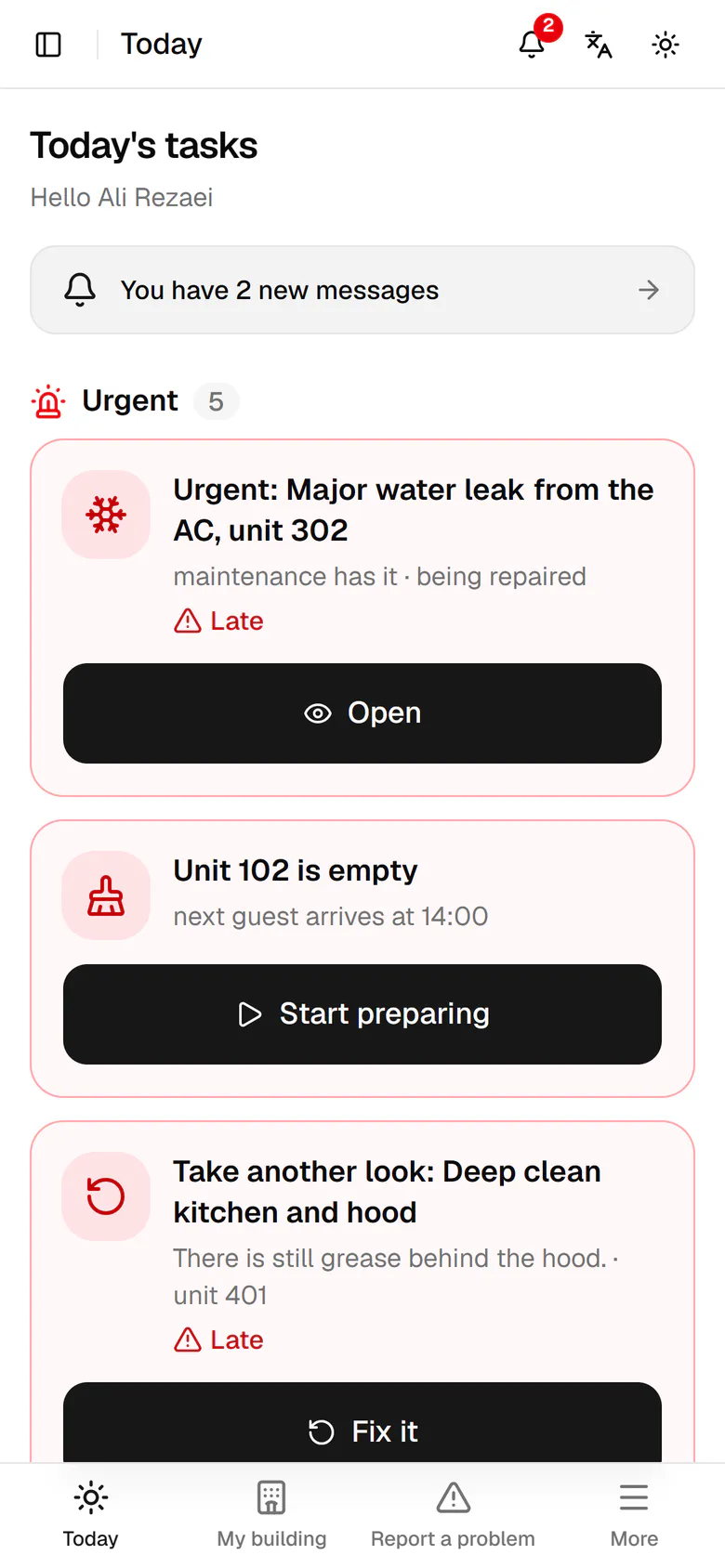
Urgent work sits at the top, each item with one big button for the next step.Today's work comes with a time and one short sentence, like a handover at 14:00.Work in the hands of maintenance or procurement is listed apart, so you know it is moving.What you finished today is listed at the bottom with the exact time.Open the More menu to see every report you have made.Tap My cases to see your reports and the work given to you.Each case says who has it and how far it got, with no technical terms.

Urgent work sits at the top, each item with one big button for the next step.

Step by step

  1. 1

    Urgent work sits at the top, each item with one big button for the next step.

    Urgent work sits at the top, each item with one big button for the next step.
  2. 2

    Today's work comes with a time and one short sentence, like a handover at 14:00.

    Today's work comes with a time and one short sentence, like a handover at 14:00.
  3. 3

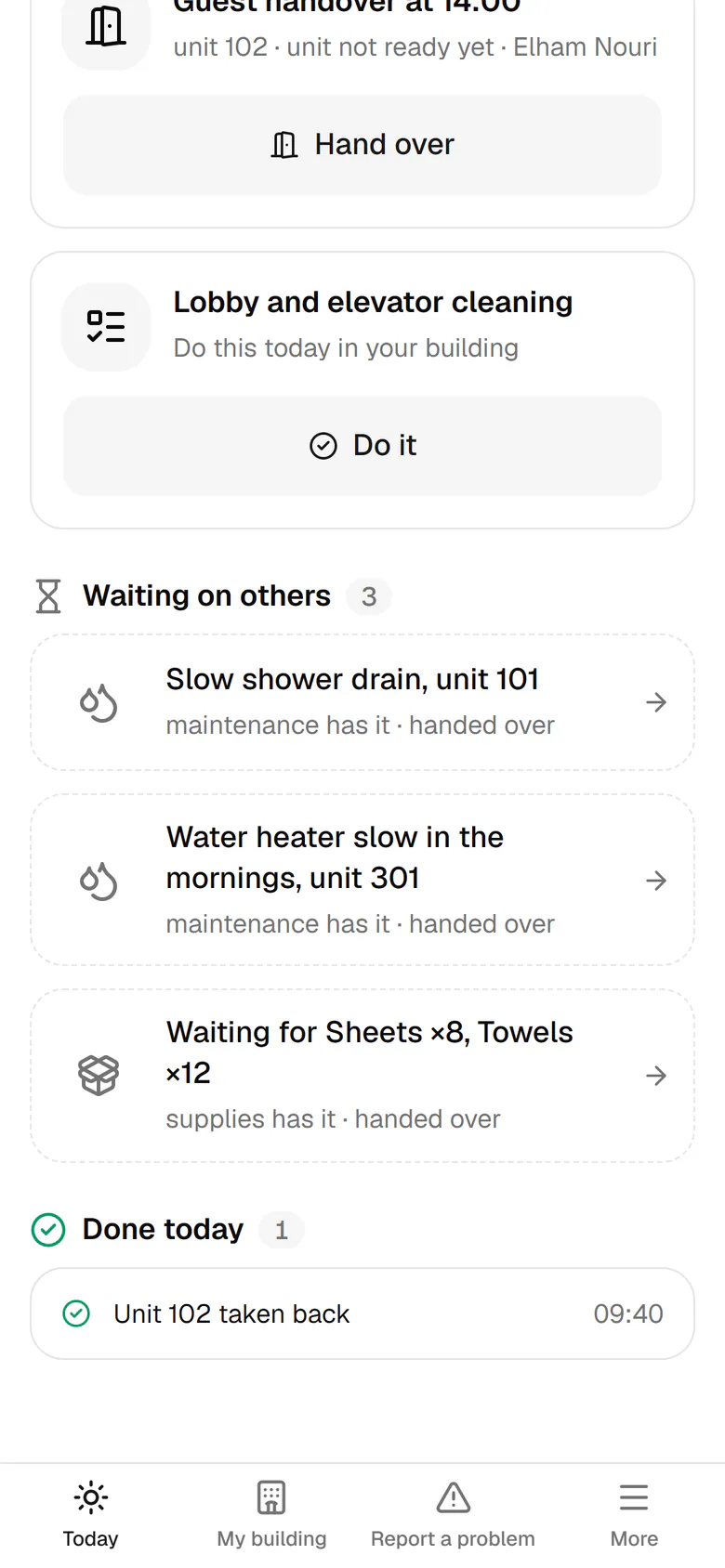
    Work in the hands of maintenance or procurement is listed apart, so you know it is moving.

    Work in the hands of maintenance or procurement is listed apart, so you know it is moving.
  4. 4

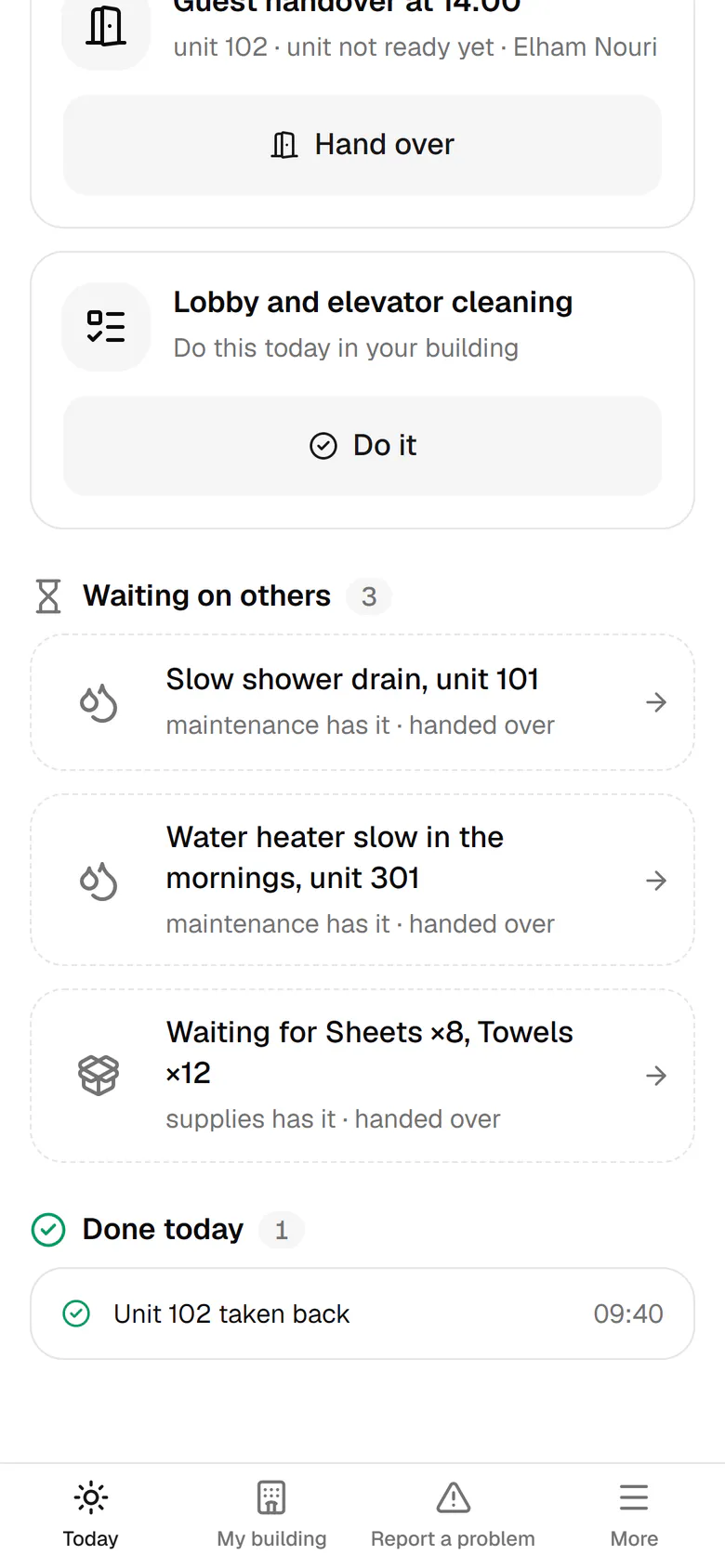
    What you finished today is listed at the bottom with the exact time.

    What you finished today is listed at the bottom with the exact time.
  5. 5

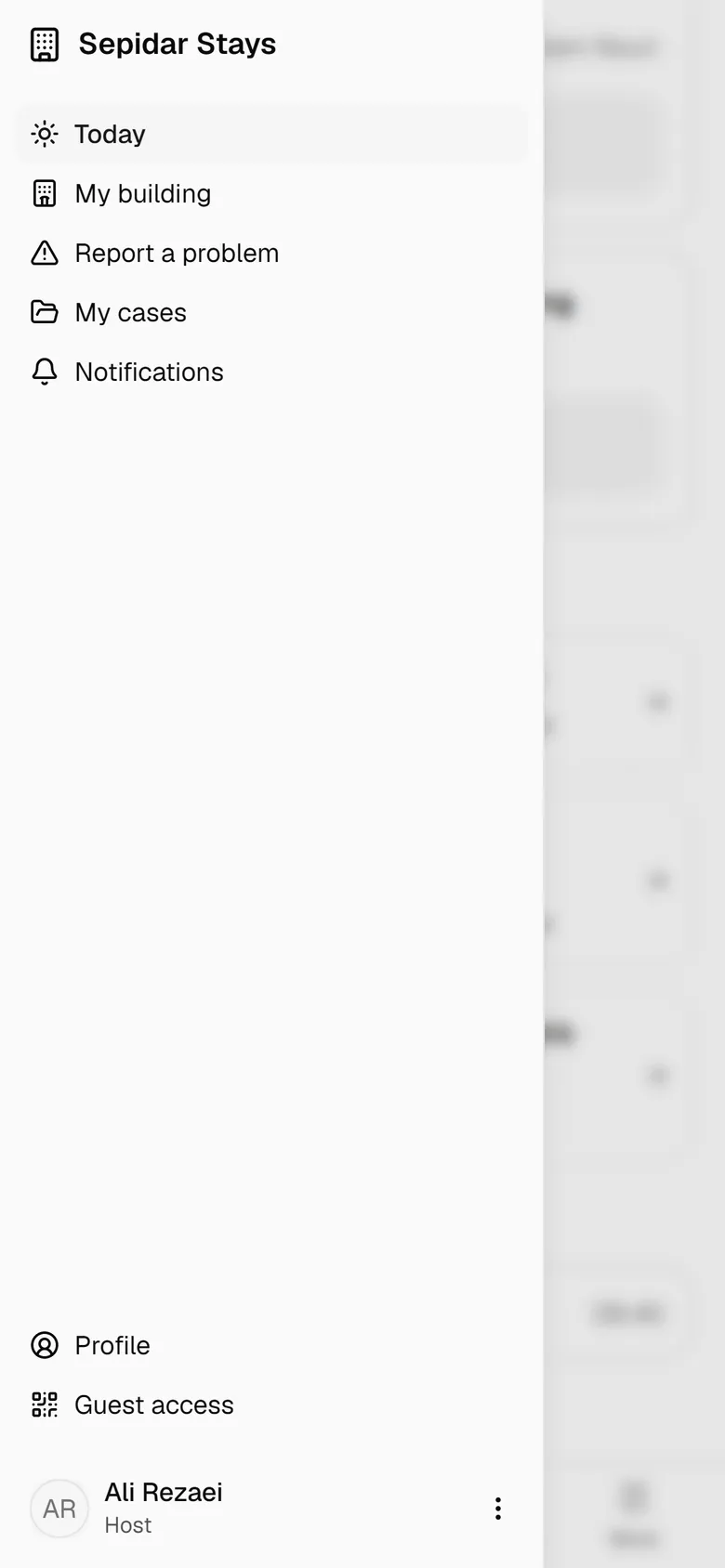
    Open the More menu to see every report you have made.

    Open the More menu to see every report you have made.
  6. 6

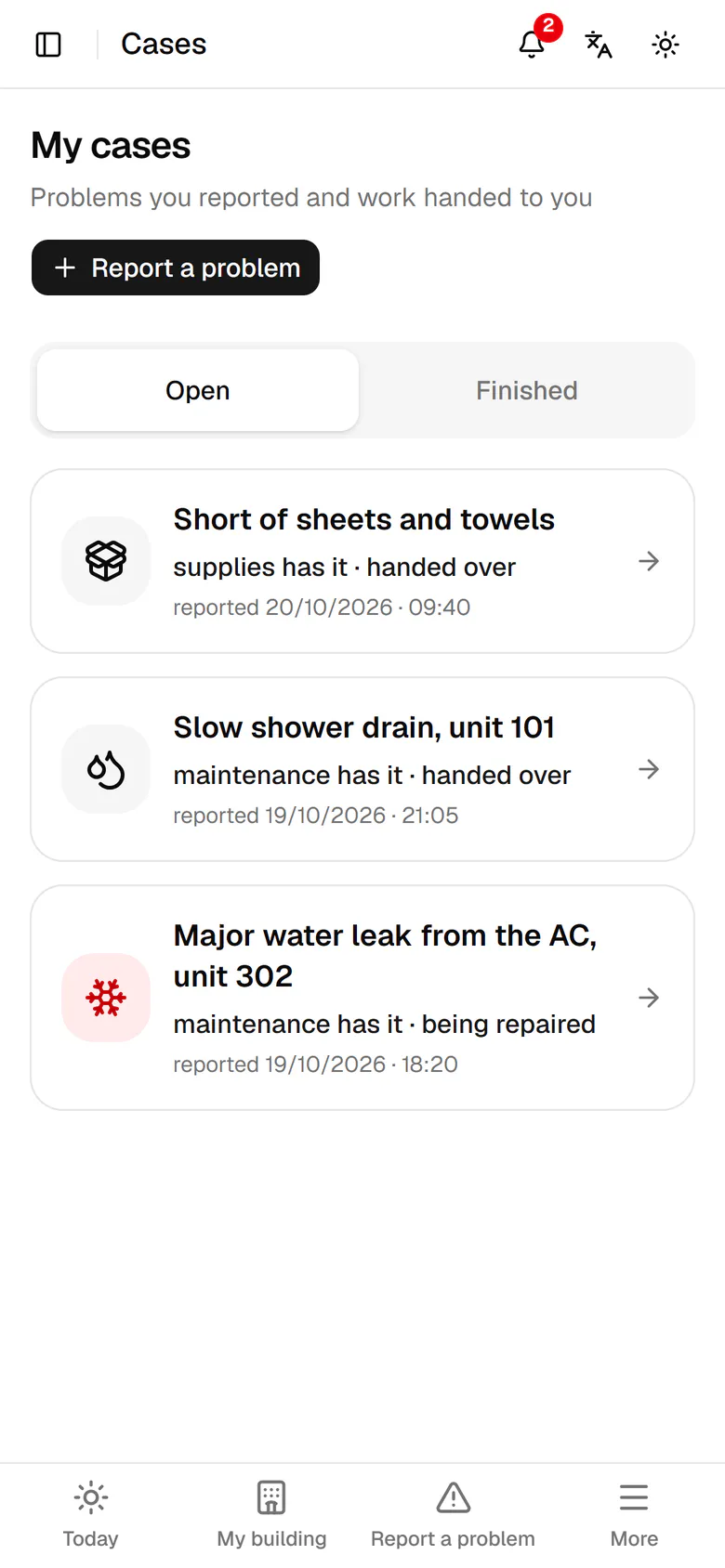
    Tap My cases to see your reports and the work given to you.

    Tap My cases to see your reports and the work given to you.
  7. 7

    Each case says who has it and how far it got, with no technical terms.

    Each case says who has it and how far it got, with no technical terms.