Host
Runs the building day on a phone; the screen shows the next action, never the structure of the system.
The host's day at a glance
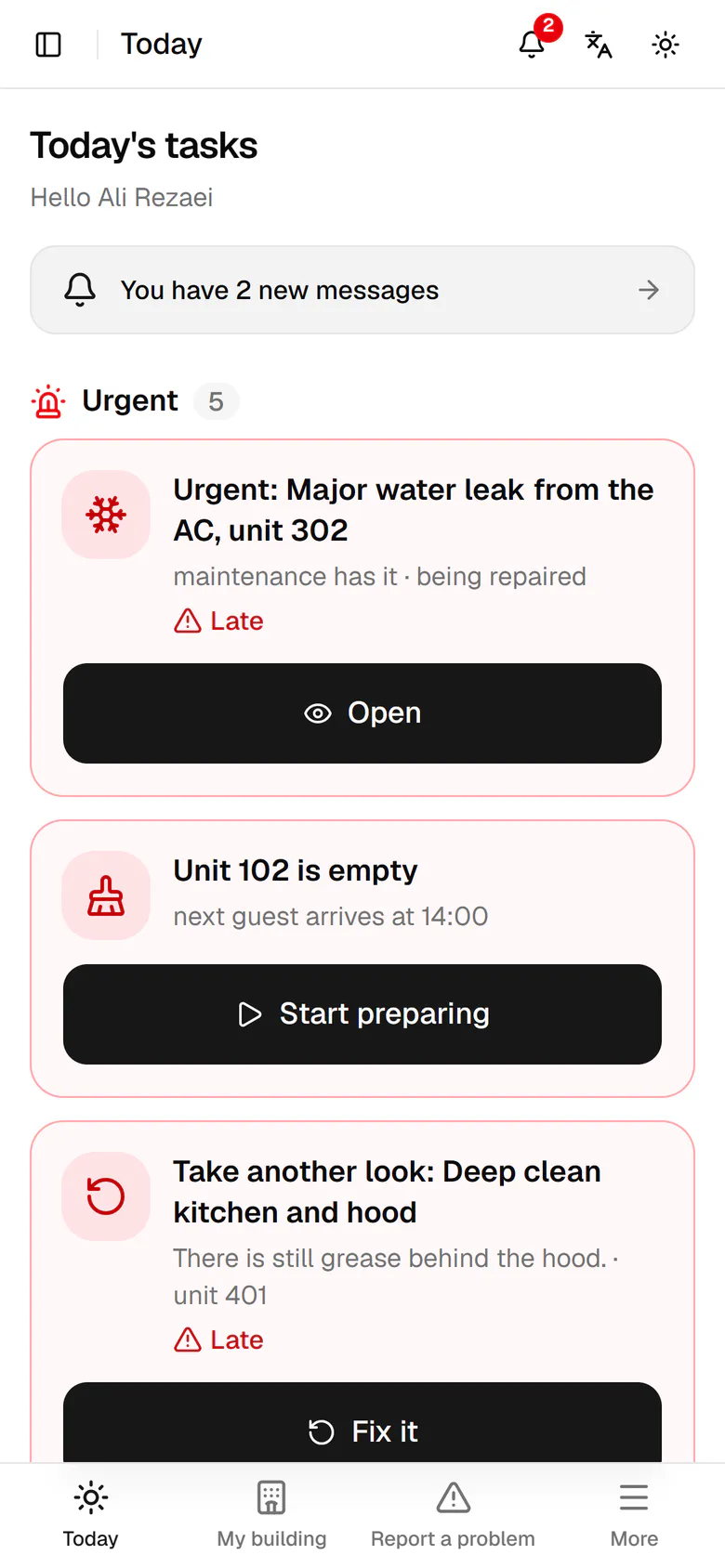
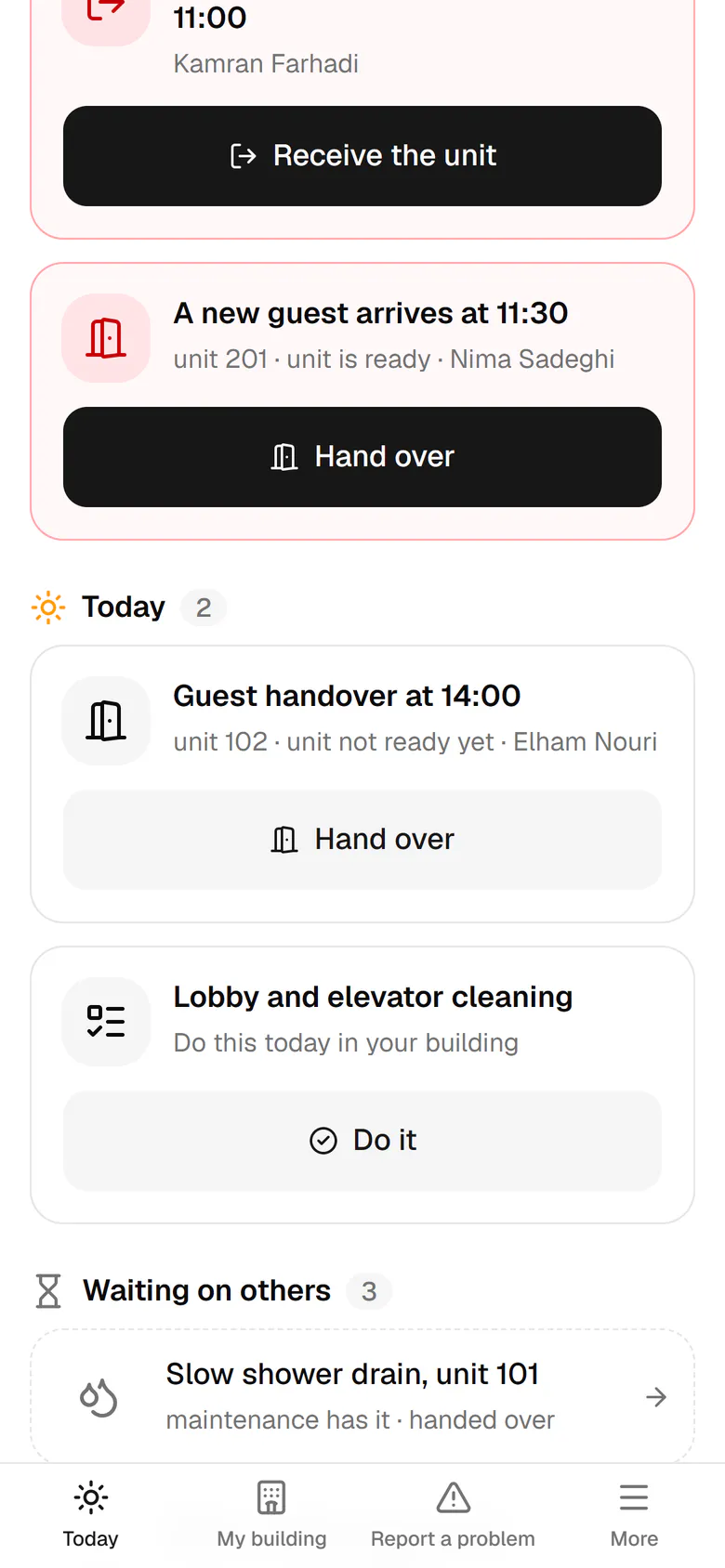
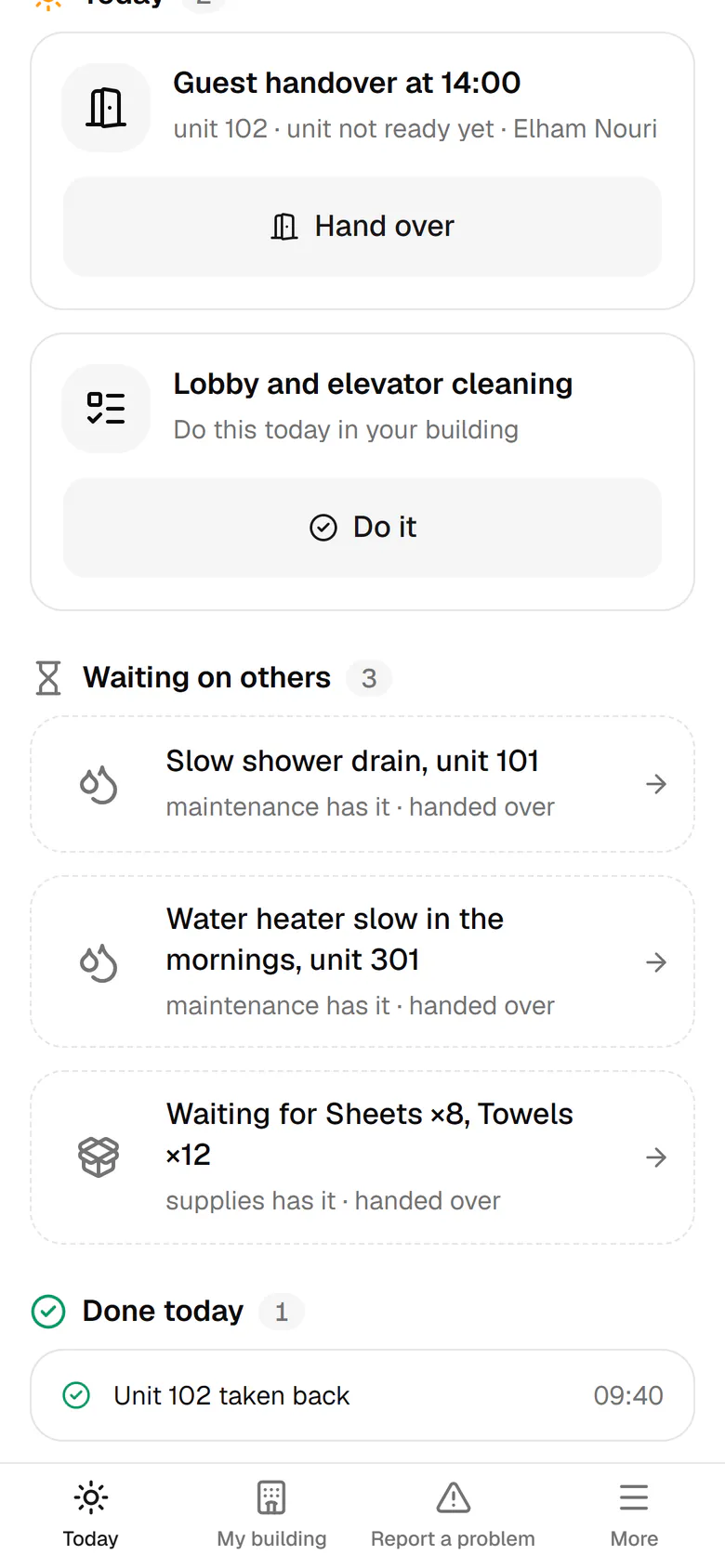
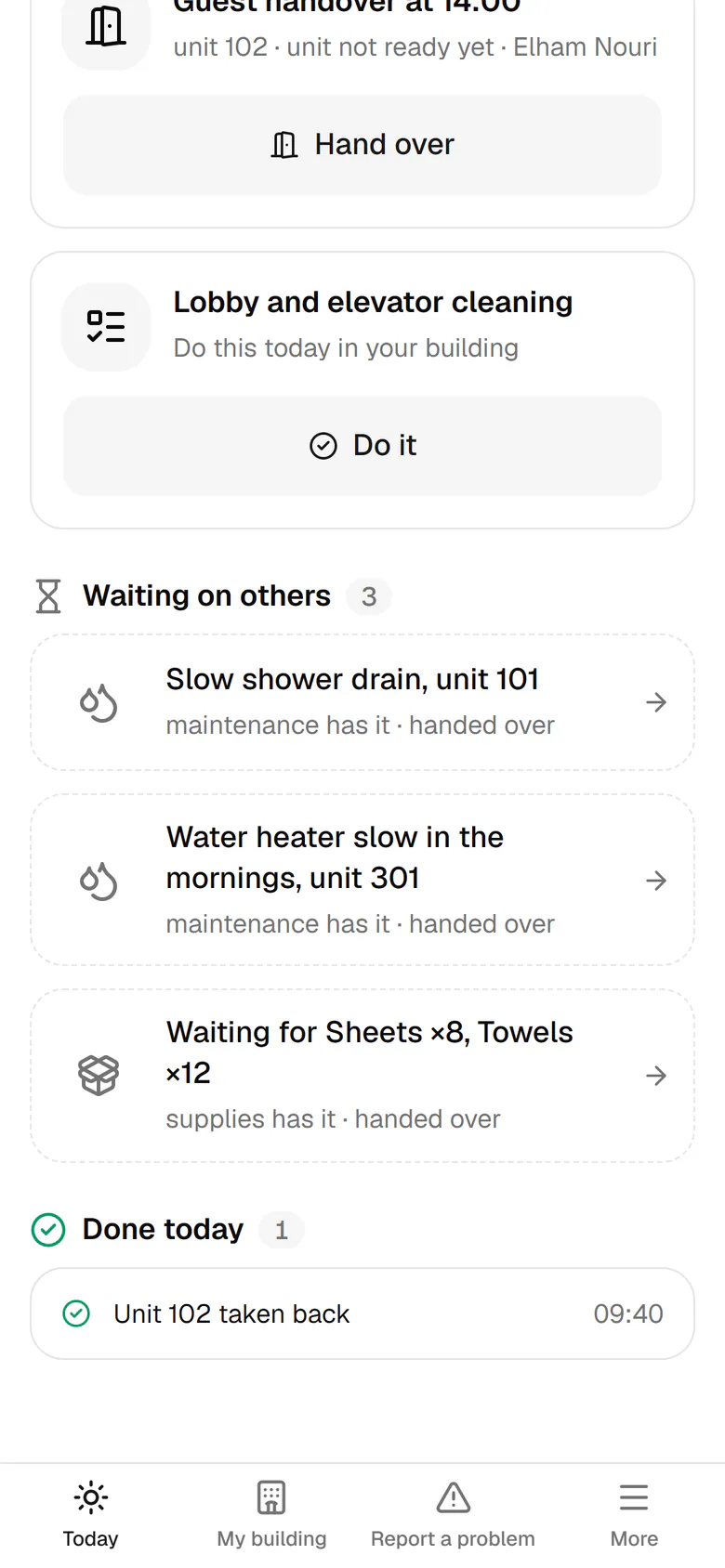
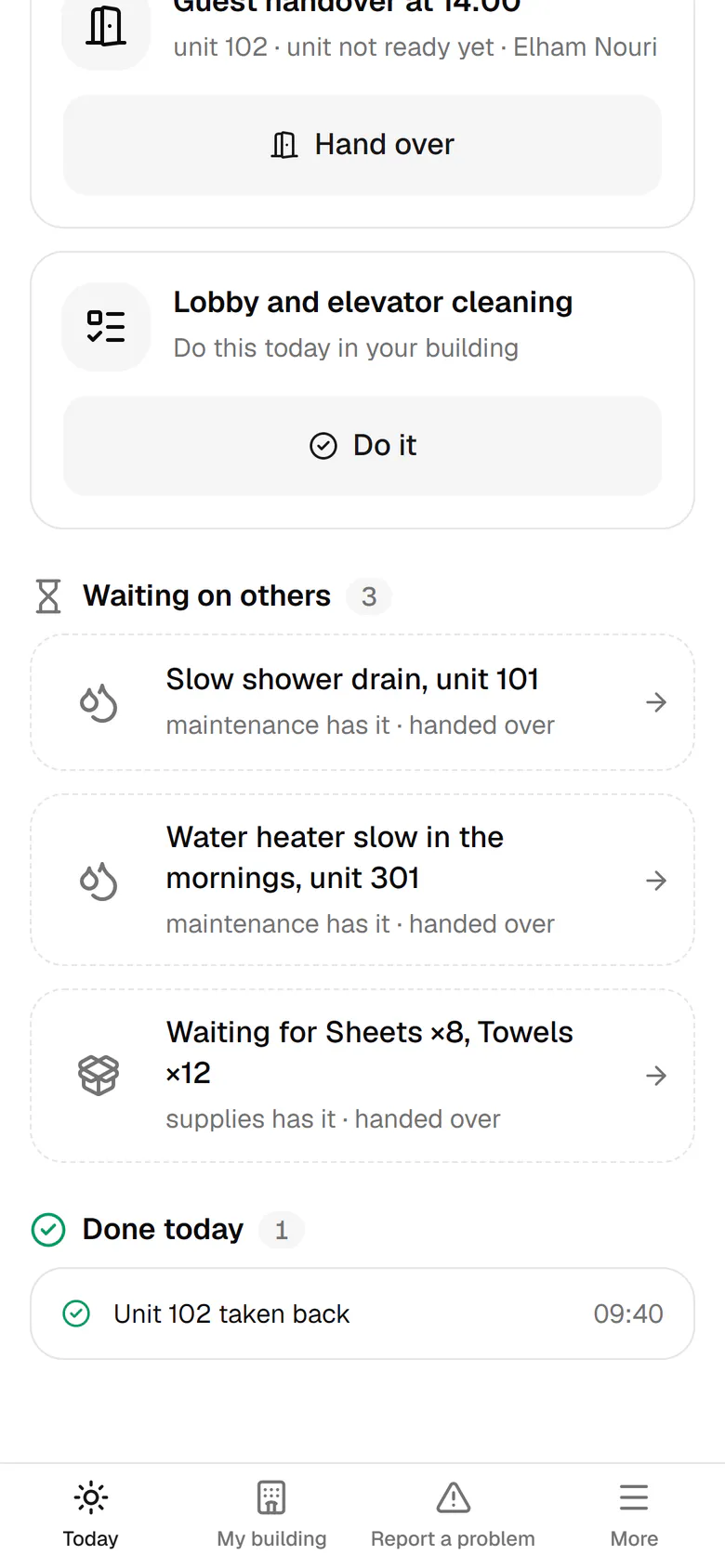
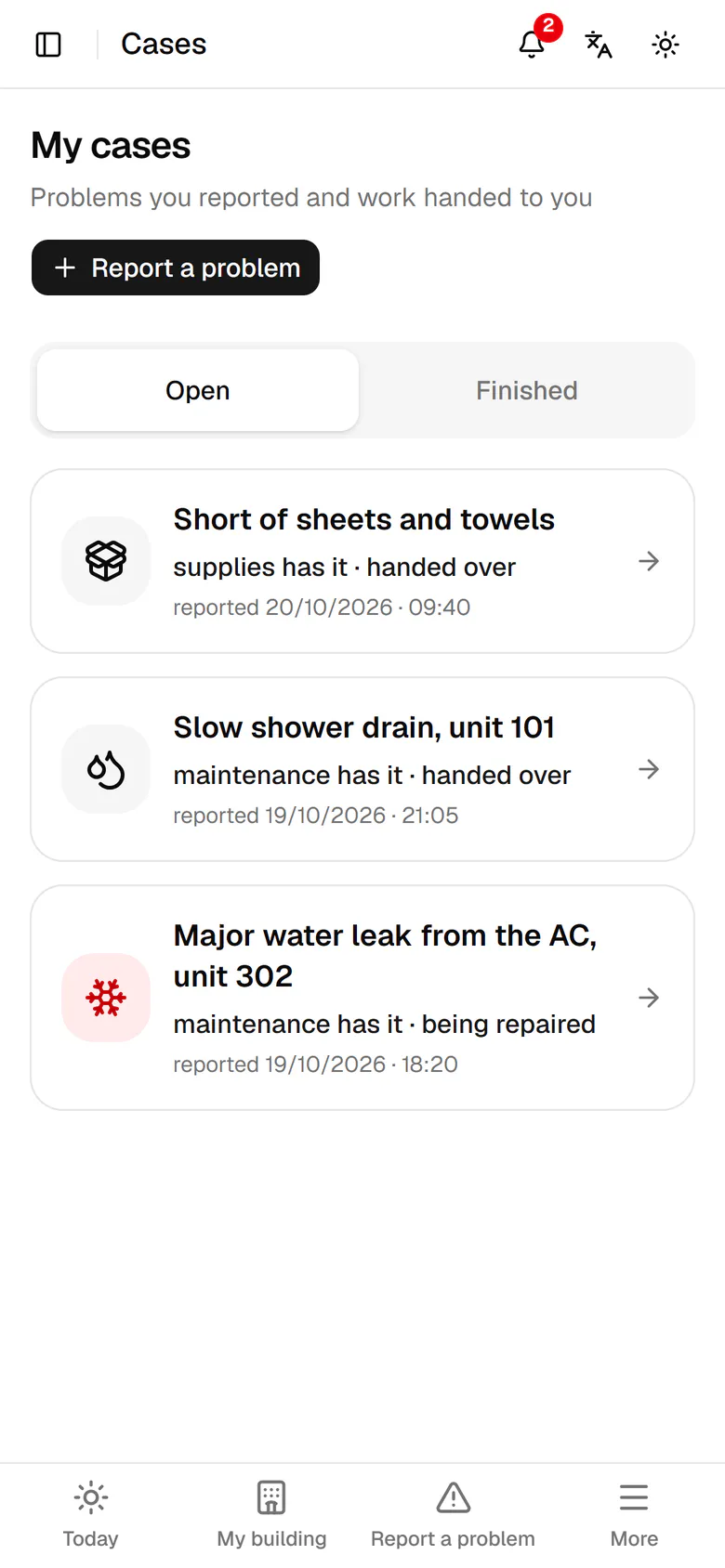
Urgent work sits at the top, each item with one big button for the next step.
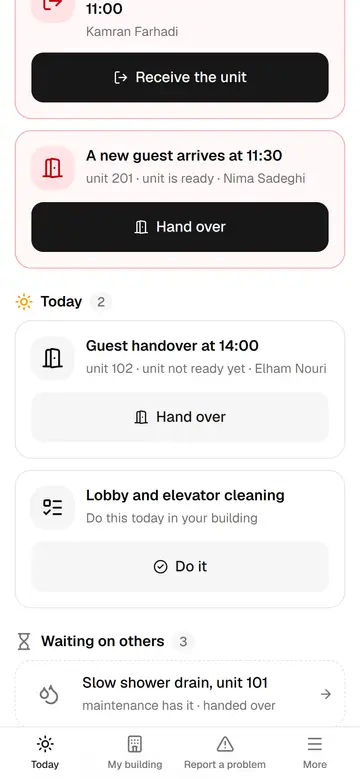
The host's day at a glance
The host only sees what to do now: urgent, today, waiting on others and done today.
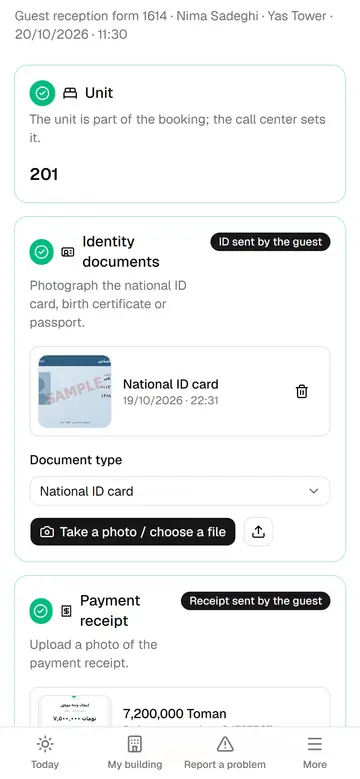
Check a guest in
The guest sent the documents in online pre-check-in; the host ticks the items, the guest signs and the check-in is done.
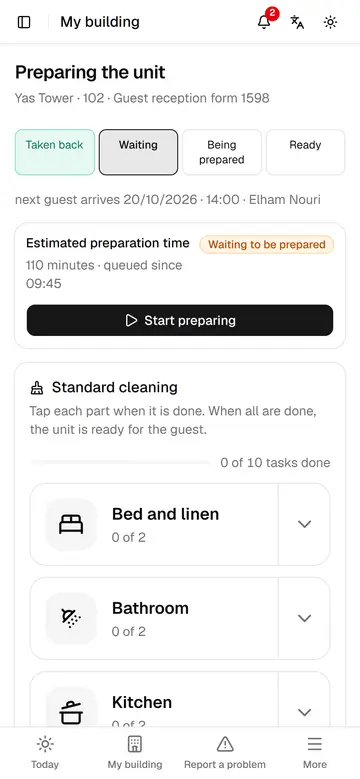
Prepare a unit in six parts
Unit 102 is prepared with six big tiles before Elham arrives, and everyone sees when it is ready.
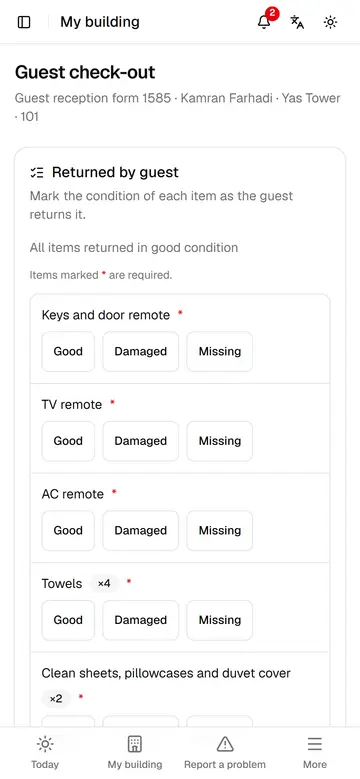
Check a guest out
The host records the state of each item, the guest signs, and the unit goes straight to preparation.
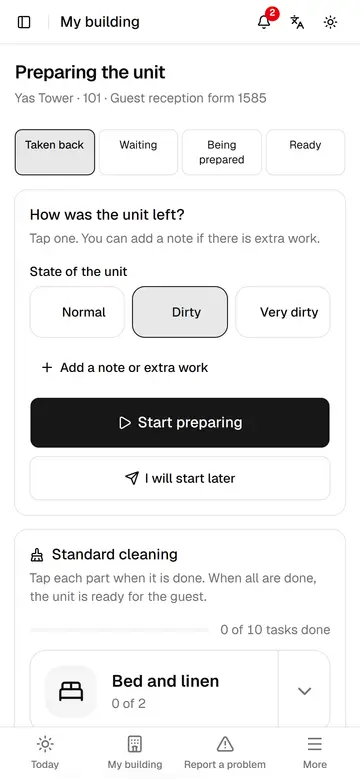
Note how the unit was left
With one tap the host says how the unit was left, so the preparation time is estimated better.
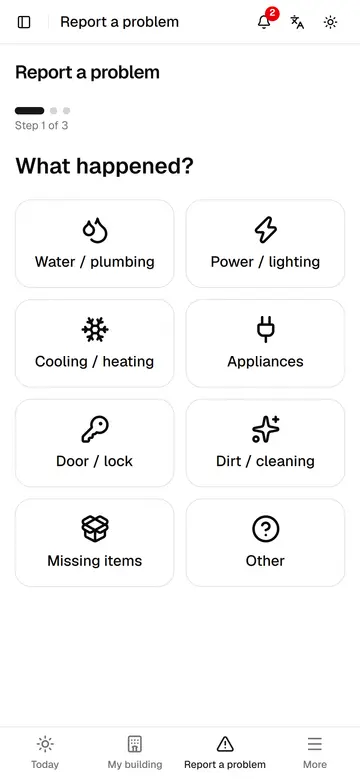
Report a problem in three steps
Without typing, the host says what happened and where and sends a photo; the system picks the route and owner.
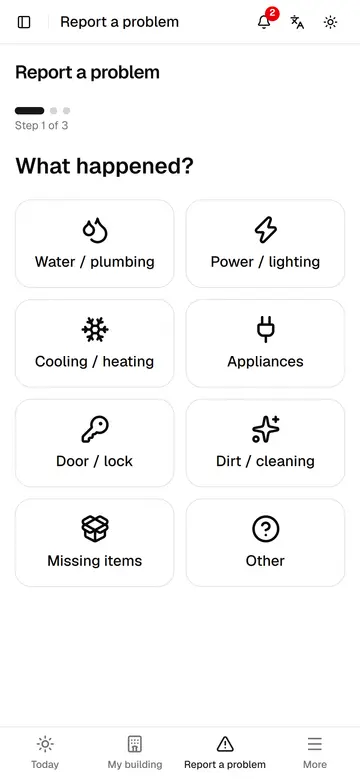
Report missing supplies
The host sends the missing supplies with a count for each, and the request goes straight to procurement.
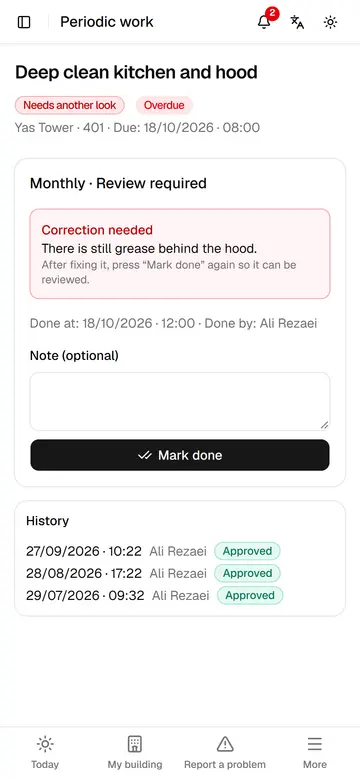
Periodic tasks and corrections
The host fixes a task the supervisor sent back and records today's periodic task with one tap.
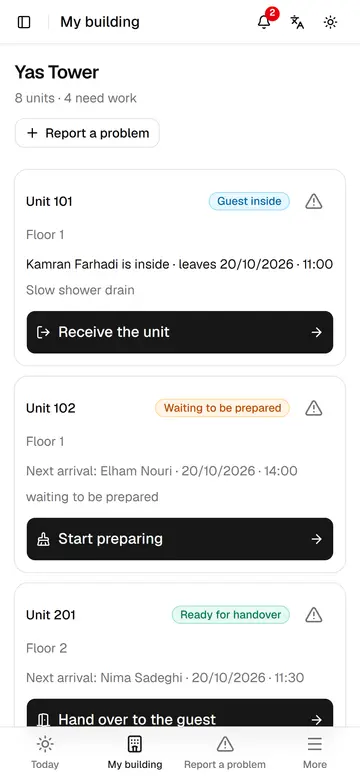
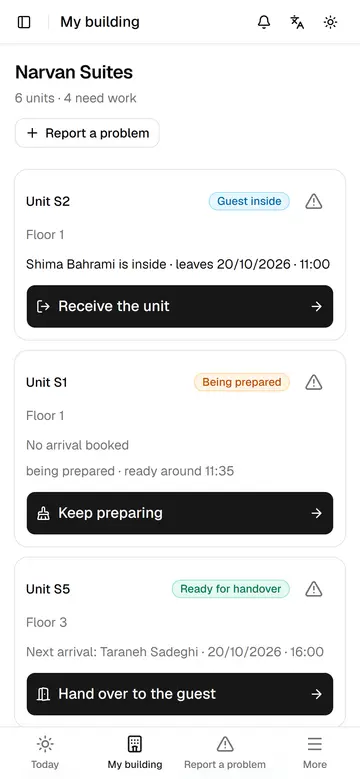
My building
The host sees every unit's state, who is inside and the next step on one page.
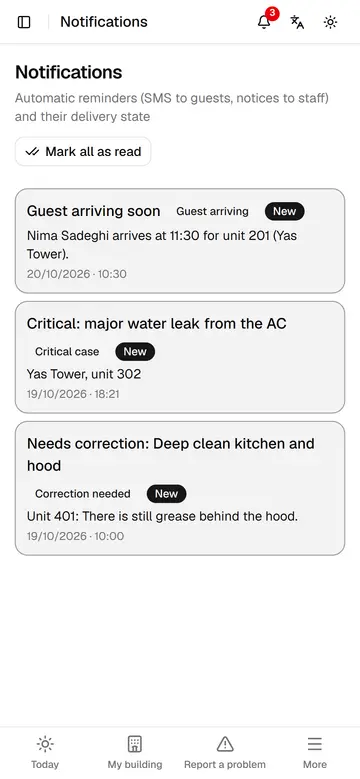
The host's new messages
Upcoming arrivals, urgent cases and returned tasks arrive as notifications, each opened with one tap.
Site check feedback for the host
Points management shares from site checks appear on the host's My building page.