A maintenance user and their buildings
Each maintenance or procurement person only sees the work of the buildings they cover.
ManagementOn a computer6 steps
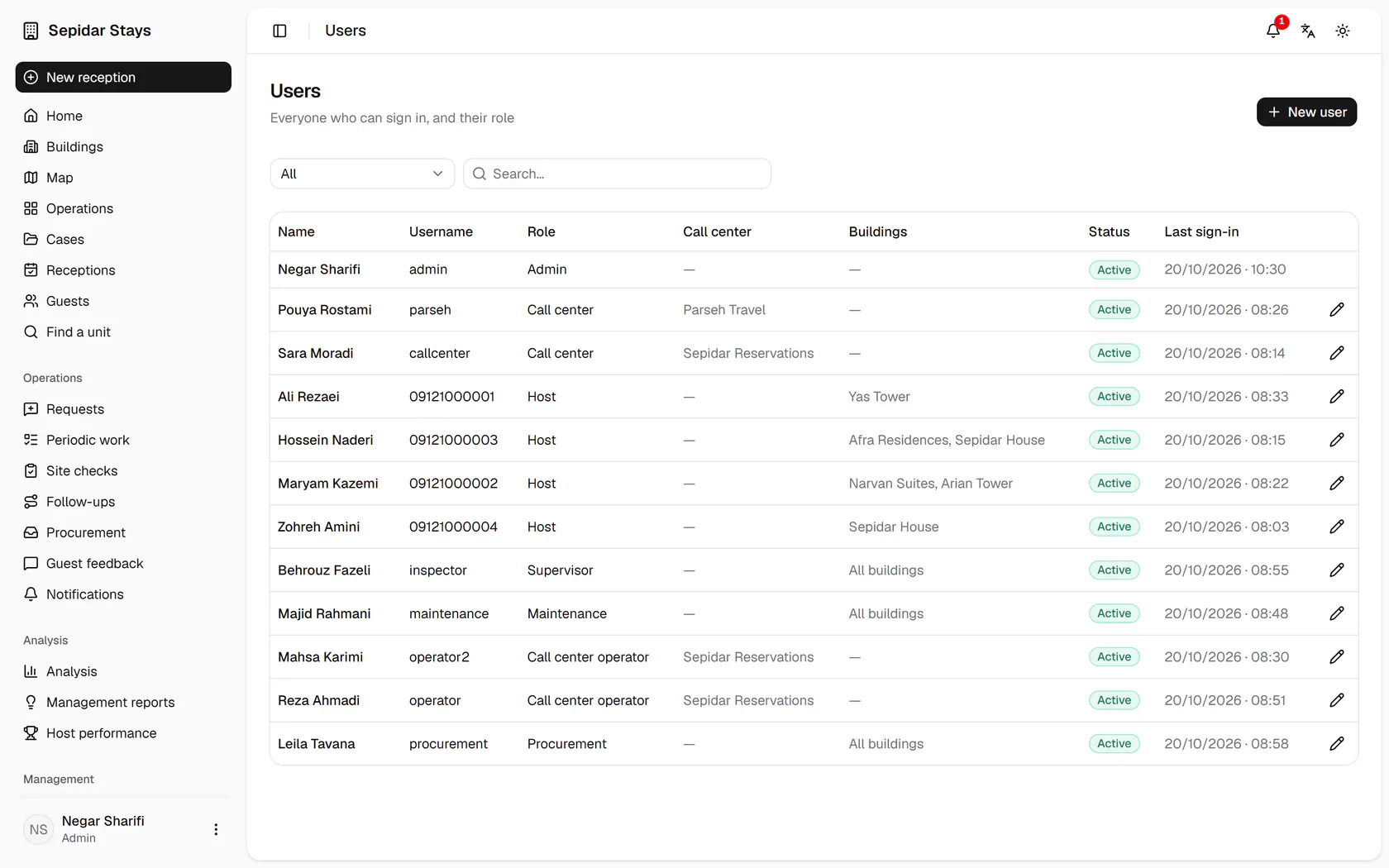
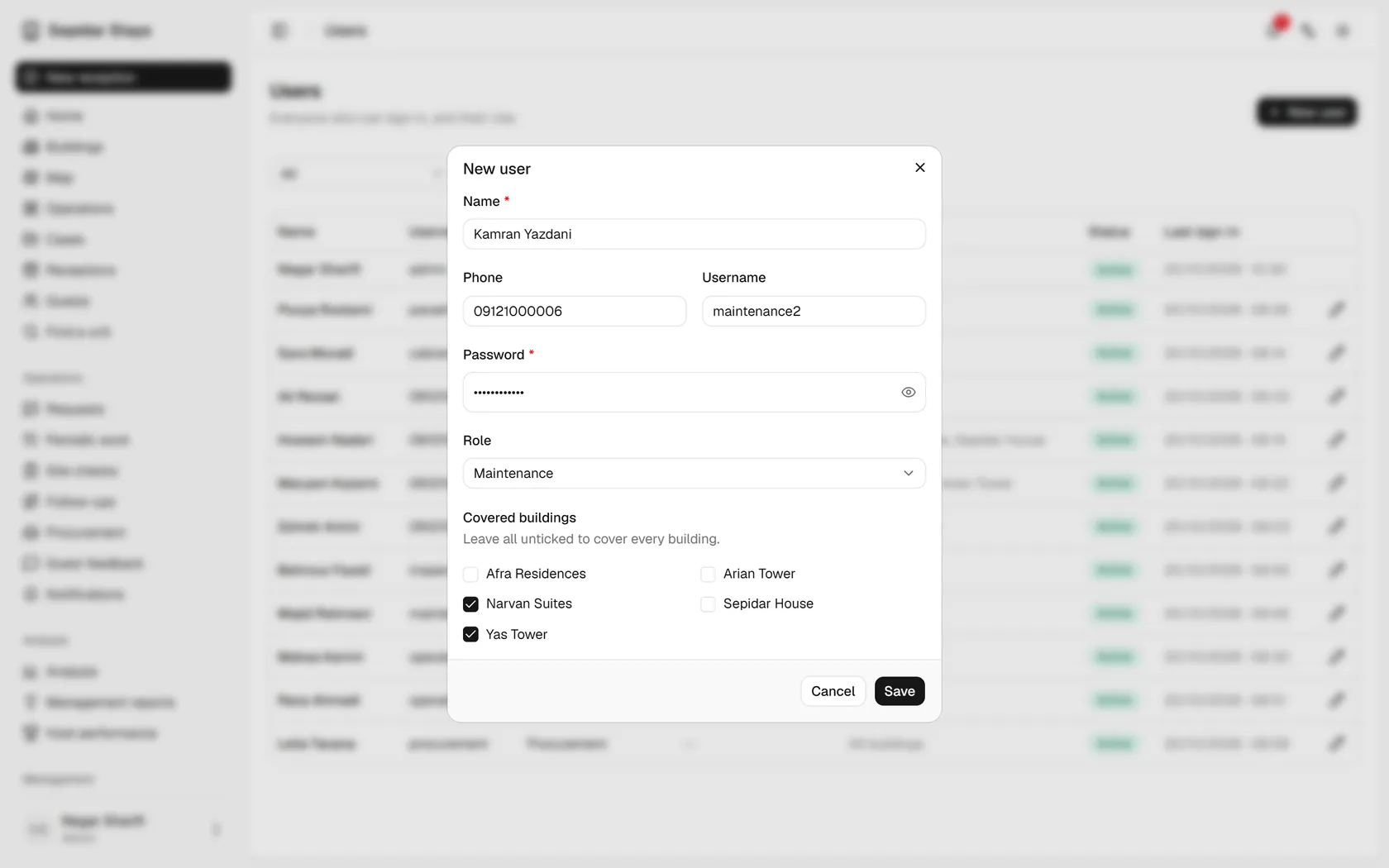
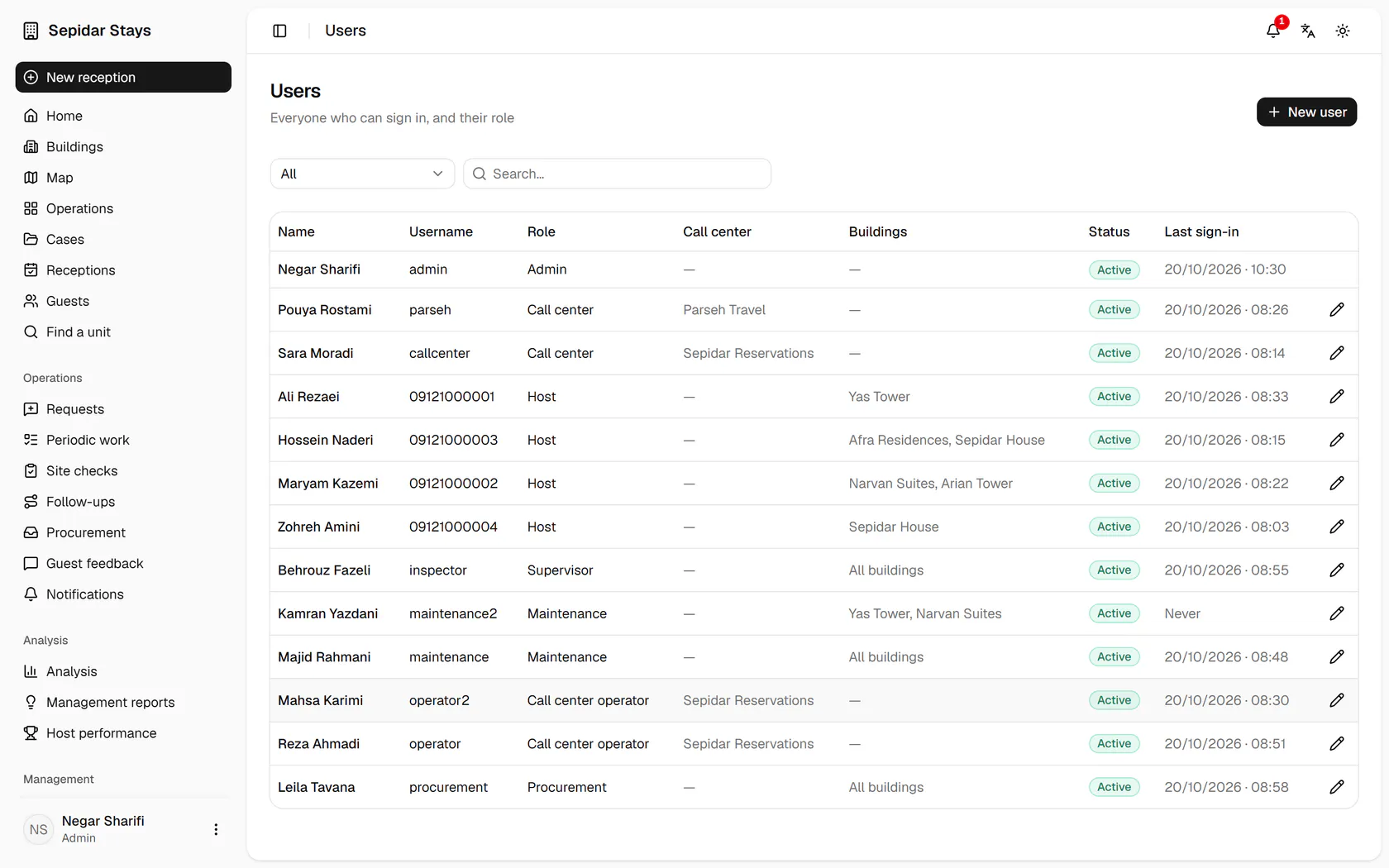
Users lists everyone with their role and buildings; click New user.
Step by step
- 1
Users lists everyone with their role and buildings; click New user.
- 2
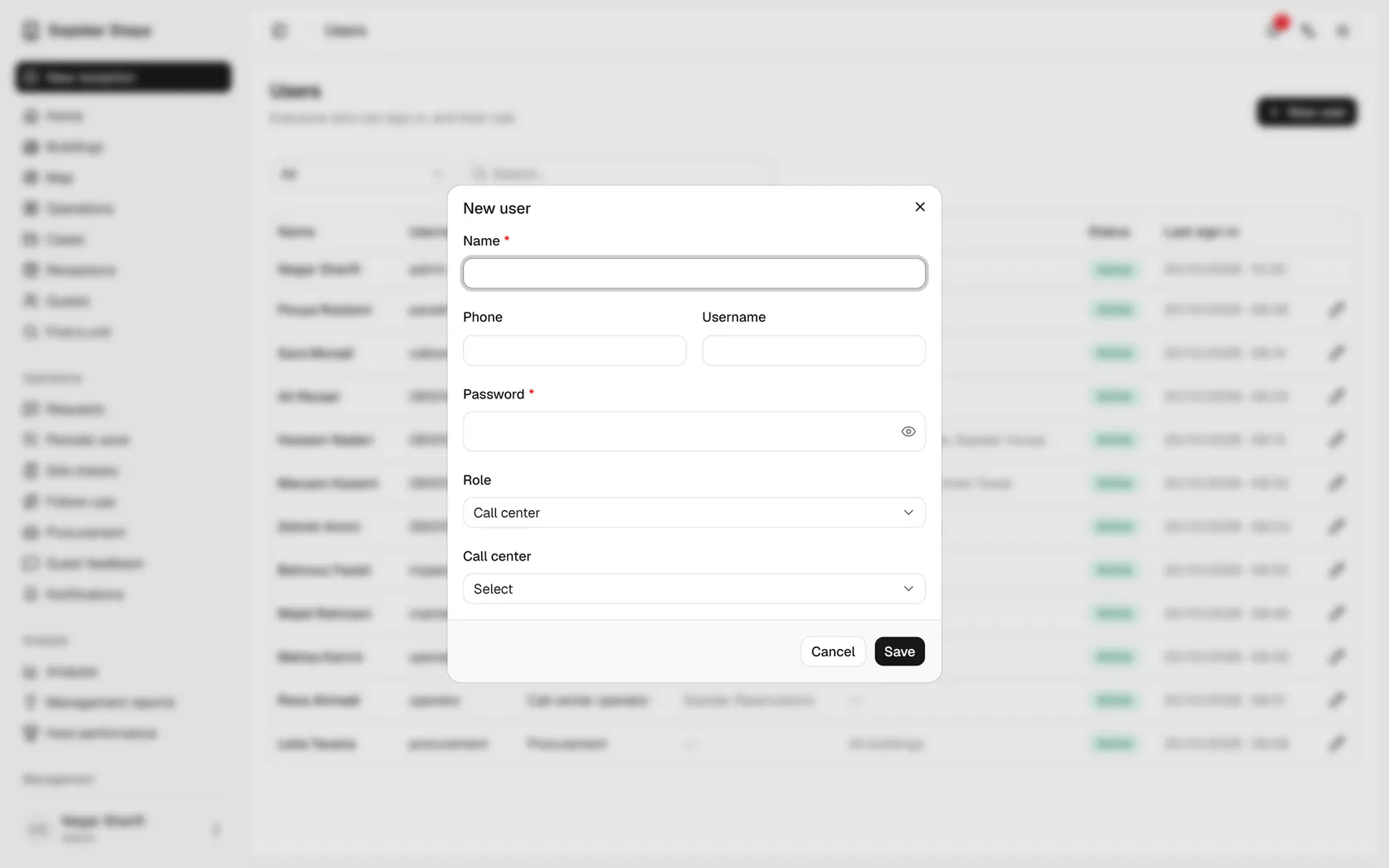
Enter the name, phone number, username and a first password.
- 3
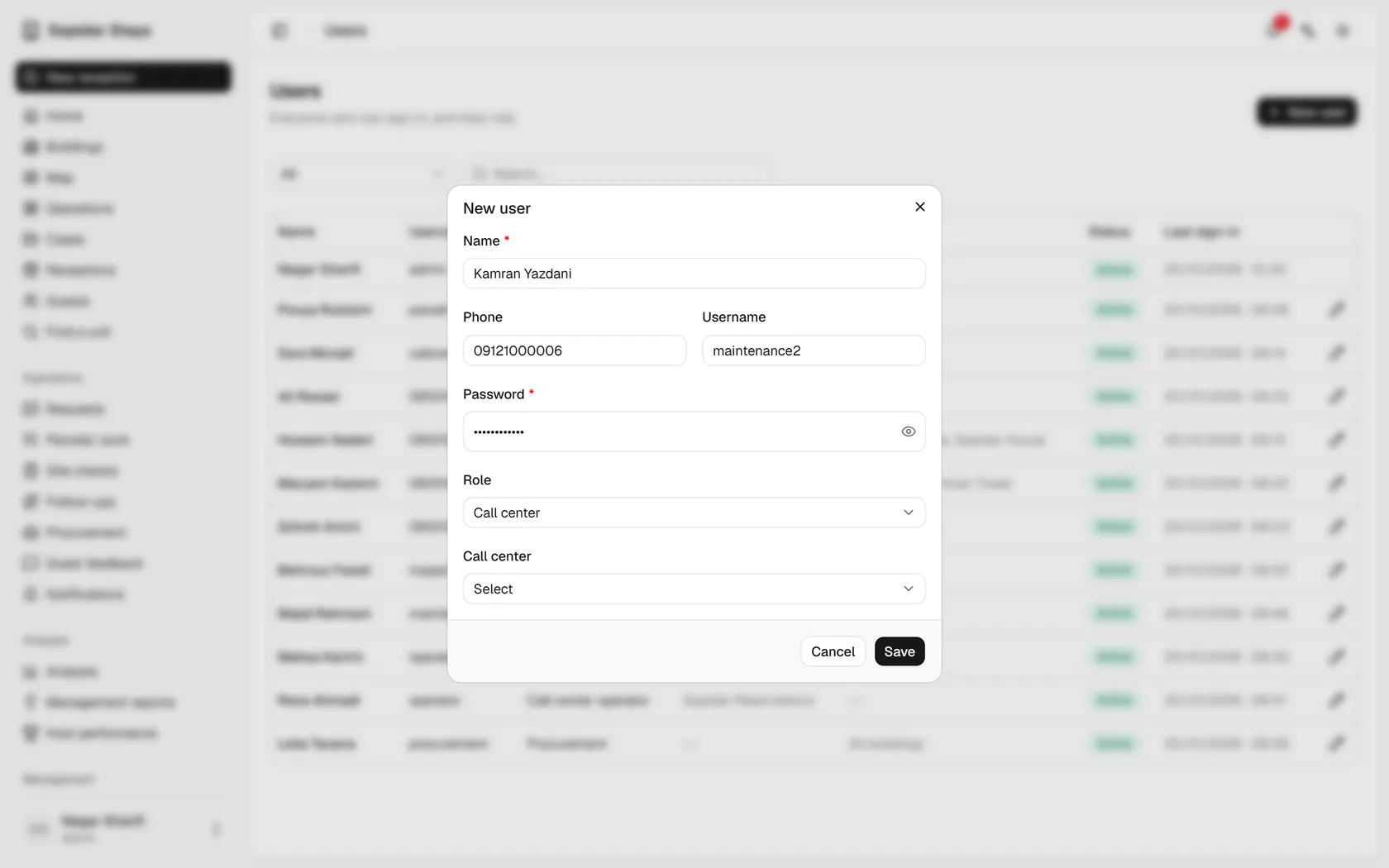
Set the role to Maintenance, so technical jobs reach this person.
- 4
Tick the buildings this person covers; leaving all empty means every building.
- 5
Click Save to create the account.
- 6
The new user appears with the role and both buildings, ready to sign in.