Skip to content
Mizban

Check a guest out

The host records the state of each item, the guest signs, and the unit goes straight to preparation.

HostOn a phone8 steps
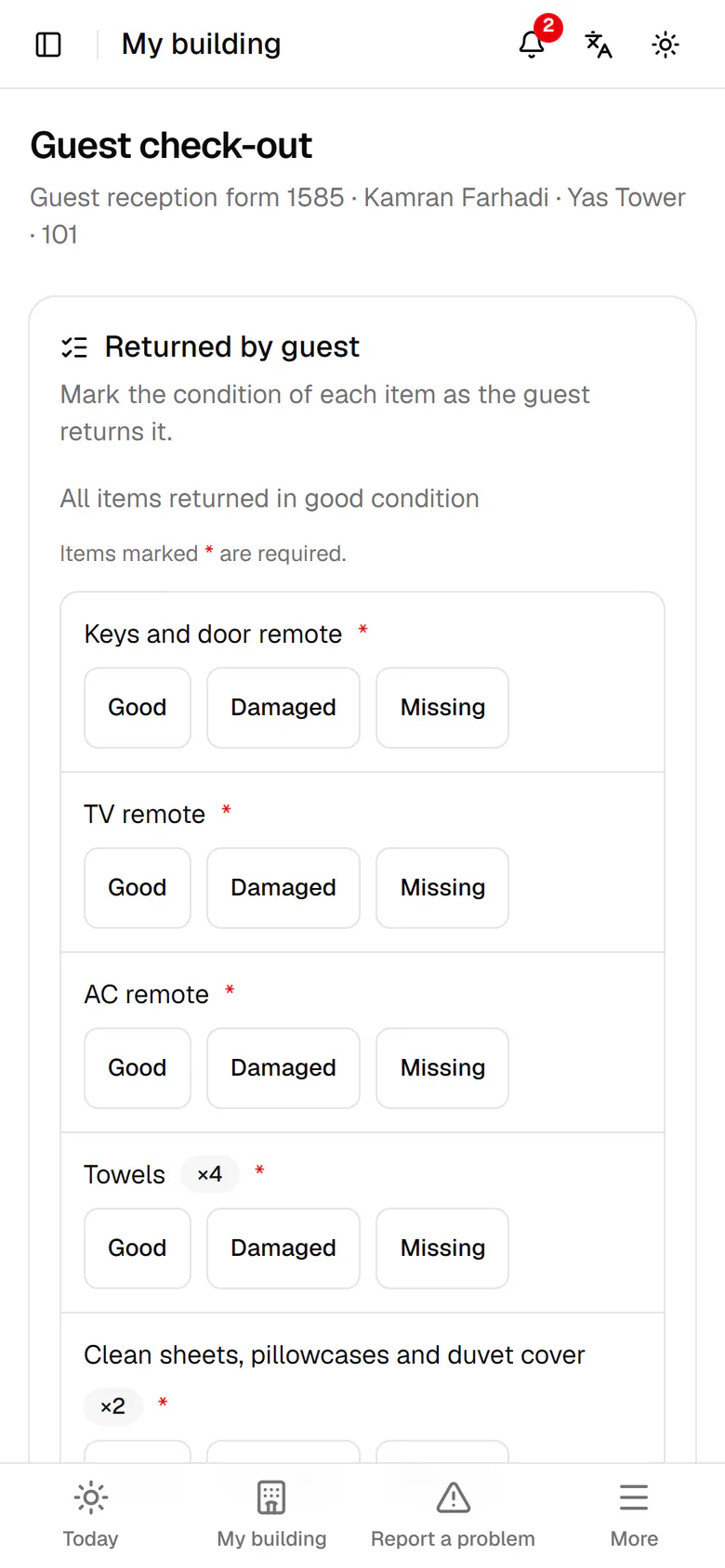
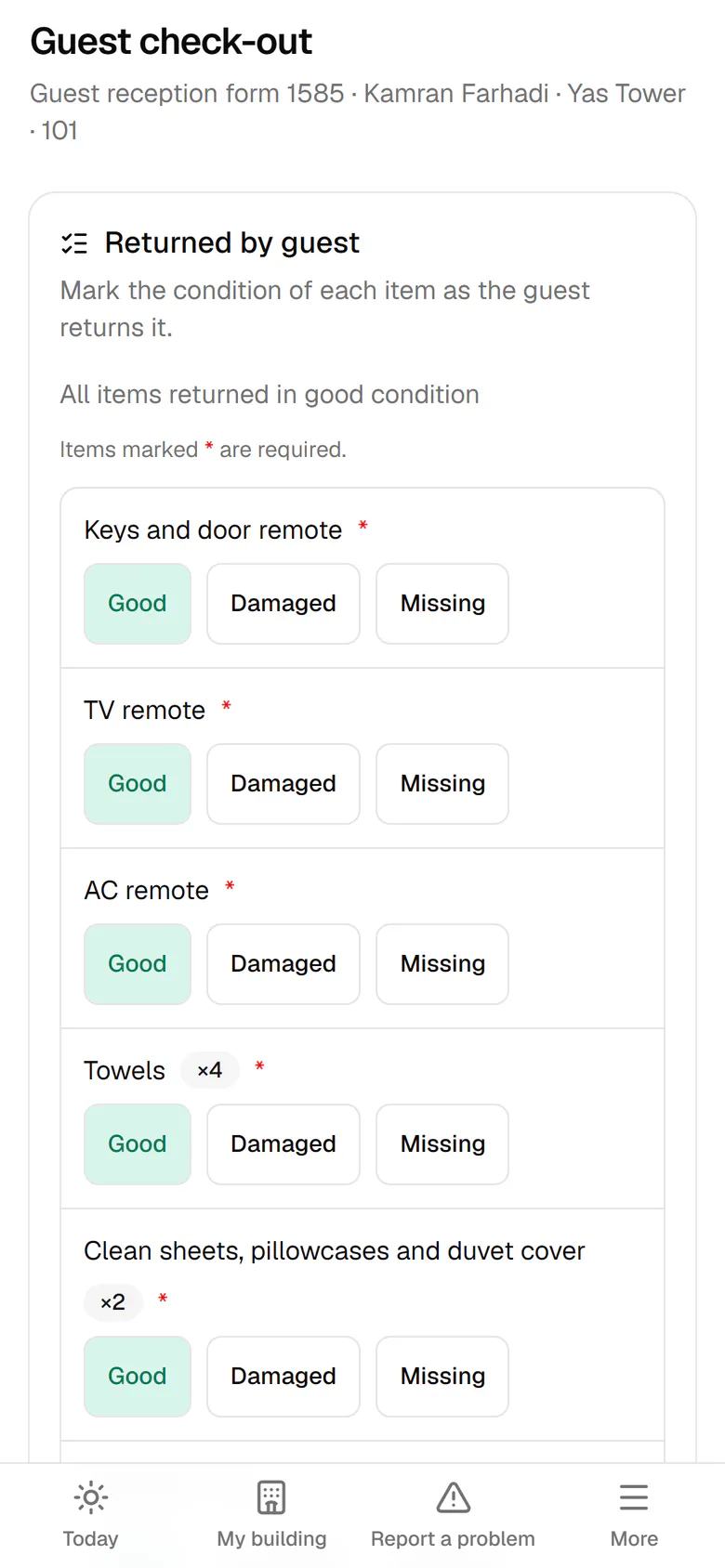
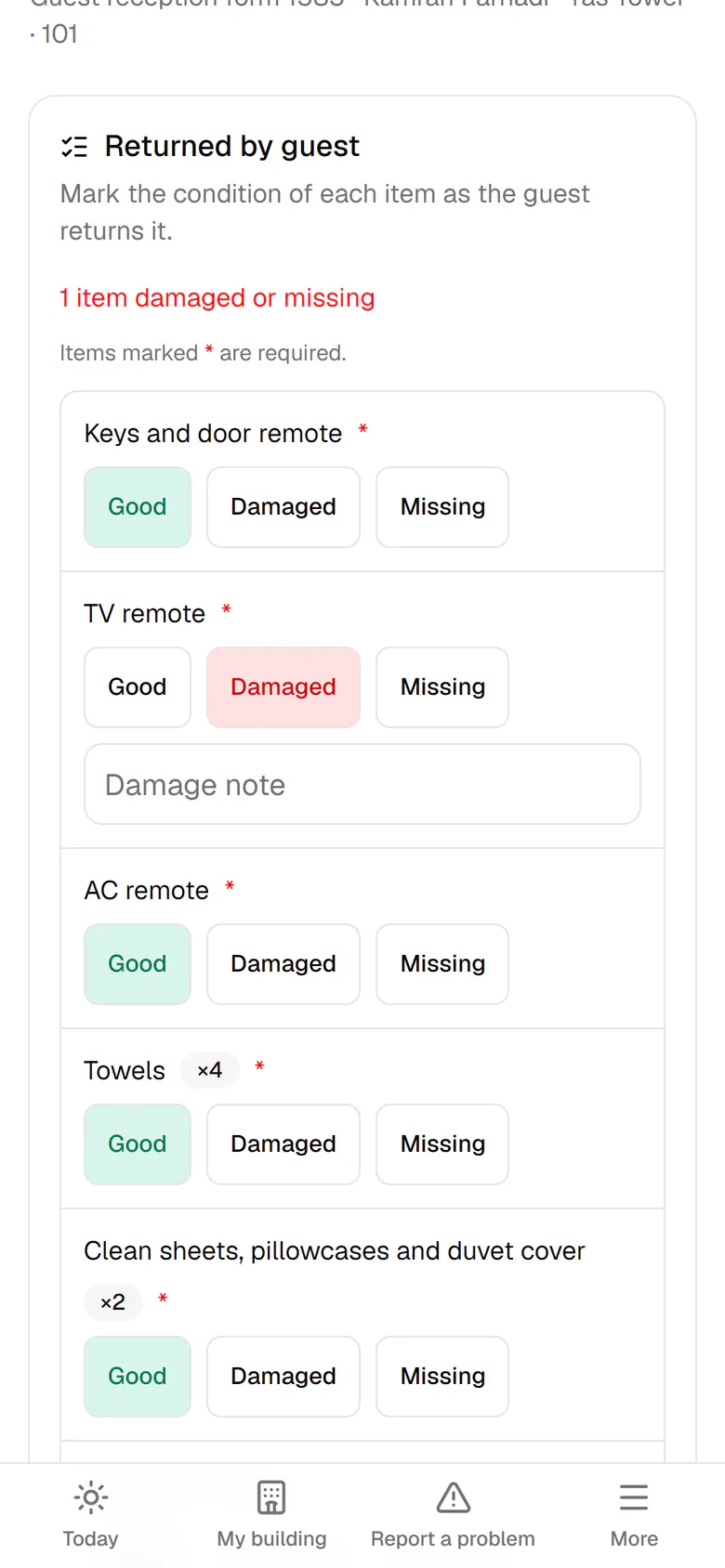
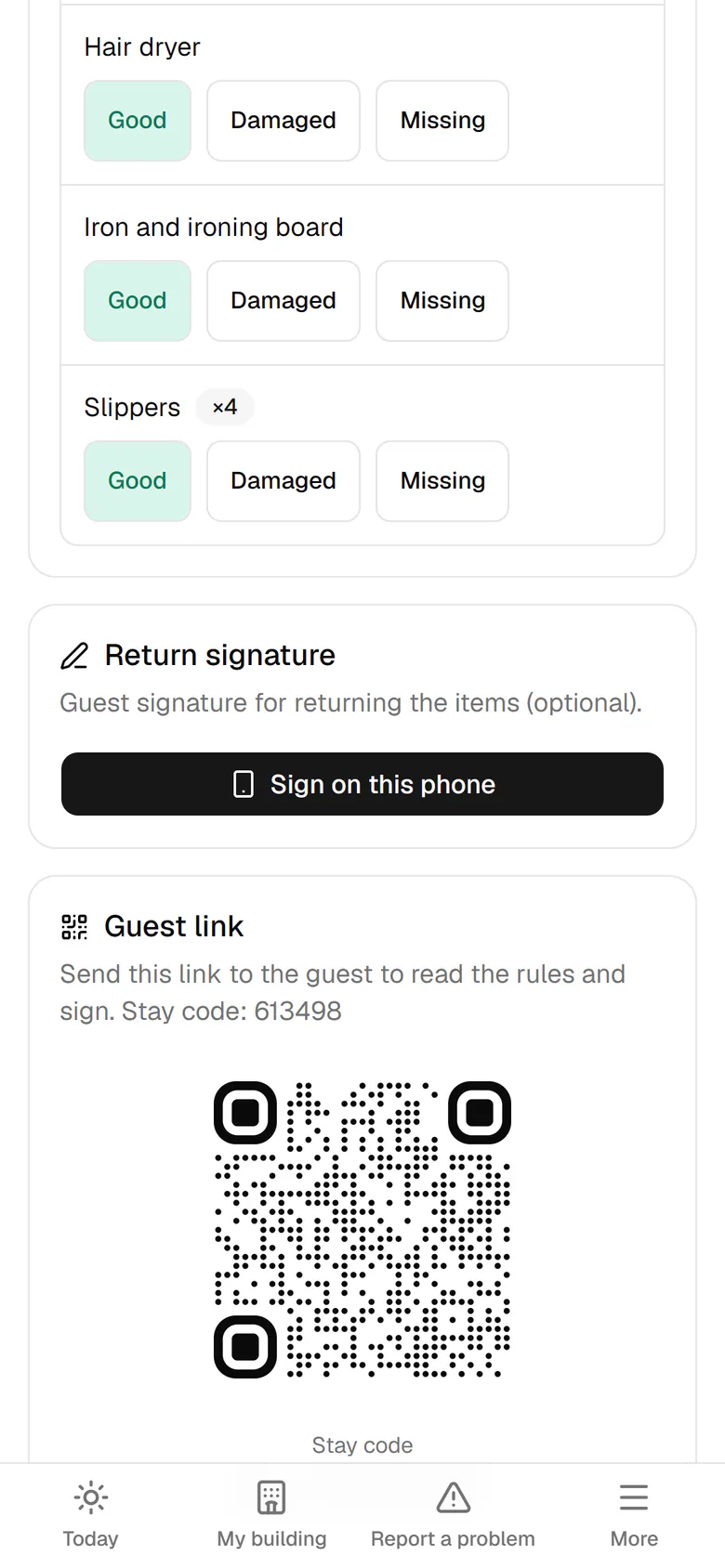
Kamran leaves at 11:00. Tap Receive the unit for unit 101.Mark each item that came back fine as Good with one tap.The TV remote is damaged, so tap Damaged.Write one sentence about the damage so it stays on record.If the guest is present, tap Sign on this phone.The guest signs that he returned the items as recorded.Tap Complete check-out and confirm in the next window.The unit is taken back and its preparation page is already open.

Kamran leaves at 11:00. Tap Receive the unit for unit 101.

11:00Kamran hands back unit 101Ali marks the same items fine or damaged one by one. When check-out ends, the unit joins the preparation queue by itself.

Step by step

  1. 1

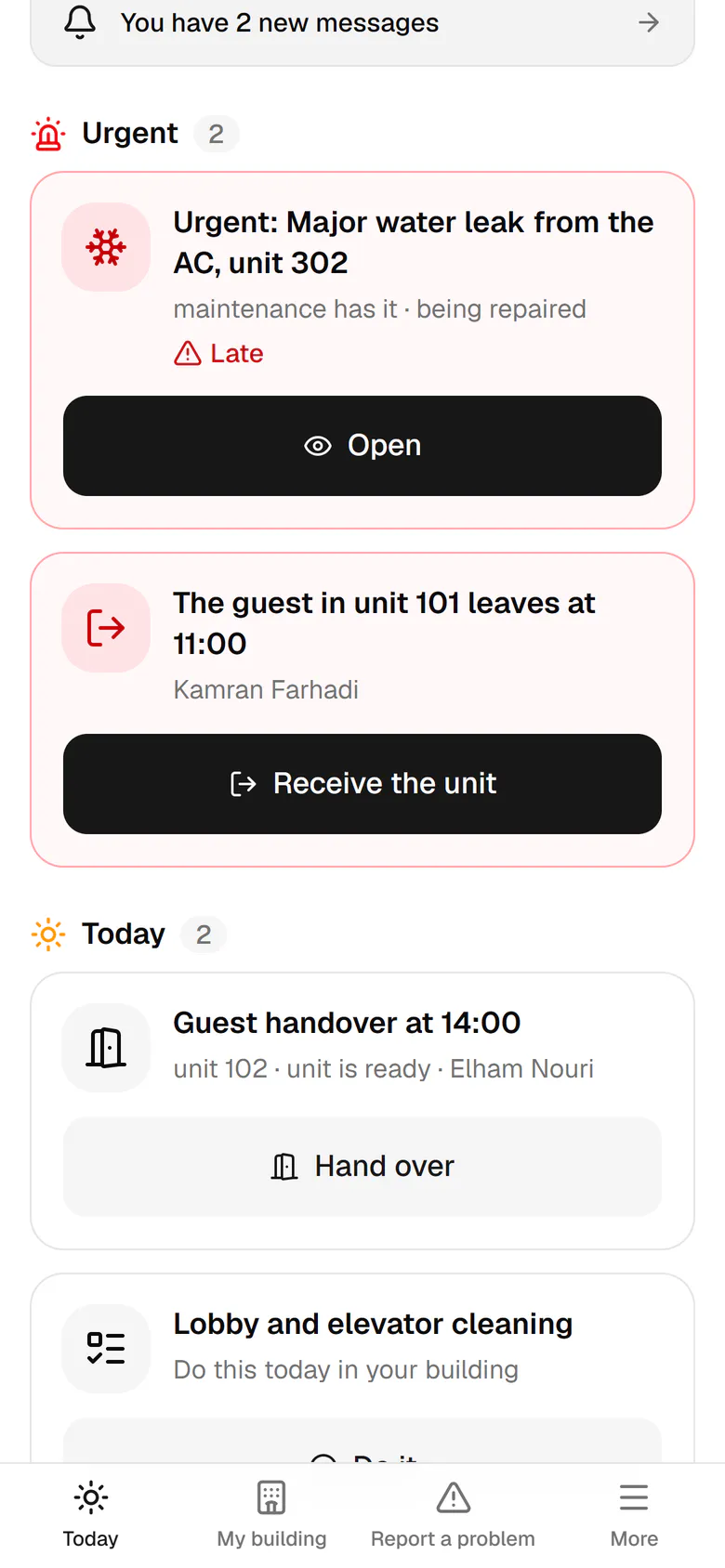
    Kamran leaves at 11:00. Tap Receive the unit for unit 101.

    Kamran leaves at 11:00. Tap Receive the unit for unit 101.
  2. 2

    Mark each item that came back fine as Good with one tap.

    Mark each item that came back fine as Good with one tap.
  3. 3

    The TV remote is damaged, so tap Damaged.

    The TV remote is damaged, so tap Damaged.
  4. 4

    Write one sentence about the damage so it stays on record.

    Write one sentence about the damage so it stays on record.
  5. 5

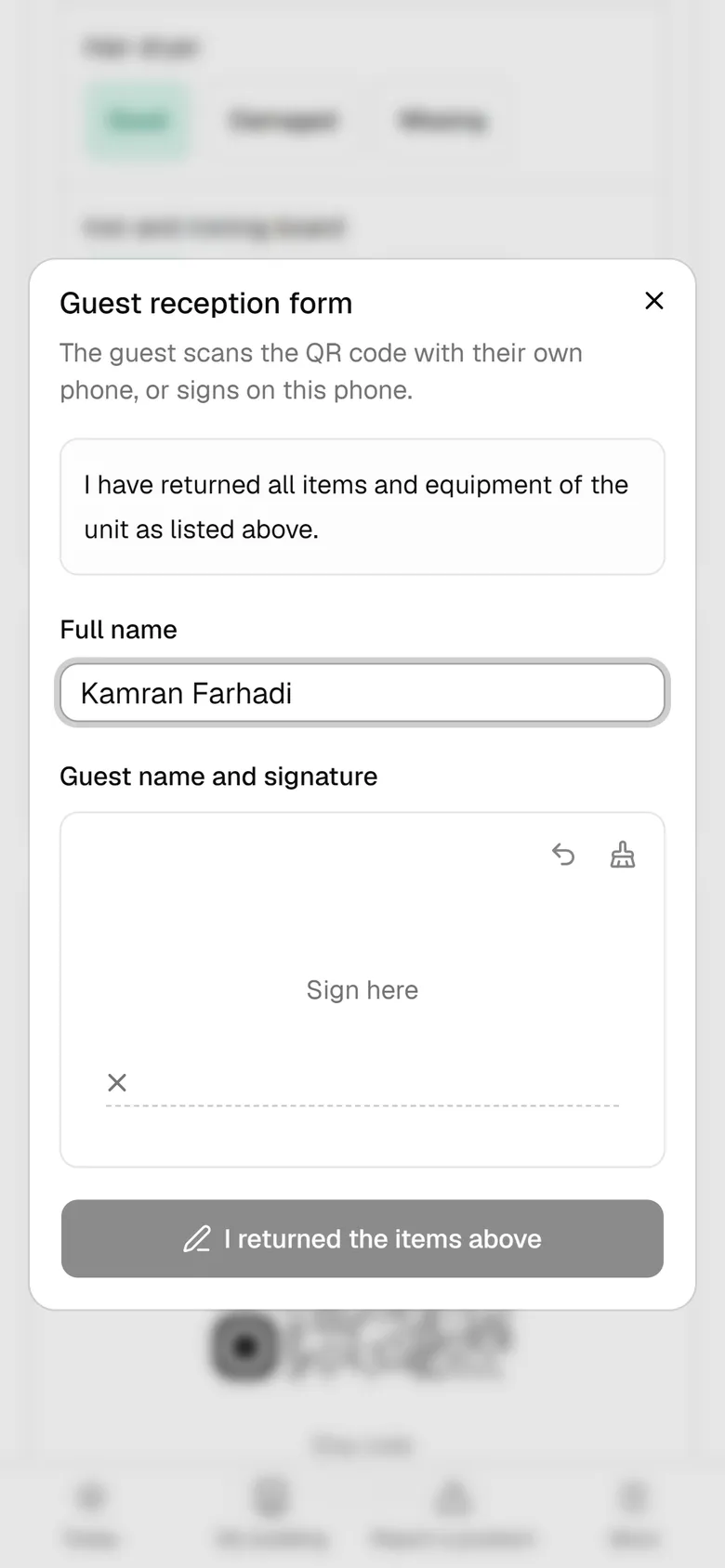
    If the guest is present, tap Sign on this phone.

    If the guest is present, tap Sign on this phone.
  6. 6

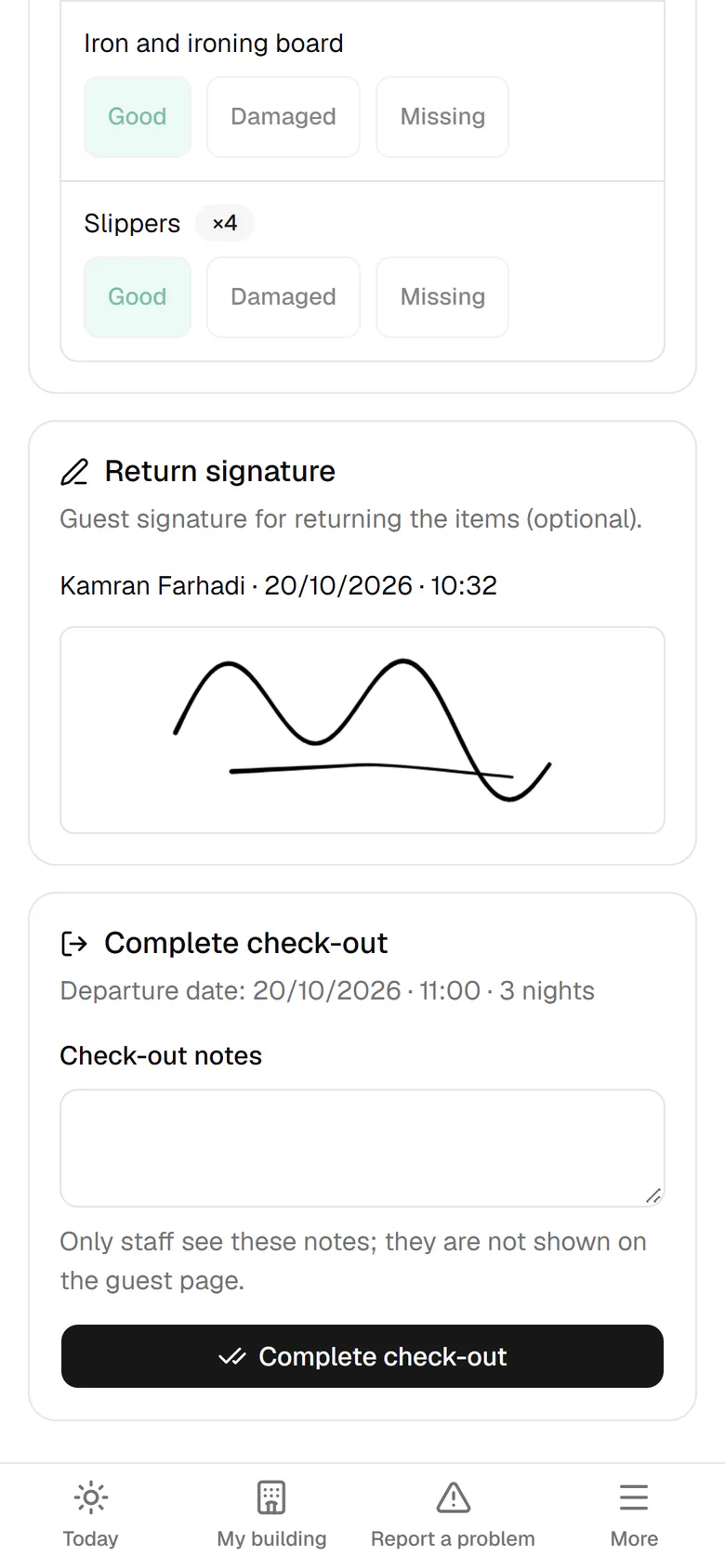
    The guest signs that he returned the items as recorded.

    The guest signs that he returned the items as recorded.
  7. 7

    Tap Complete check-out and confirm in the next window.

    Tap Complete check-out and confirm in the next window.
  8. 8

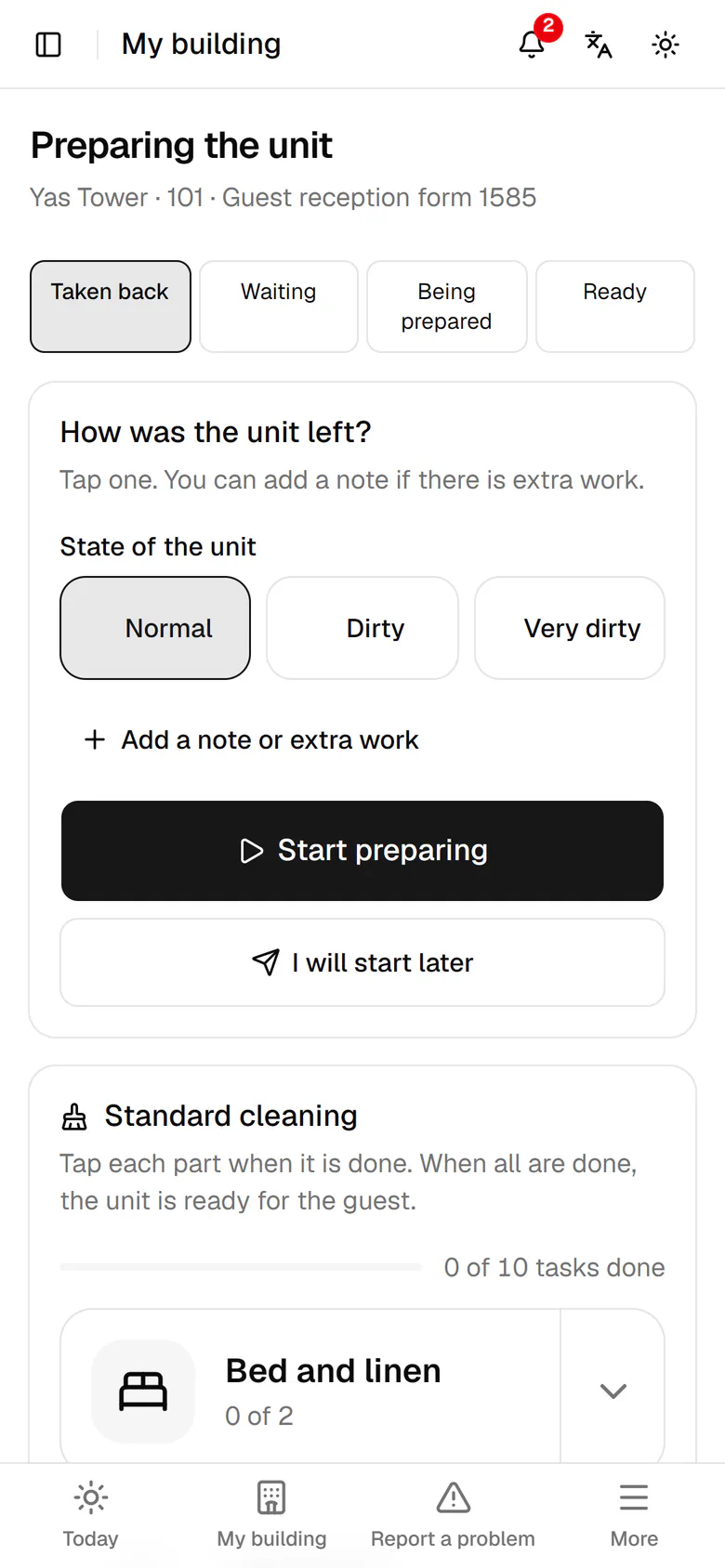
    The unit is taken back and its preparation page is already open.

    The unit is taken back and its preparation page is already open.