Prepare a unit in six parts
Unit 102 is prepared with six big tiles before Elham arrives, and everyone sees when it is ready.
HostOn a phone7 steps
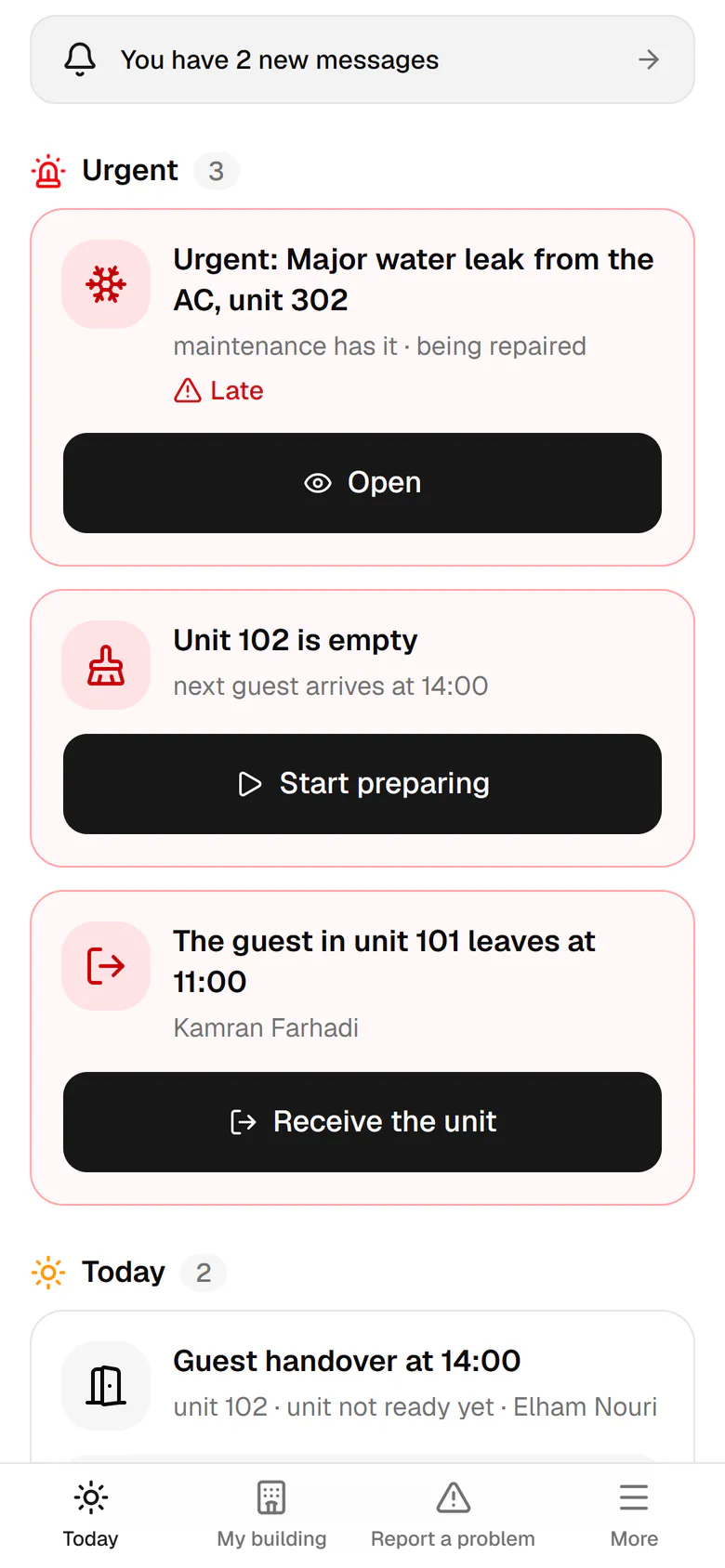
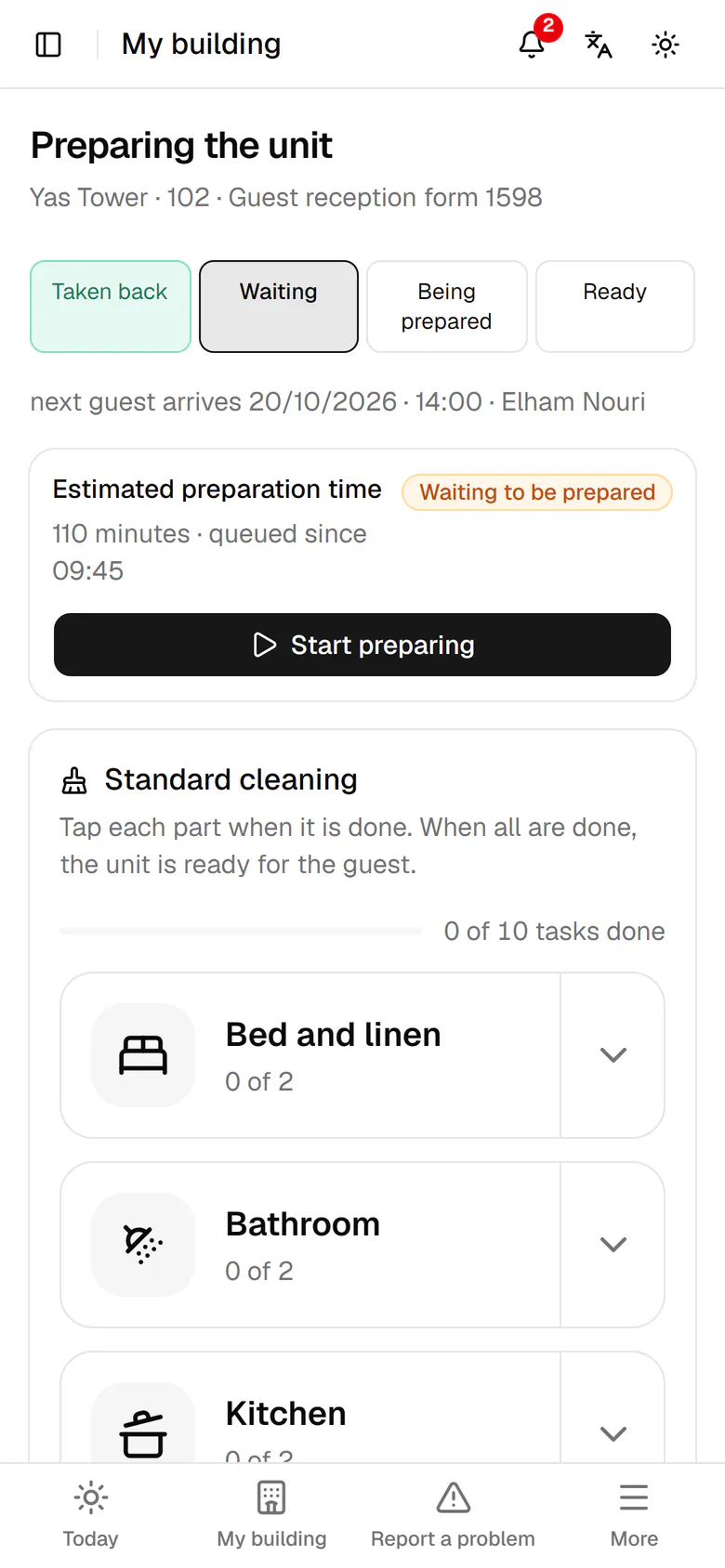
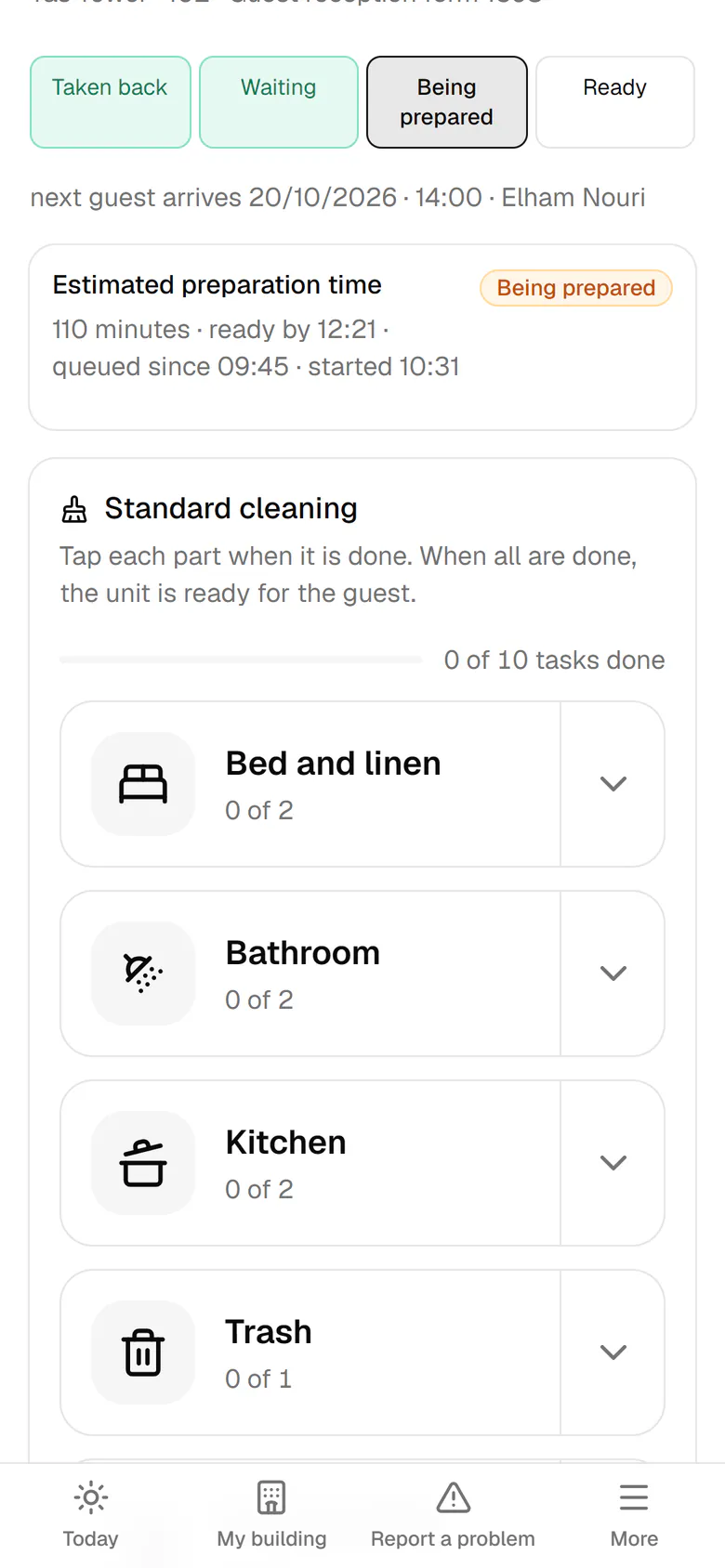
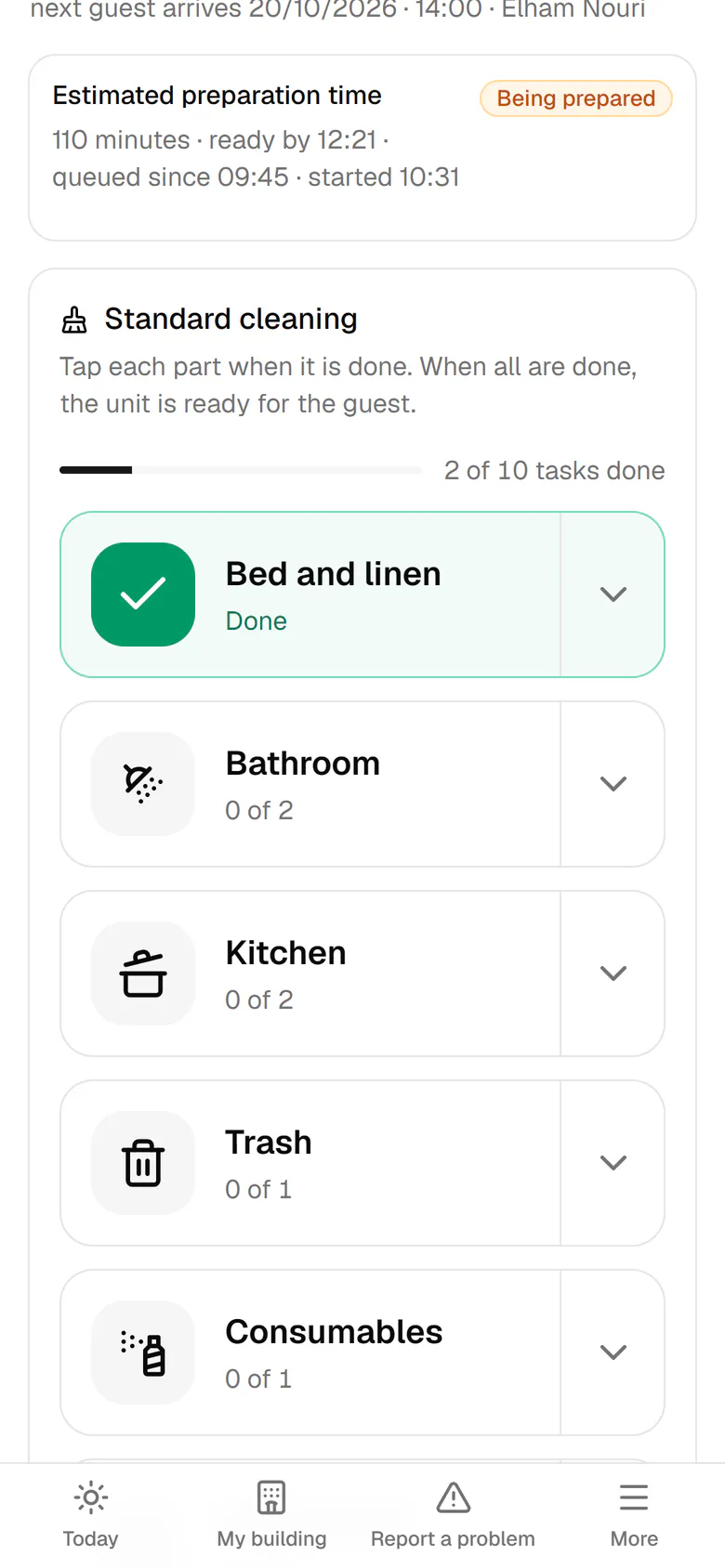
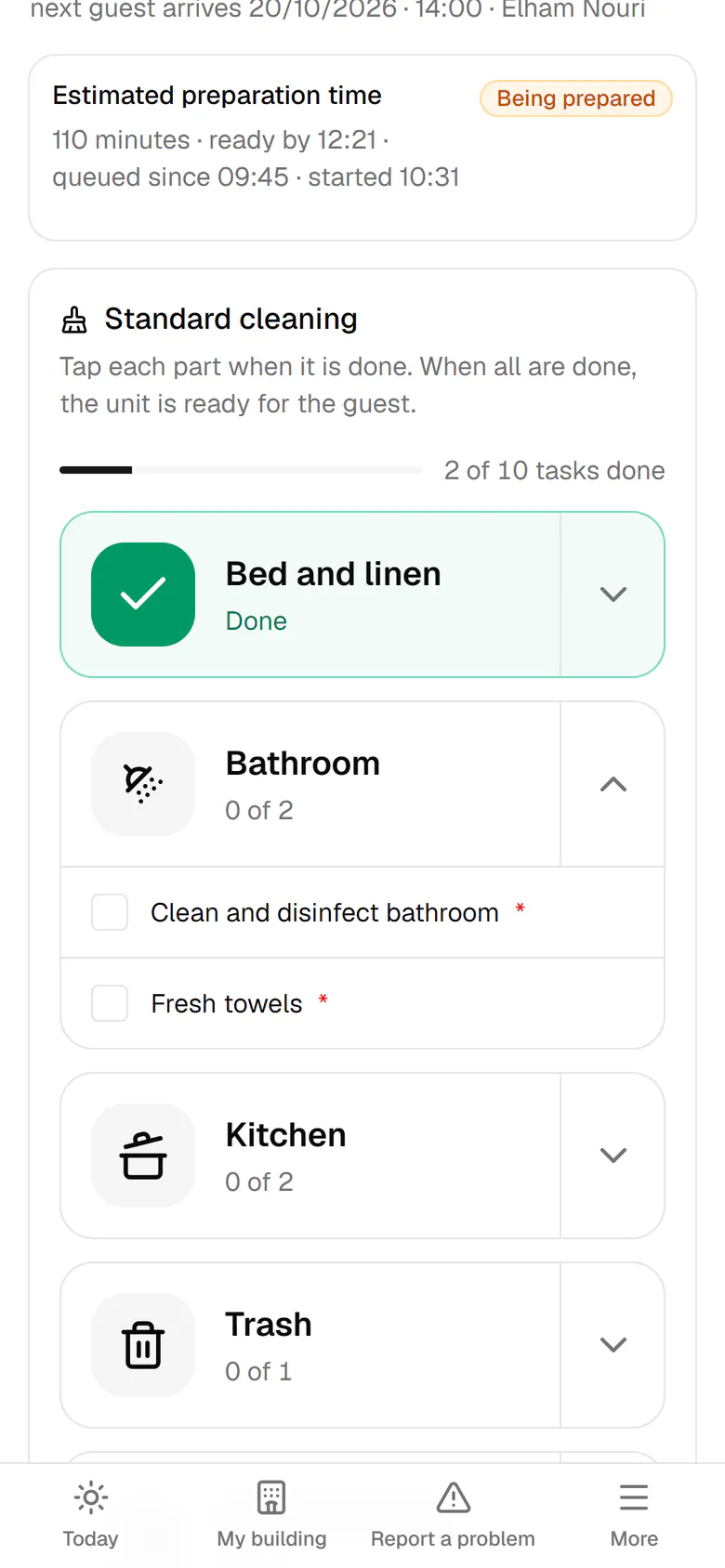
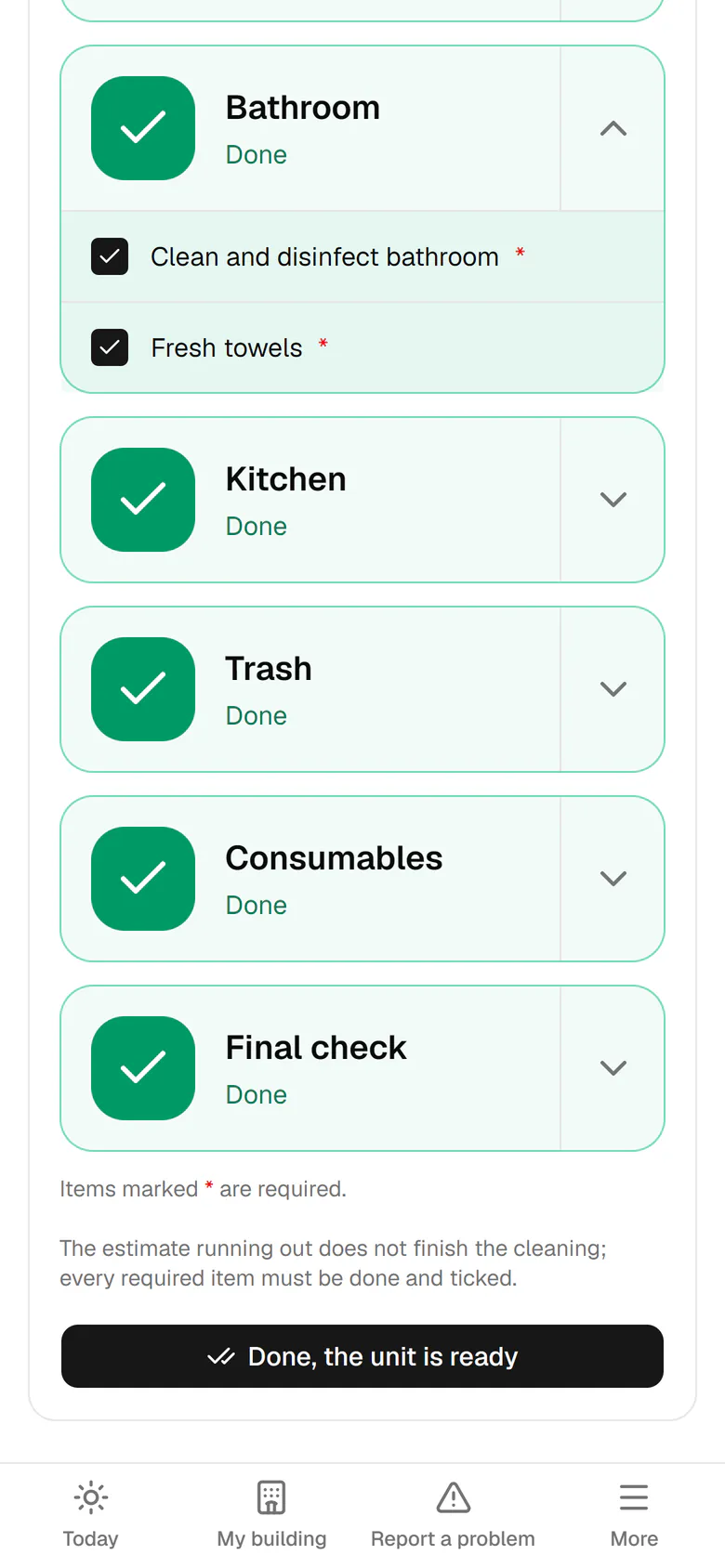
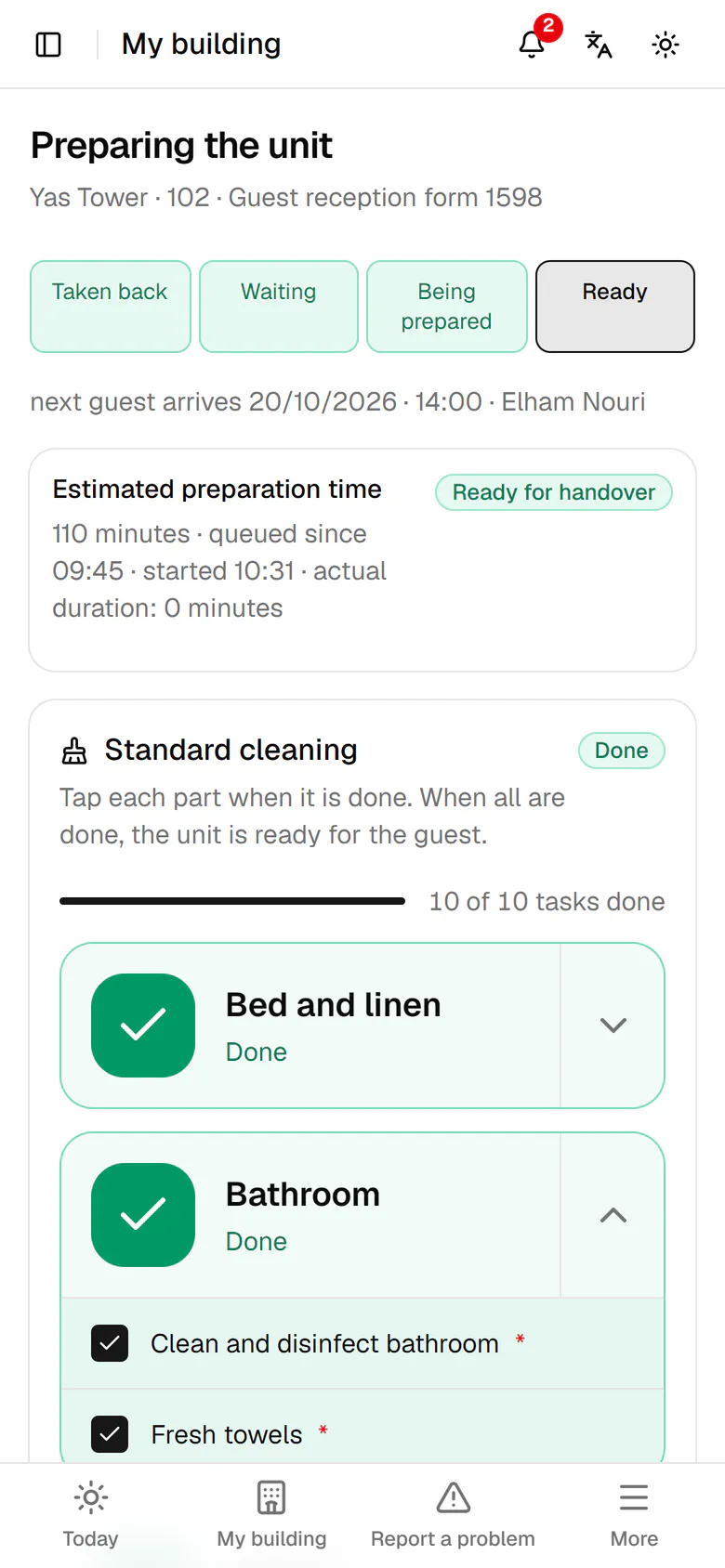
Unit 102 is empty and the next guest arrives at 14:00. Tap Start preparing.
Step by step
- 1
Unit 102 is empty and the next guest arrives at 14:00. Tap Start preparing.
- 2
The estimated time and the next arrival are at the top. Start the preparation.
- 3
When a part is done, tap its tile, for example Bed and linen.
- 4
Tap the arrow beside a part to see its detailed tasks.
- 5
Tap the other parts one by one until all of them turn green.
- 6
Every part is done. Tap Done, the unit is ready.
- 7
The unit is ready to hand over, and the call center and management see it too.