Note how the unit was left
With one tap the host says how the unit was left, so the preparation time is estimated better.
HostOn a phone5 steps
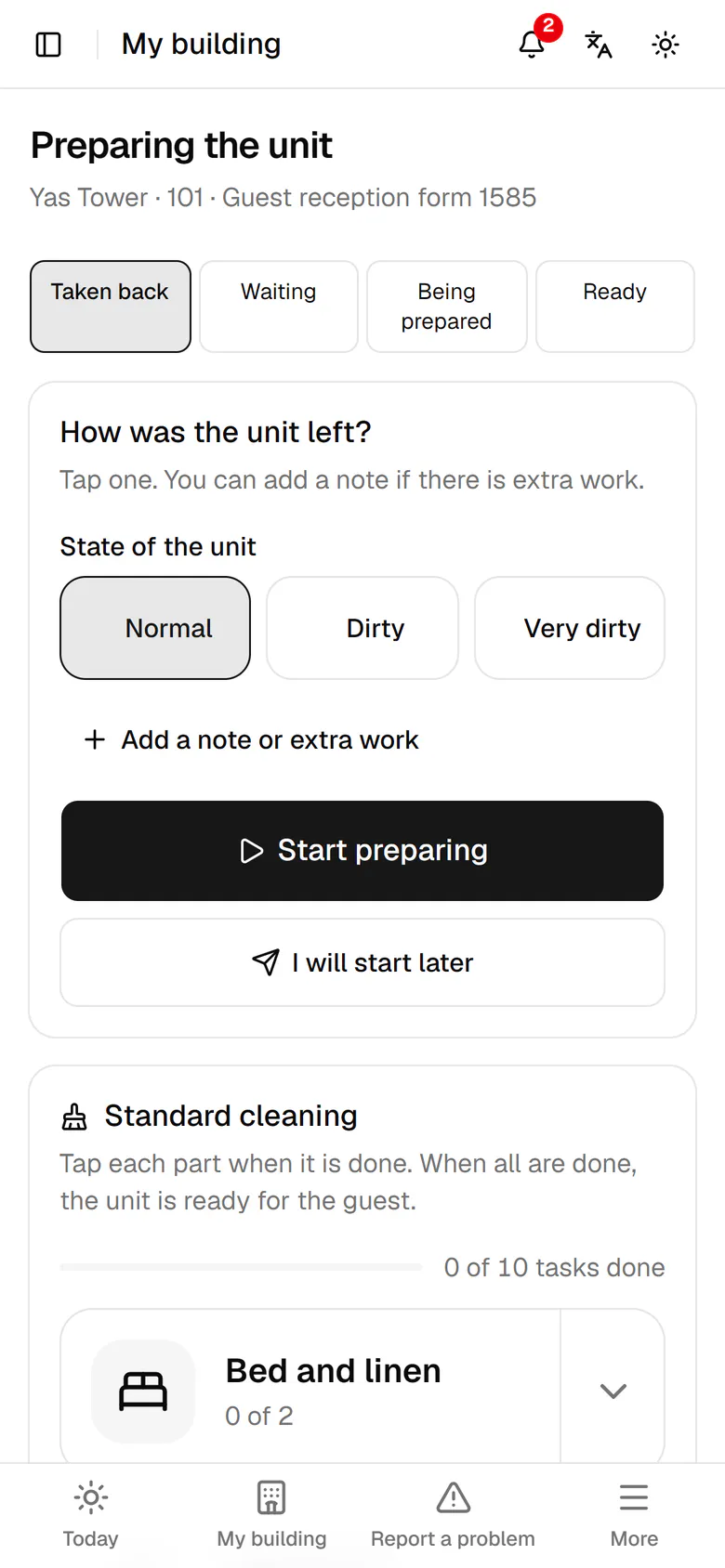
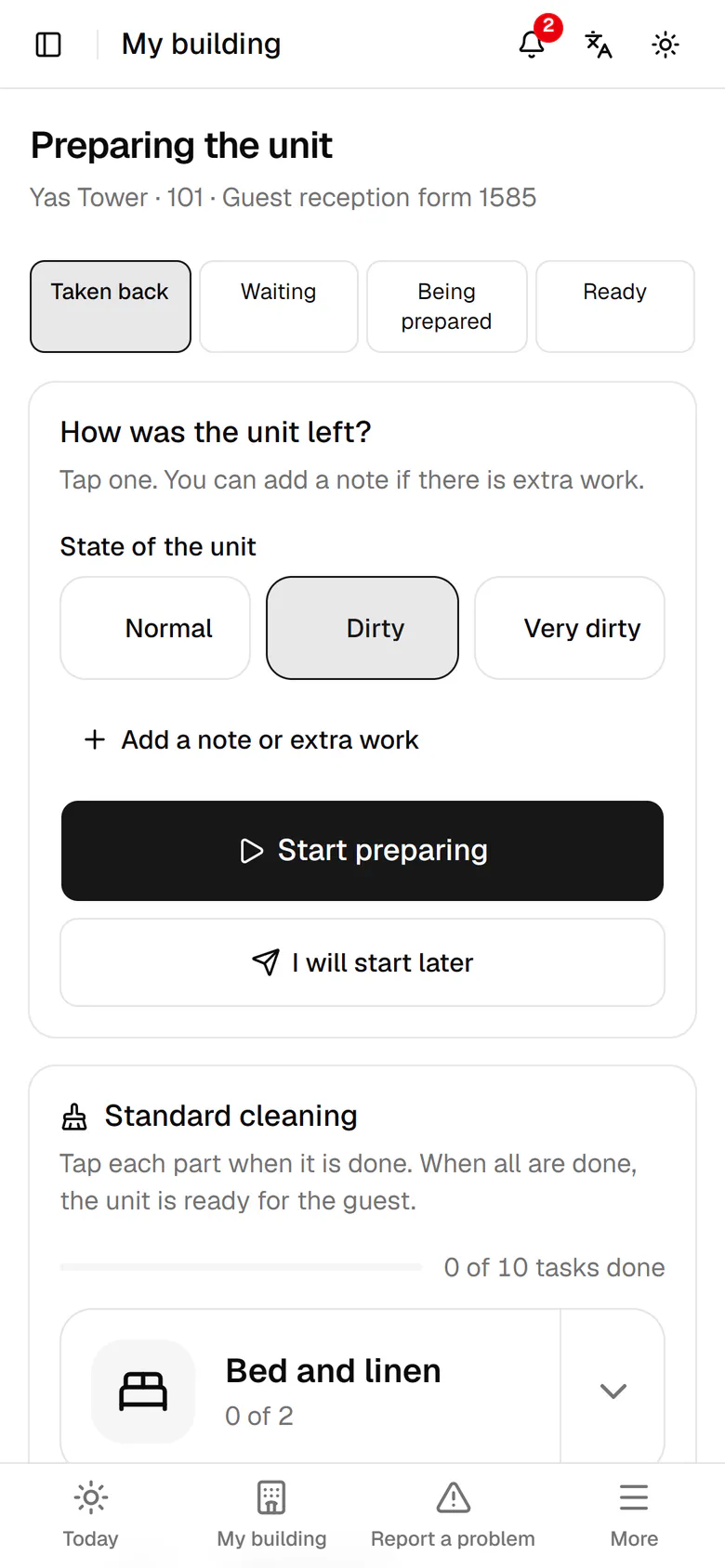
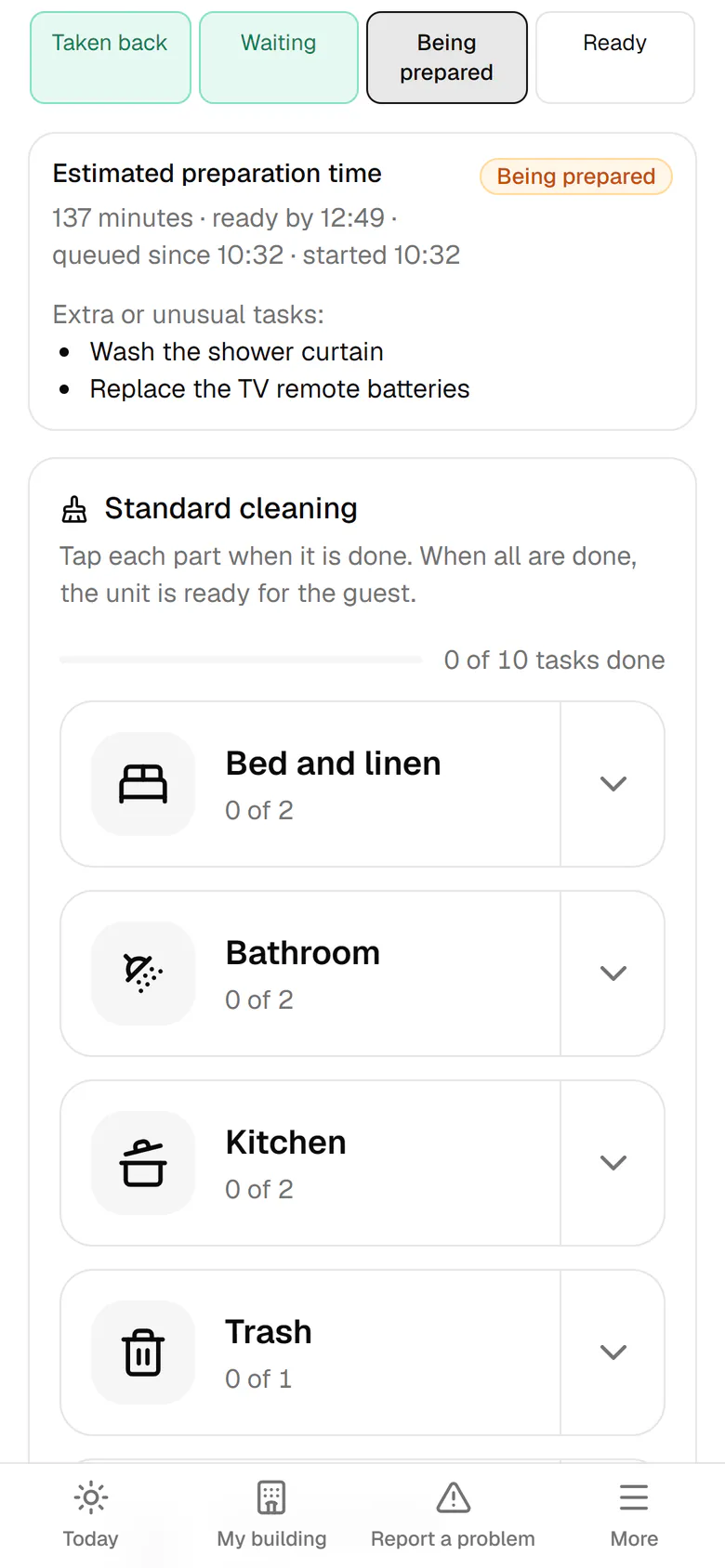
The unit was left dirty, so tap Dirty.
Step by step
- 1
The unit was left dirty, so tap Dirty.
- 2
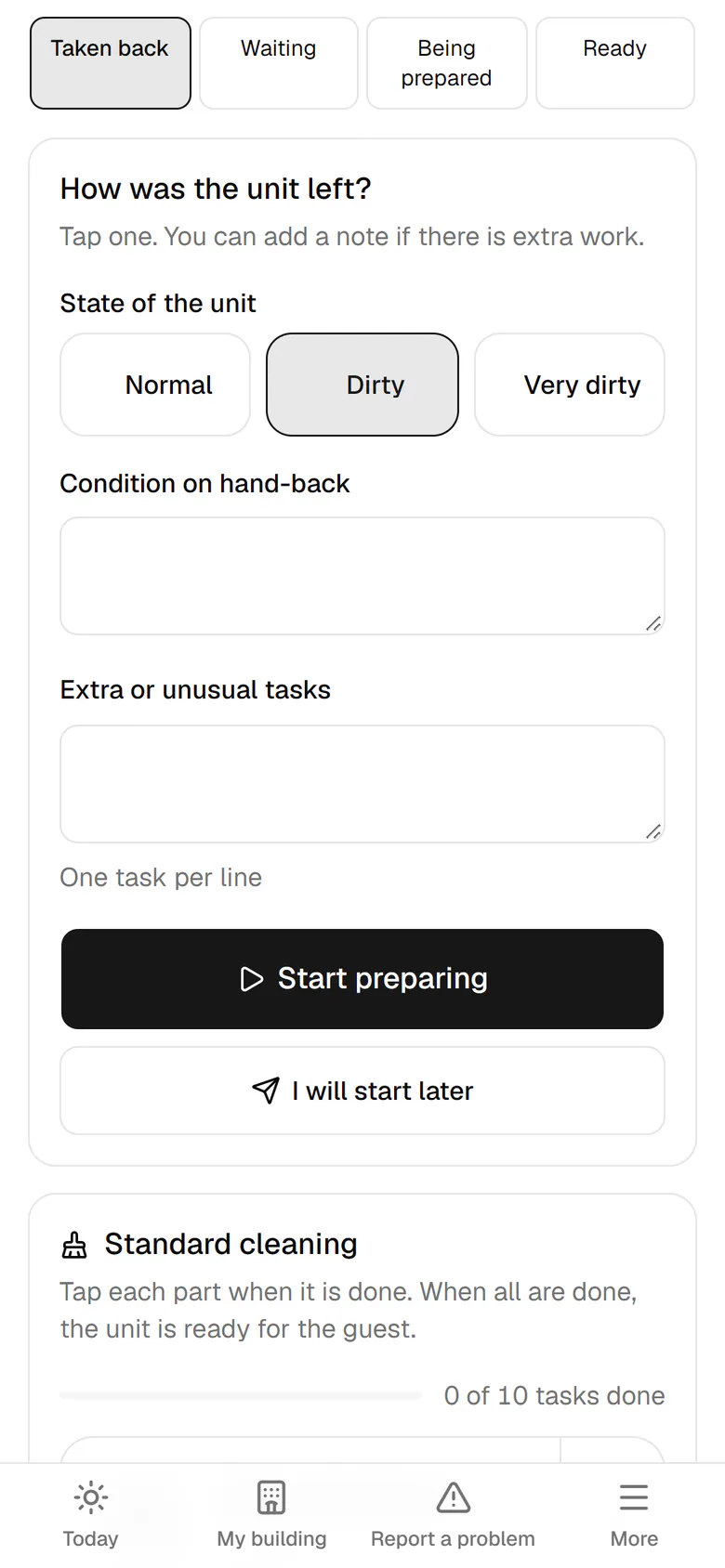
If there is extra work, tap Add a note or extra work.
- 3
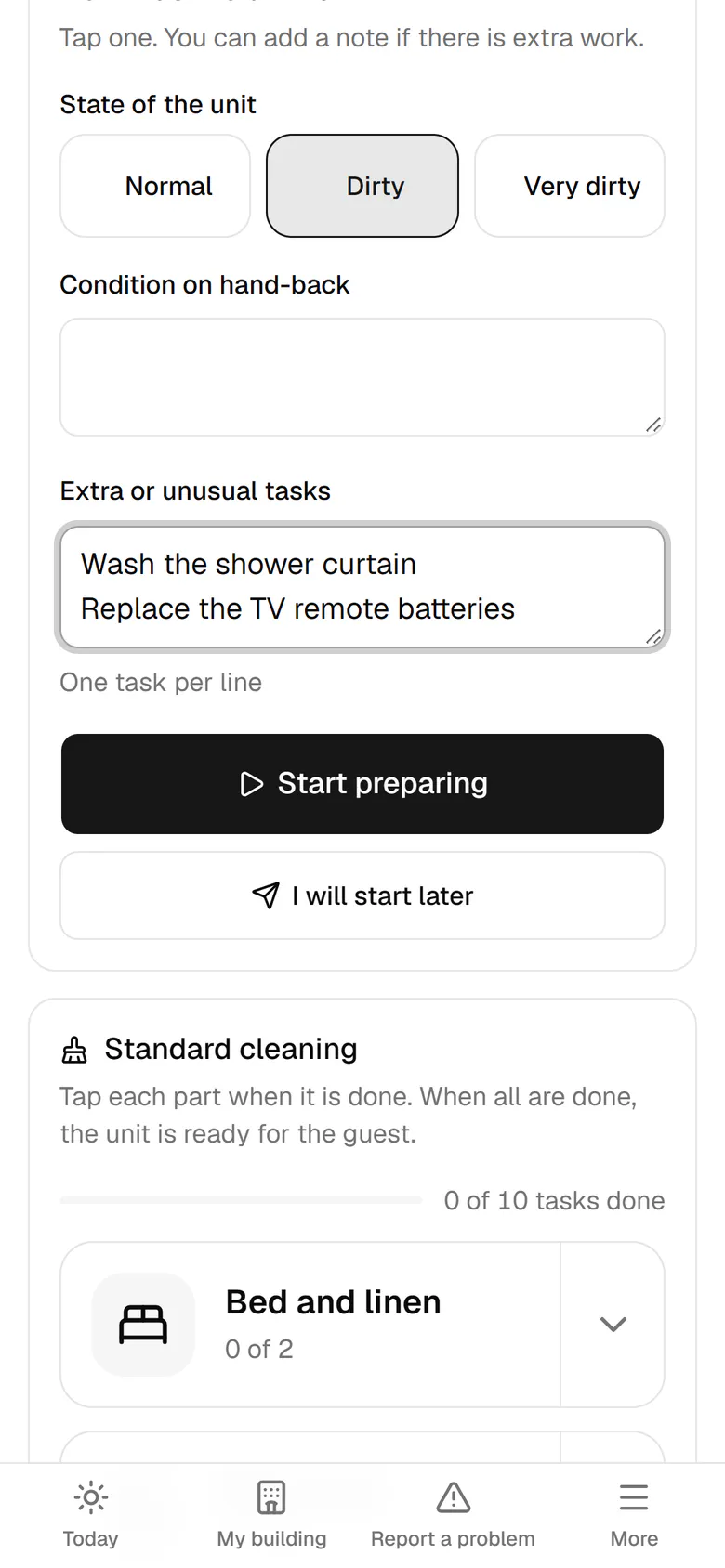
Write each extra task on its own line, like washing the shower curtain.
- 4
If you have time now, tap Start preparing.
- 5
The estimate now includes the extra work, and the six preparation parts are open.