Skip to content
Mizban

Report missing supplies

The host sends the missing supplies with a count for each, and the request goes straight to procurement.

HostOn a phone8 steps
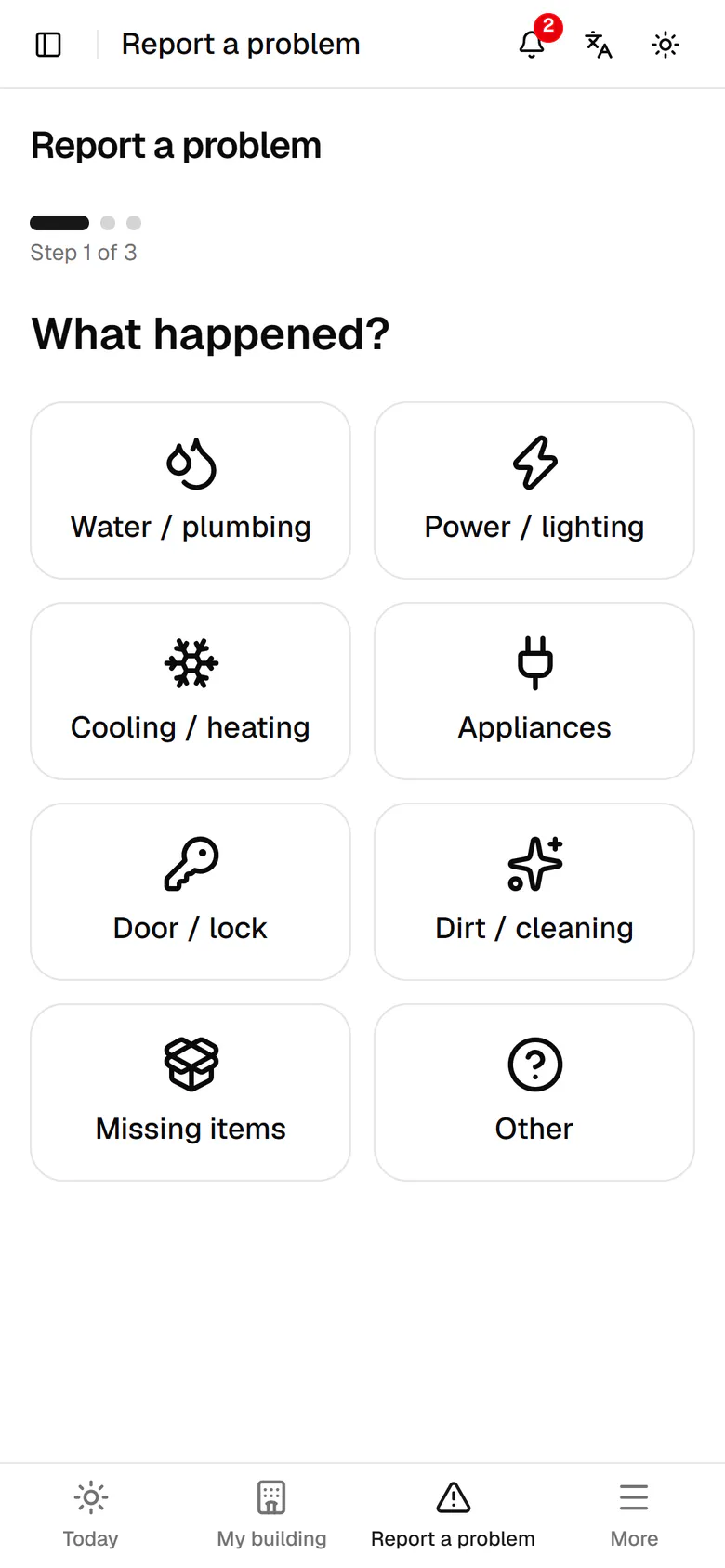
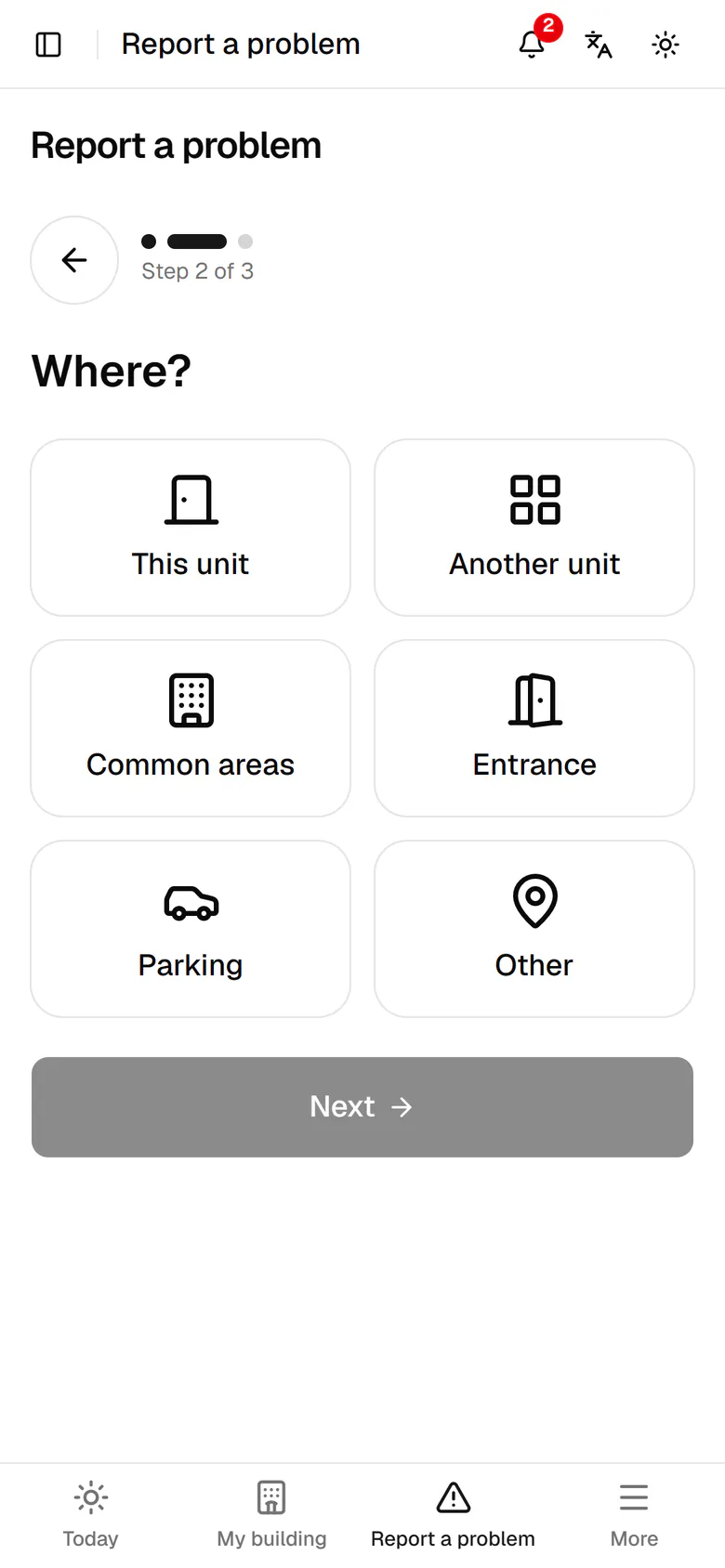
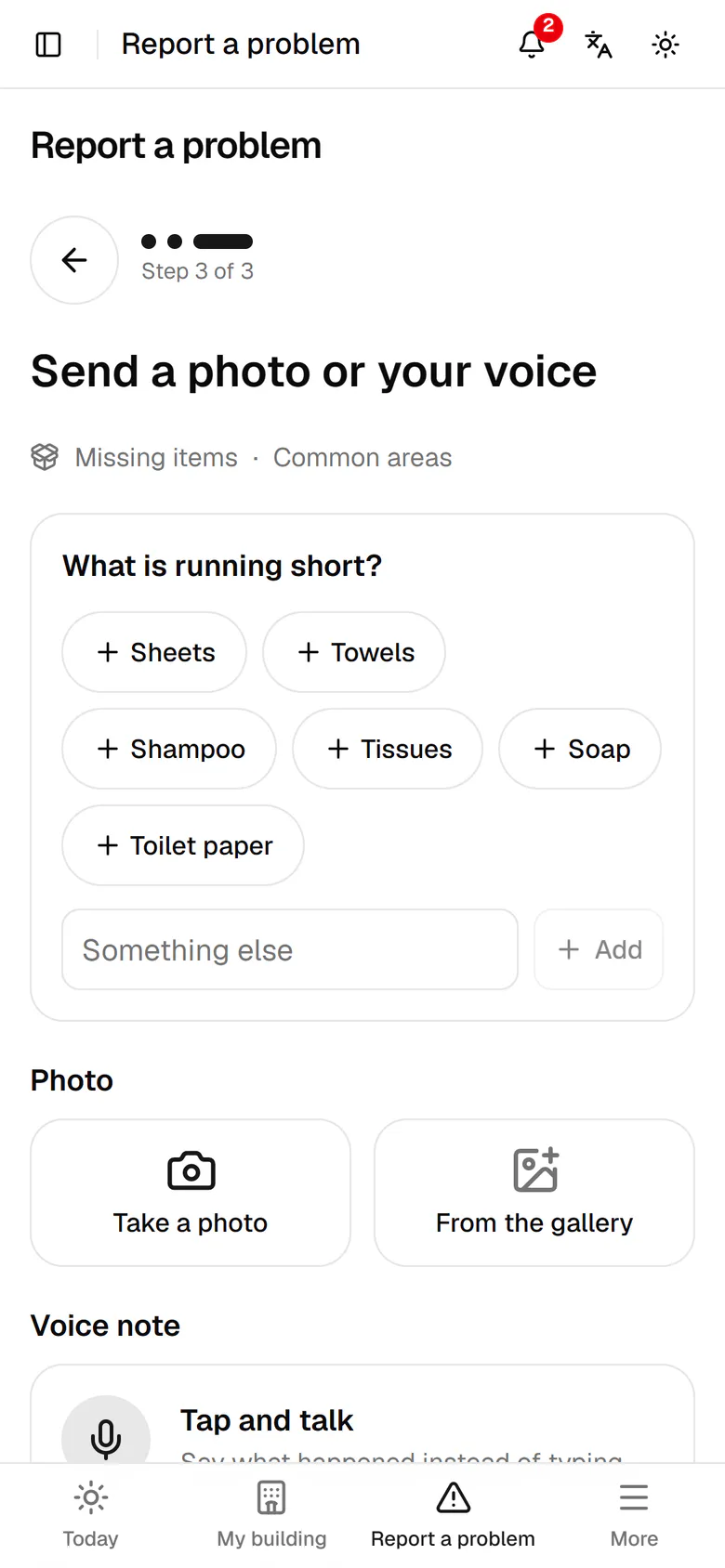
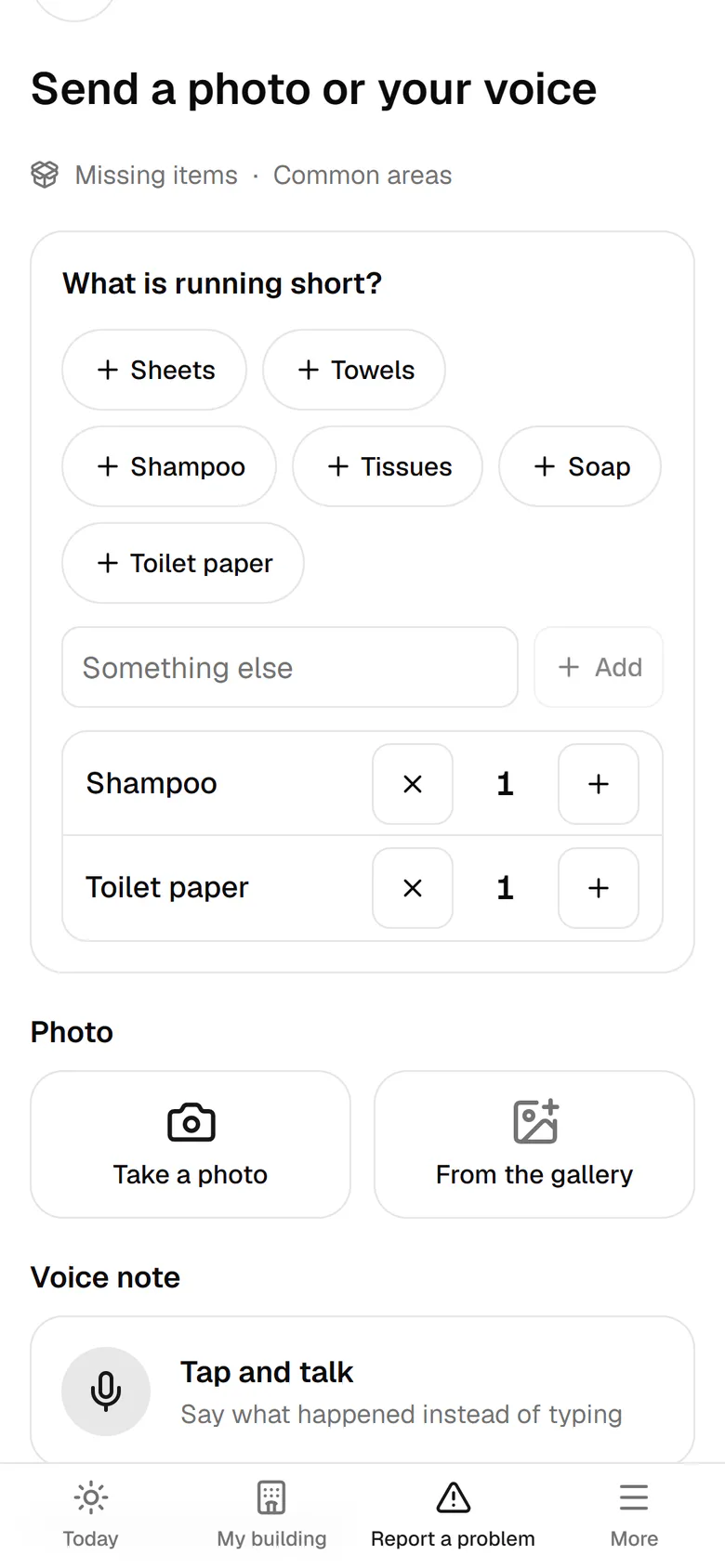
Tap Report a problem in the bottom bar.For supplies that ran out, tap the Missing items tile.The store is in the common areas; tap Common areas, then Next.Common items have their own button; tap Shampoo and Toilet paper.Use the plus button to set how many of each item you need.Type an item that is not listed, like bin bags, and add it.The list is complete; tap Send to pass it to procurement.The request went to procurement and appears under Waiting on others on your home.

Tap Report a problem in the bottom bar.

09:40Short of sheets and towels, in three tapsAli types nothing: "Missing items", "Common areas", sheets 8 and towels 12. The request goes to Leila in procurement with those lines.

Step by step

  1. 1

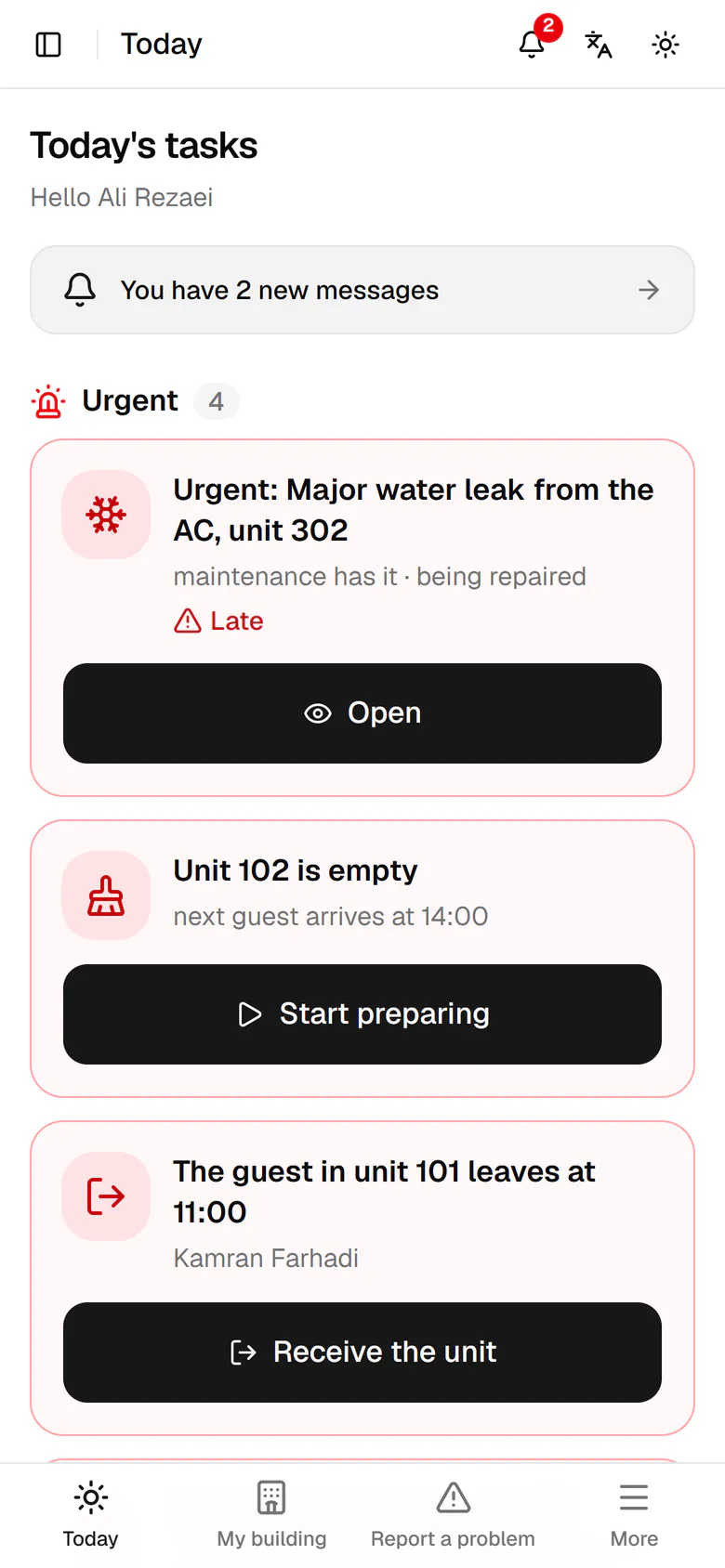
    Tap Report a problem in the bottom bar.

    Tap Report a problem in the bottom bar.
  2. 2

    For supplies that ran out, tap the Missing items tile.

    For supplies that ran out, tap the Missing items tile.
  3. 3

    The store is in the common areas; tap Common areas, then Next.

    The store is in the common areas; tap Common areas, then Next.
  4. 4

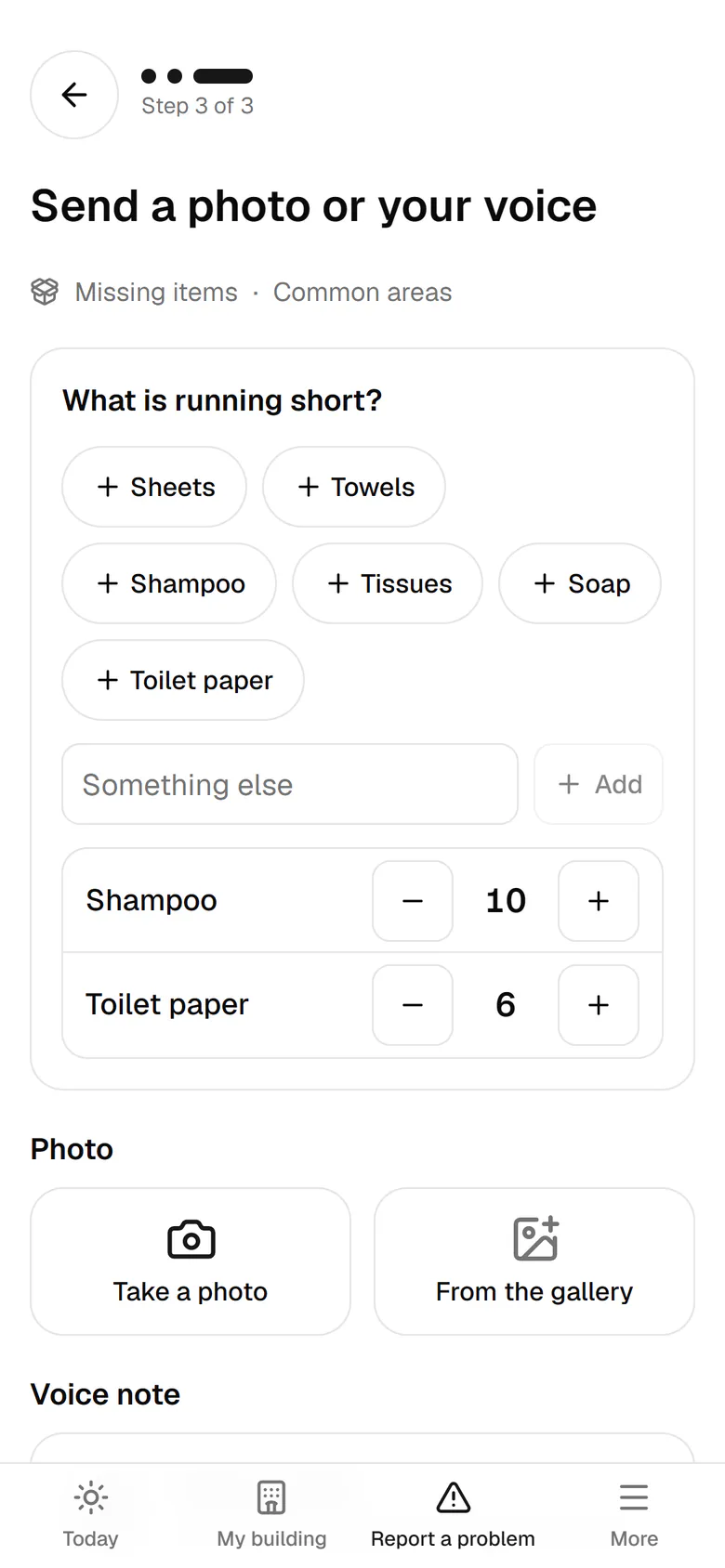
    Common items have their own button; tap Shampoo and Toilet paper.

    Common items have their own button; tap Shampoo and Toilet paper.
  5. 5

    Use the plus button to set how many of each item you need.

    Use the plus button to set how many of each item you need.
  6. 6

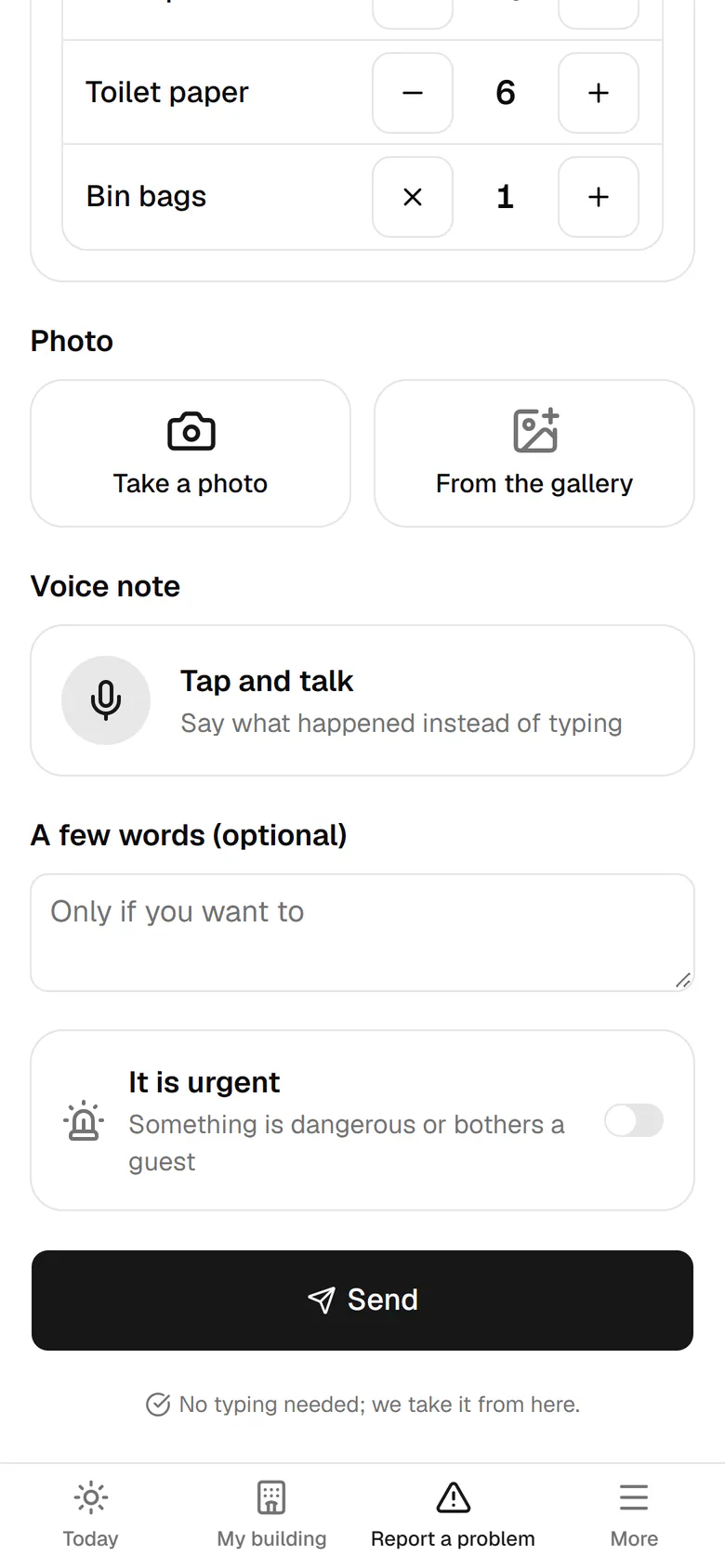
    Type an item that is not listed, like bin bags, and add it.

    Type an item that is not listed, like bin bags, and add it.
  7. 7

    The list is complete; tap Send to pass it to procurement.

    The list is complete; tap Send to pass it to procurement.
  8. 8

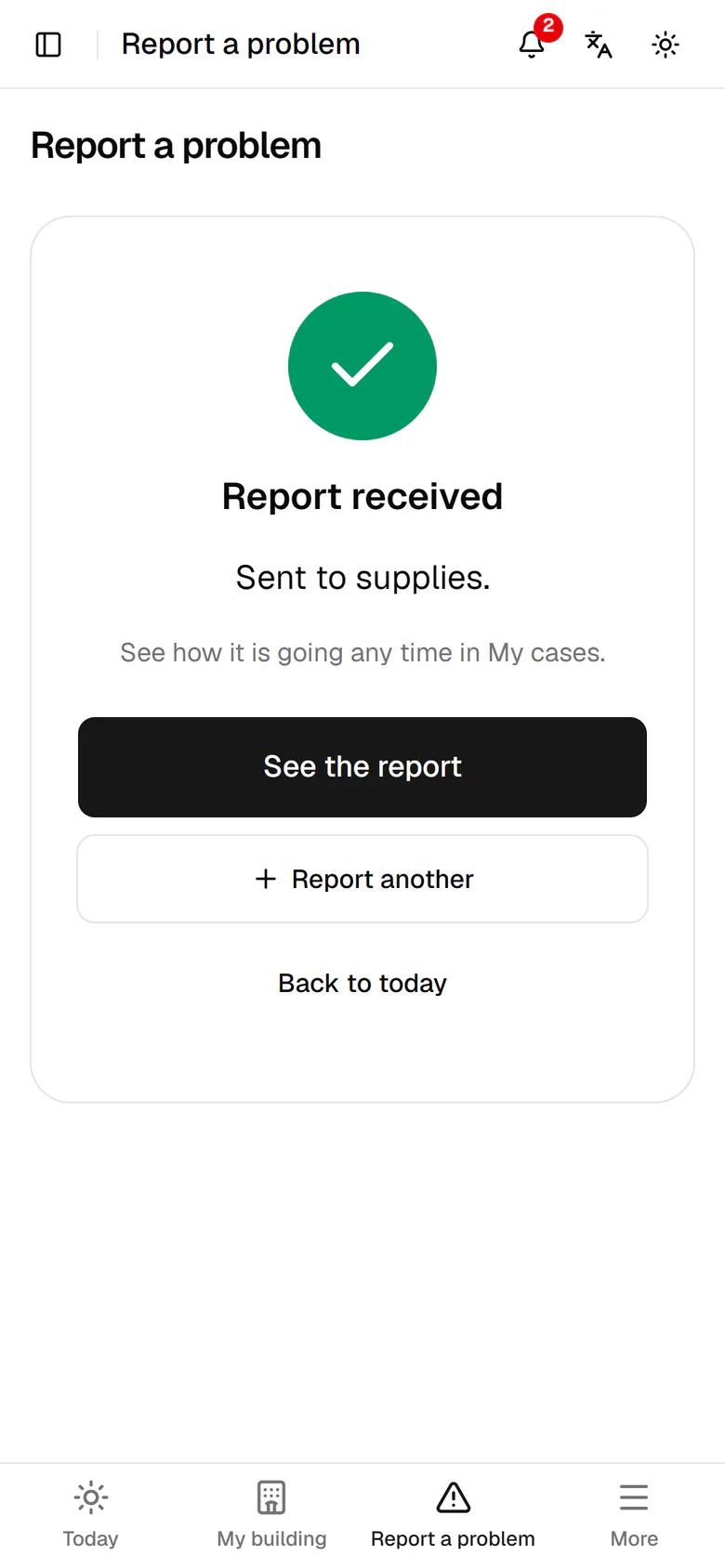
    The request went to procurement and appears under Waiting on others on your home.

    The request went to procurement and appears under Waiting on others on your home.